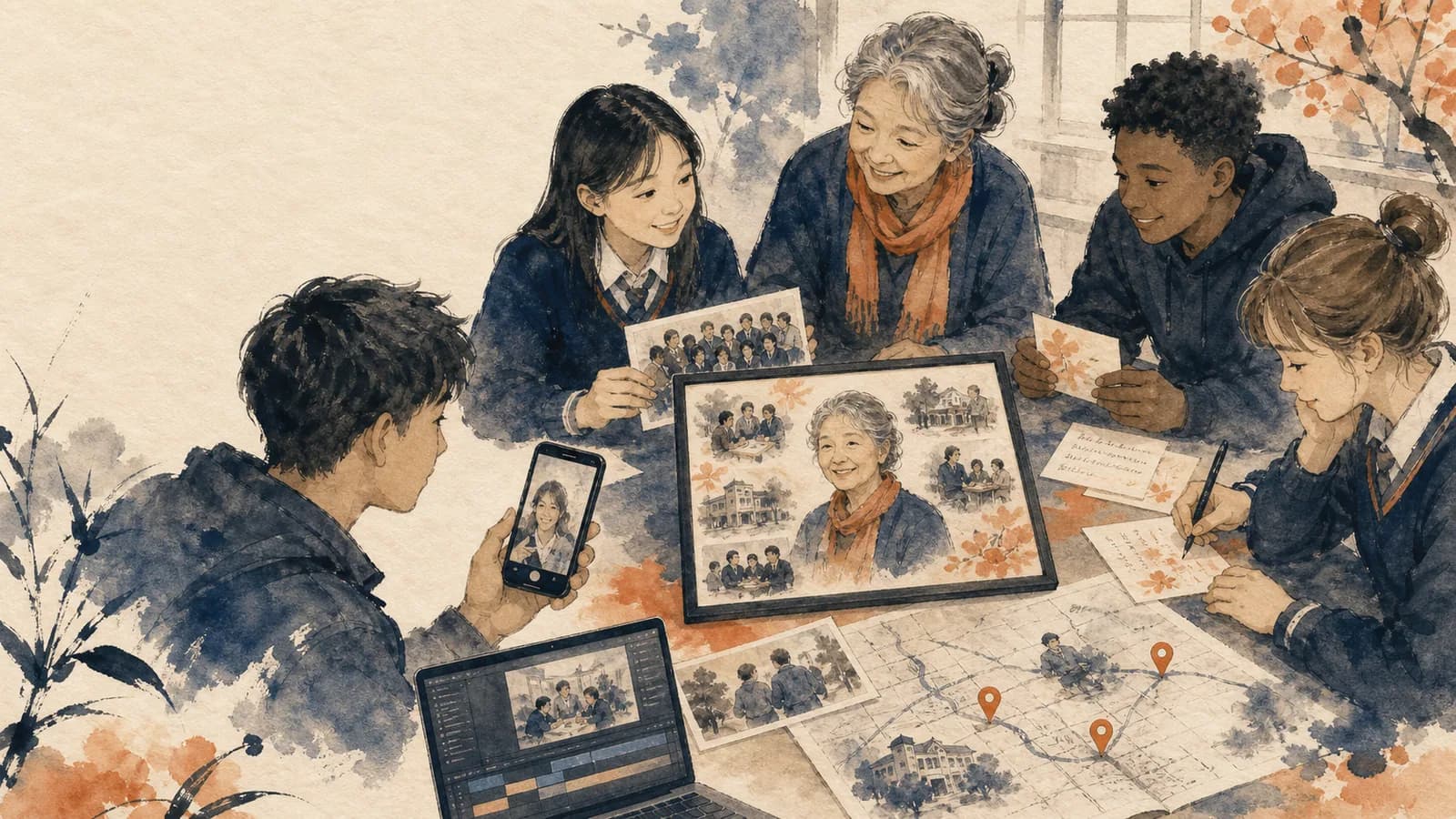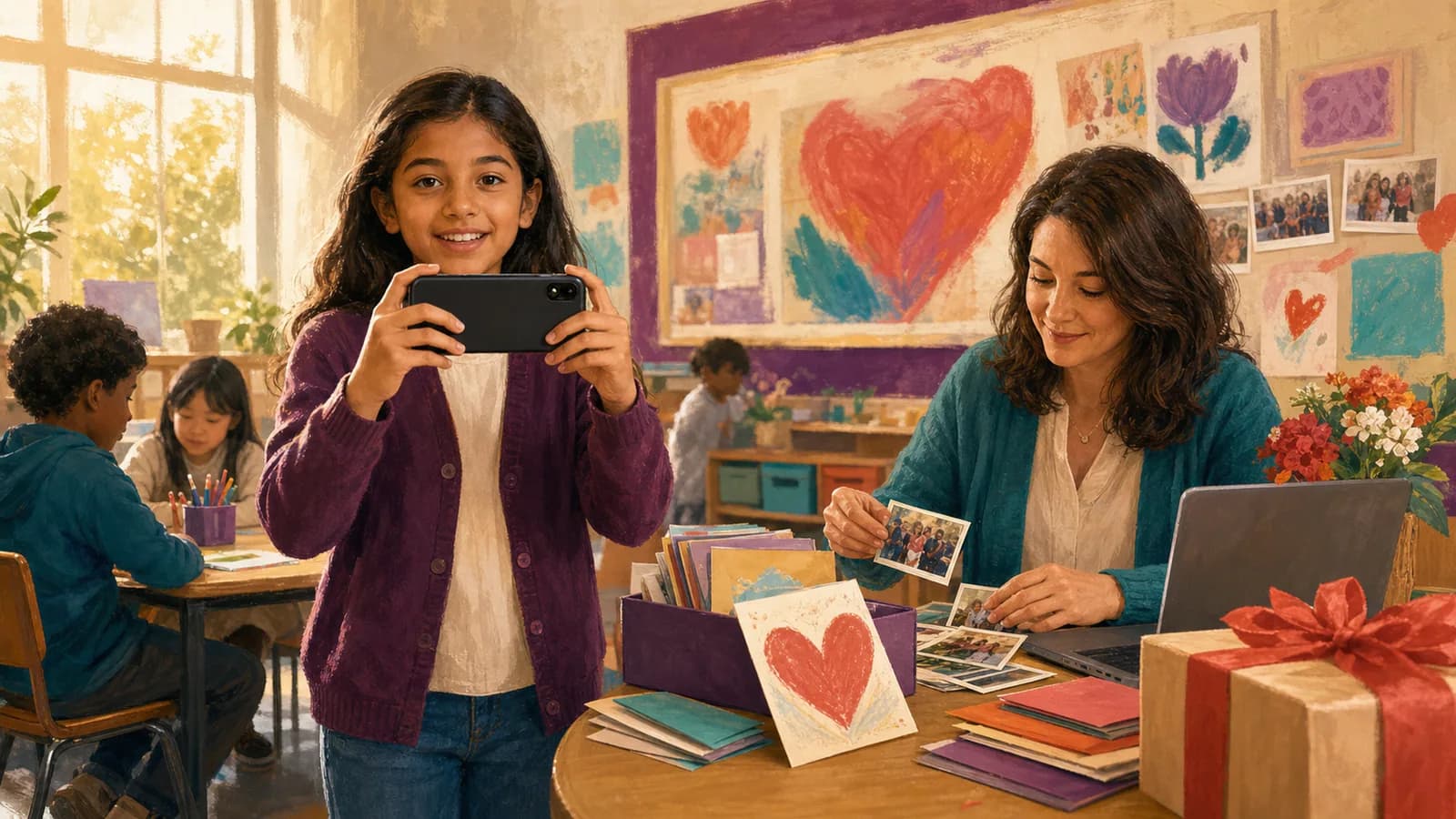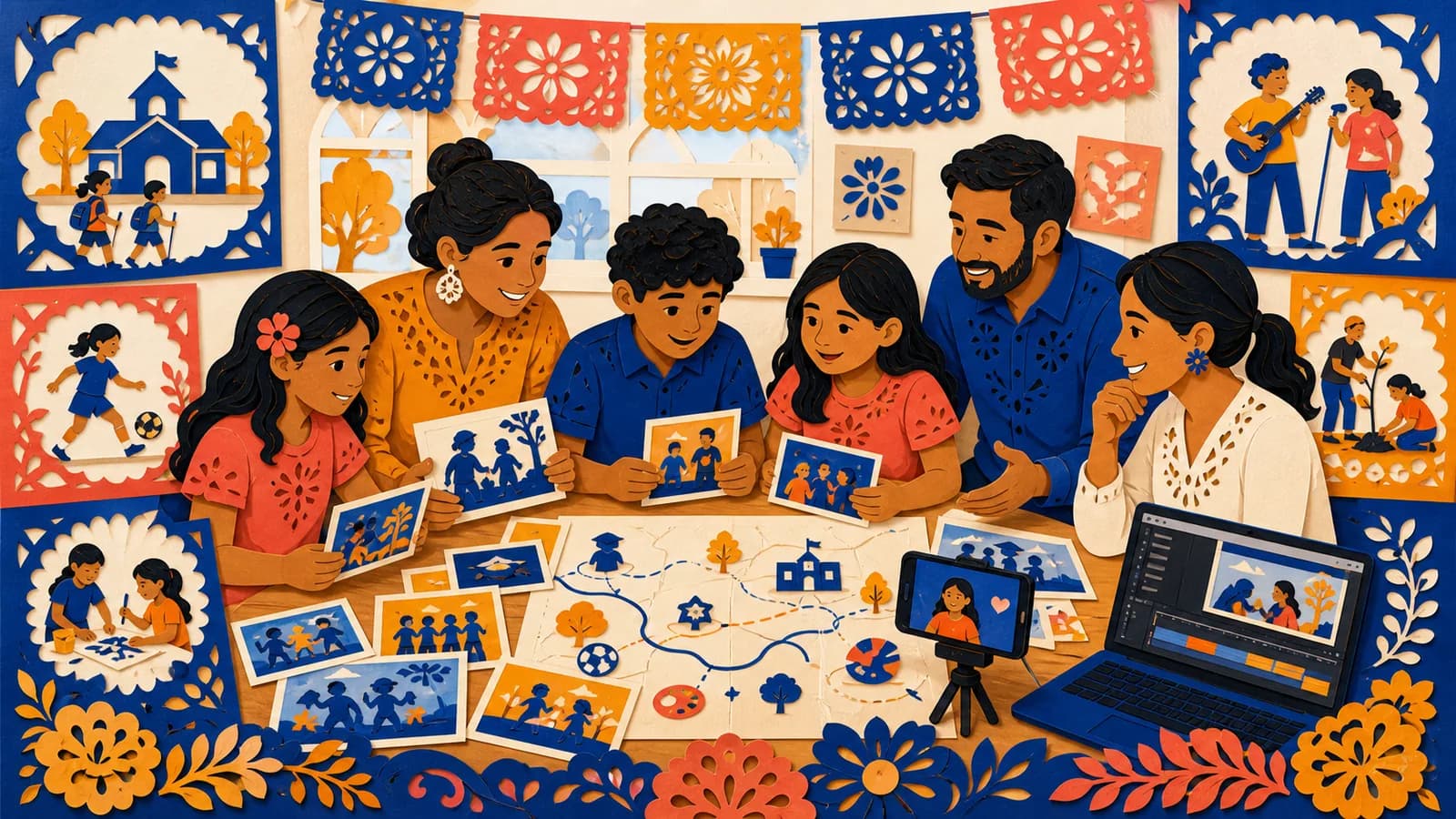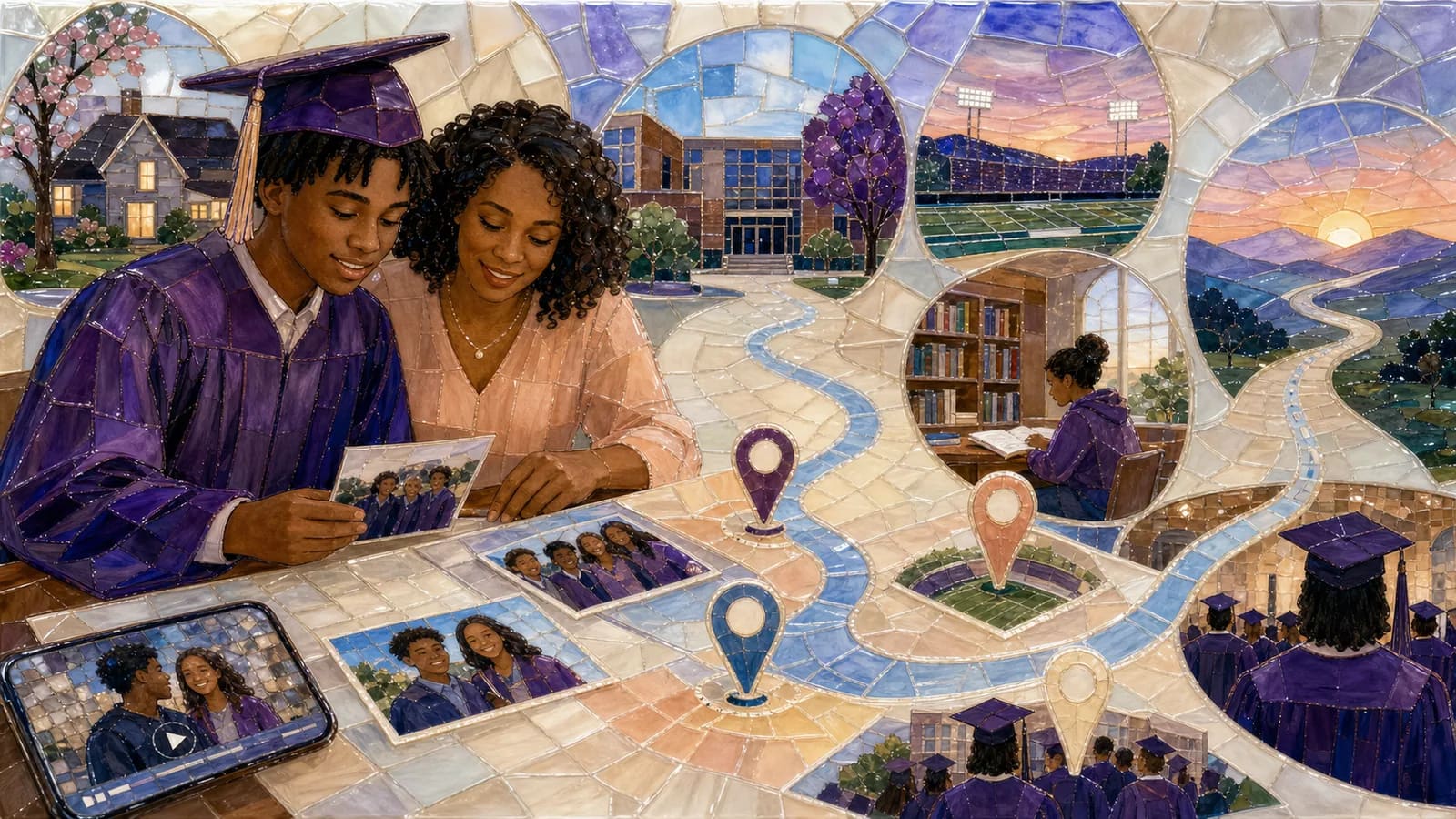
A high school graduation video can show more than the ceremony. It can follow the places where the graduate learned, changed, made friends, and found confidence. A memory map gives those moments a clear path. You might begin at home, move through the school entrance, visit a classroom or sports field, and finish at the graduate’s next destination. Add a few photos, short clips, and messages at each stop. The result becomes a personal story about the journey behind the diploma.
Page 01 / 09
Plan an Individual Gift or a Class Project
An individual map should stay close to one graduate’s experience. Family, close friends, teachers, and mentors can each add a different view. Personal jokes and specific memories fit when the graduate will enjoy them.
A class project needs a broader plan. Use shared locations such as the school entrance, library, gym, theatre, cafeteria, and graduation venue. Invite short contributions from several groups rather than building the story around only the most visible students.
Choose an adult organizer for a school-wide project. Set rules for names, captions, music, and public sharing. Review the final version before it is shown. A class keepsake should make students feel included and respected.
Page 02 / 09
What Is a High School Graduation Memory Map?
A graduation memory map is a visual route through the graduate’s school years. Each stop marks a place connected to a real memory. That stop can hold a photo, short video, written note, or recorded message.
The route does not need to cover every year or event. Its job is to show the moments that best explain the graduate’s growth. A first-day photo may show where the story began. A classroom can represent a subject they learned to love. A field, stage, or club room can show where they found their people.
You can make a simple version with a printed map and QR codes. You can also create a digital slideshow or map-based video. The best format depends on how many people will contribute and how you plan to share the gift.
Page 03 / 09
Choose One Story Before You Choose the Stops
Start with one sentence that explains the story. For example, “This map follows Maya from her first nervous morning to the day she crossed the graduation stage.” That sentence helps you decide what belongs in the project.
A growth story can move from early uncertainty to greater confidence. A community story can focus on friends, teachers, coaches, and relatives. A discovery story can show how the graduate found an interest, skill, or goal. A resilience story can honor a difficult path without sharing private details.
Try not to mix several large themes. A clear route is easier to follow than a collection of unrelated highlights. Extra memories can still appear in a final photo group or closing message.
Page 04 / 09
Pick Five to Eight Meaningful Locations
A short list of strong locations is usually enough. Start with an unpinned home memory or an approved broad region that represents support. Add the high school, then choose two or three places linked to important activities or relationships. End at the graduation venue or the next destination.
Useful stops may include the school entrance, a favorite classroom, the library, a sports field, an arts space, a part-time workplace, or a regular meeting spot. A family memory can matter as much as a formal campus building without publishing a home or regular bus-stop location. Choose places because they hold a story, not because they look impressive.
If two locations represent the same part of the story, keep the stronger one. The route should move with purpose. Each new stop should reveal something different about the graduate.
Page 05 / 09
A fictional seven-stop, two-minute graduate storyboard
This example follows one fictional graduate, Casey, after the ceremony. It is not a class-wide video. The broad places are narrative labels; the home address, routine travel and future living arrangements are omitted. Use a school or venue name only when the student and the relevant adults approve it.
| Timeline | Stop | Media and complete caption |
|---|---|---|
| 00:00–00:10 | Opening | Portrait or title card: “Casey’s school years, in seven chosen memories.” |
| 00:10–00:24 | Home region · no address | Two approved first-day photos: “The first morning, with a bag that felt too big.” |
| 00:24–00:38 | School · approved broad label | An entrance photo and note: “A new place became familiar.” |
| 00:38–00:52 | Learning chapter · no classroom coordinates | Project detail and teacher line: “One difficult task, learned a step at a time.” |
| 00:52–01:06 | Activity chapter · broad venue | Two approved images: “Practice made room for confidence.” |
| 01:06–01:20 | Friendship chapter · no habitual meeting spot | Group image or written note: “The people who kept showing up.” |
| 01:20–01:34 | Graduation · approved event label | Ceremony material gathered after the event: “A day to pause and recognize the work.” |
| 01:34–01:48 | Next chapter · unpinned | Recent portrait: “You can choose what comes next, and what to share about it.” |
| 01:48–02:00 | Closing | “Congratulations, Casey. We are glad to celebrate this chapter with you.” |
Ten seconds + seven 14-second stops + twelve seconds = 120 seconds. Each stop allows two seconds of place context and twelve seconds of media or a short spoken line. Do not add an entire 30-second greeting to a 14-second scene. For a pre-ceremony screening, use a graduate-approved portrait in the graduation slot; the future ceremony clip does not exist yet.
Page 06 / 09
Ask the Right People to Contribute
Invite people from different parts of the graduate’s life. Parents and relatives may remember early changes. Friends know the daily school experience. Teachers, coaches, employers, and club leaders can describe effort that happened outside the family’s view.
Give each person one clear prompt. Ask for a short message, one memory, and the place connected to it. A focused request produces more useful material than asking people to say anything they want.
Make room for people who do not want to record. They can send a photo, a written note, or a location with one sentence. The project should make participation easy. It should not pressure anyone to appear on camera.
Page 07 / 09
Protect Student Privacy and Comfort
Decide who will see the finished project before collecting files. A private family link needs different permission from a public school post. Tell contributors whether the video will be shown at a party, shared with a class, or posted online.
Do not publish a student’s full name, schedule, address, or future living details without clear permission. A future stop can use a college, workplace, training program, or city only when the graduate is comfortable sharing it.
Ask before using embarrassing photos, personal stories, or difficult moments. Keep private challenges general unless the graduate wants them included. When unsure, choose the version that protects the student’s dignity.
Page 08 / 09
Examples You Can Copy
Copy-ready invitation for family and friends
Hi! We are making a graduation memory map for [Name]. Please send one photo, short video, or written message by [Date]. Include one place connected to your memory, such as an approved school label, broad activity venue or unpinned home memory. Please keep any clip within the agreed twelve-second media slot, or send one short written line. Upload it here: [link]. Please keep the project a surprise.
Copy-ready request for a teacher or coach
Hello [Name]. We are creating a private graduation keepsake for [Graduate]. Would you be willing to share a short message about one quality you saw them develop? If possible, name a school place connected to that memory. A short written note or a phone video within the agreed twelve-second media slot would be wonderful. Please send it by [Date] using this link: [link].
Copy-ready memory-map stop
Place: Westview High School Library. Year: 2025. Memory: Thursday study sessions began as a way to pass chemistry, but they became one of our favorite parts of senior year. Message: You kept showing up when the work felt hard. That steady effort will take you far.
Copy-ready seven-stop route
Use the timed seven-stop storyboard above: an unpinned home-region memory, approved school label, learning, activity, friendship, graduation and an unpinned next chapter. The captions describe memories without exposing home addresses, routines or future accommodation.
Page 09 / 09
Final Thoughts
A meaningful graduation memory map does not need every photo from four years. It needs a clear path through the places that helped shape the graduate. Choose a few strong stops, connect each one to a real memory, and invite short contributions from people who care. Protect the graduate’s privacy and let their personality guide the final reveal. When locations are central to the story, AlbumMap can bring those places, messages, photos, and clips together in one map video gift.
Summary sheet
Plan at a glance
- Plan an Individual Gift or a Class Projectp.01
- What Is a High School Graduation Memory Map?p.02
- Choose One Story Before You Choose the Stopsp.03
- Pick Five to Eight Meaningful Locationsp.04
- A fictional seven-stop, two-minute graduate storyboardp.05
- Ask the Right People to Contributep.06
- Protect Student Privacy and Comfortp.07
- Examples You Can Copyp.08
- Final Thoughtsp.09
Helpful answers
Frequently asked questions
What should a graduation memory map include?
Include five to eight meaningful locations, a few strong photos or clips, short messages, and a clear beginning and ending. Each location should reveal a different part of the graduate’s journey.
How long should the finished graduation video be?
There is no fixed length, but a focused video is easier to watch. Keep each map stop brief. Use short contributor clips and remove repeated messages. Let the number of meaningful locations guide the final length.
Which locations work well for a high school memory map?
Good choices include home, the school entrance, a favorite classroom, the library, a sports field, an arts space, a workplace, the graduation venue, and a future destination. Only include places that hold a real story.
Can classmates and teachers contribute without recording videos?
Yes. Contributors can send written messages, photos, or a location with a short memory. Offering several formats makes the project easier and more comfortable for everyone.
Can a memory map celebrate a whole graduating class?
Yes, but use shared school locations and inclusive memories. Choose an adult organizer, set clear privacy rules, and review the project before showing or sharing it.
How can we protect student privacy?
Explain who will see the project, obtain needed permission, and avoid sharing private addresses or future living details. Do not use embarrassing images or personal stories without the student’s approval.