Step 1 of 5
Separate the preservation job from the gift edit
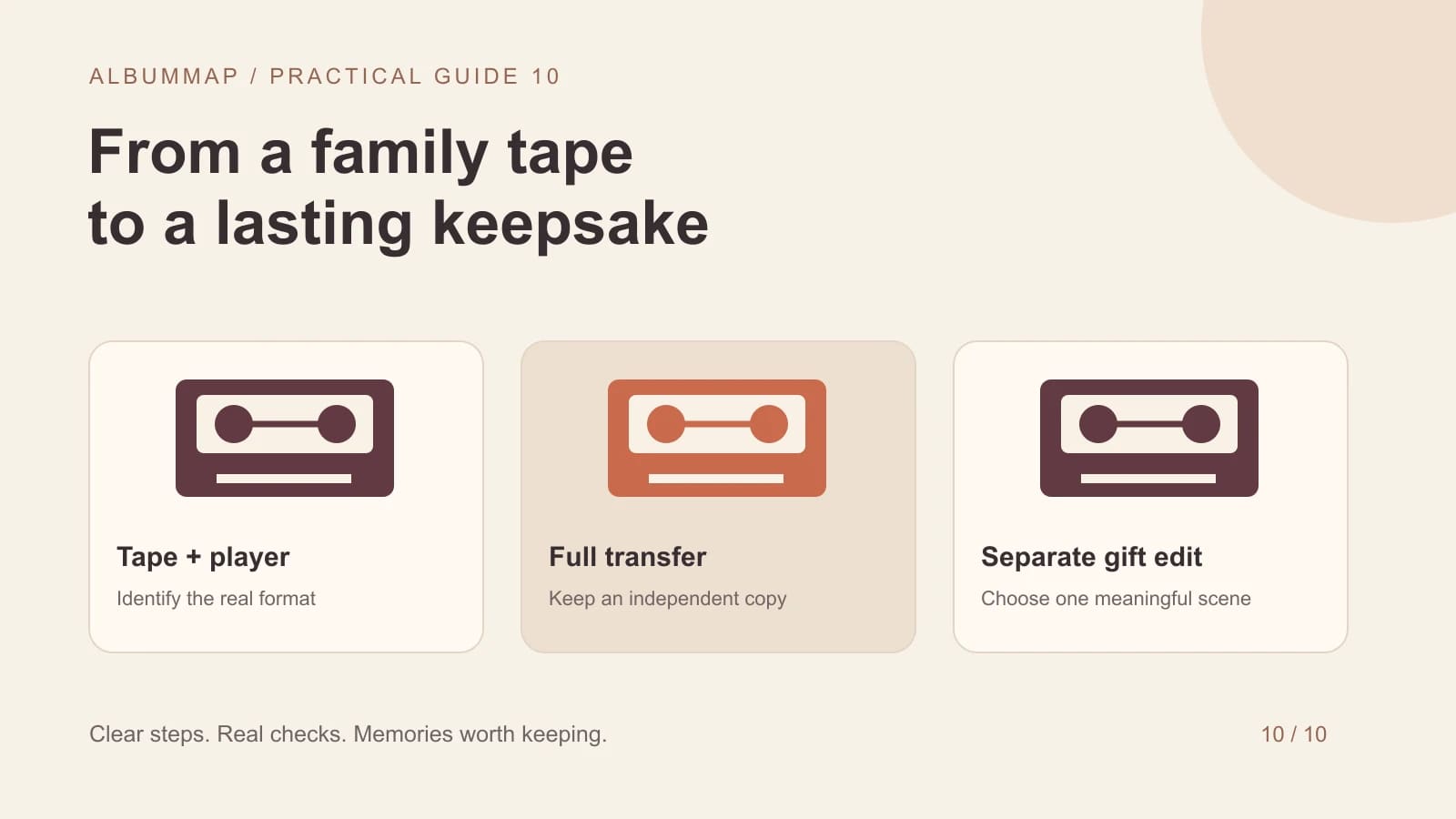
To digitize VHS family videos, you need a working playback device and a compatible capture method, or a transfer service that handles the tapes. Save the complete digital transfer before making a shorter keepsake. A website video builder cannot read a physical cassette directly, and digitizing does not turn the original picture into new detail.
Begin with one representative tape. Read its label, note the format, and ask relatives what may be on it. VHS, VHS-C, Video8, Hi8, and MiniDV are not interchangeable formats. Identify what you have before buying equipment or booking a service.
Step 2 of 5
Choose between home capture and a transfer service
| Route | When it may fit | What to verify |
|---|---|---|
| Home analog capture | You have a reliable player, a few tapes, and time to supervise. | Player outputs, capture hardware, computer support, and recording quality. |
| Professional transfer | You lack a player, have many tapes, or the material needs specialist care. | Supported formats, return of originals, file delivery, handling, and privacy. |
| Existing digital copy | A relative already transferred the same tape. | Whether the file is complete and suitable before paying to transfer again. |
Elgato's Video Capture is one example of an analog capture device; its specifications describe the inputs and output files it supports. It still requires a separate playback source. Use current manufacturer requirements when checking a device against your computer. This guide is a workflow, not a hands-on product comparison.
After preserving the tape, plan the other materials separately: scan old family photographs without altering the originals and use the family interview questions to record the context that the footage cannot explain. A successful transfer alone does not identify the people or dates.
Step 3 of 5
Check the tape and run a short trial
Confirm the start and end of the intended material, not just the first picture that appears. Family tapes can contain several unrelated recordings. For an analog capture workflow, budget time to play the material through and then review the result. Avoid promising yourself an instant conversion of a large collection.
Step 4 of 5
Keep a transfer log and independent copies
Use names such as Tape-07-family-reunion-full-transfer and record what you know about the date, people, and place. Mark guesses clearly. Keep the complete transfer separate from any corrected, trimmed, or captioned version. Check that important files open after copying them to another storage location.
Keep the physical originals while you establish a dependable digital archive. The Library of Congress offers personal digital archiving resources for planning longer-term access. A single USB drive or a gift project's upload area should not be the only place the transfer exists.
Step 5 of 5
Select a short scene for the finished family story
Choose a scene with a recognizable person, place, voice, or activity. Add enough context for younger relatives to understand it. Preserve the original proportions rather than stretching an old picture to fill widescreen. Ask before including private or embarrassing moments, especially when the audience extends beyond the family.
Pair the clip with scanned family photographs or a recorded family interview. Once a compatible digital clip exists, it can become part of a family video project such as AlbumMap. Keep the full transfer as the archive and the short video as the gift.
Finish line
Route complete: 5 steps
Need to check something again? Jump straight back to any stop.
Sources and further reading
Helpful answers
Frequently asked questions
Can a USB cable alone convert a VHS tape?
An analog tape needs a playback source and a device that captures its video signal. Check what the proposed adapter actually does; a cable's connectors alone do not establish that it can digitize video.
Will converting VHS to a 4K file make it sharp?
A larger output frame does not recreate detail absent from the tape. Preserve a clean transfer first, then make any display or editing copies separately.
Should I upload the entire family tape into a gift project?
Keep the full transfer in your archive and choose a short relevant scene for the gift. This makes the keepsake easier to watch and avoids relying on a project upload as your only backup.