Introduction
A bucket list map video can do two useful jobs. Before a trip, it can make future goals feel real. After a trip, it can turn the places visited map into a story you can replay. The best version starts with a simple choice: are you showing where you hope to go, or what your group has already done? This guide helps you choose the format, pick locations, track progress, and build a travel story without making it feel like a long list.
Choose between a future map and a completed-adventure map
A future bucket-list map is for looking ahead. It shows places you want to visit and gives each one a small reason. You might use a dream destination, a rough season, and one experience you hope to have. This version works well for a couple, a family, or friends planning a shared goal.
A completed-adventure map is for looking back. It follows places you actually visited and pairs each stop with a photo, short clip, or note. It does not need to prove that you saw everything. It only needs to show the moments that made the trip yours.
You can also make one map in two parts. Start with a short future section using planned pins. Then switch to completed stops as the trips happen. The contrast is satisfying because viewers can see a wish become a memory.
How to make a bucket list map video
Start with a theme. A theme keeps the map focused. Try national parks, food cities, family roots, train rides, islands, or one big birthday year. Avoid mixing every travel dream you have into one video. Ten good places are easier to follow than fifty pins.
Next, give every location one clear job. A future pin can answer, “Why do we want to go?” A completed pin can answer, “What do we remember?” Write one short line for each. If the line is vague, choose a more specific reason or remove the stop.
Put the locations in an order that makes sense. A future list can move by region, season, or priority. A completed list can follow the real route or the order of the trips. Use short map moves between major places. Let the strongest photo or clip do the talking once you arrive.
Keep each stop small. One location label, one image or clip, and one sentence is enough. A long travel bucket-list video can become tiring when every pin has a speech. Leave room for the map to move and for the viewer to imagine the next place.
Ten sample locations for your map
Use these as a starting point, not a list you must complete. Choose the places that fit your own budget, interests, mobility needs, time, and travel plans.
1. Banff, Alberta — future prompt: “See mountain light on an early walk.” Completed prompt: “We stopped for the view and stayed for the quiet.”
2. Kyoto, Japan — future prompt: “Spend one calm morning exploring a neighborhood on foot.” Completed prompt: “The small side street became our favorite part of the day.”
3. Lisbon, Portugal — future prompt: “Ride the tram and find one bakery we will remember.” Completed prompt: “We missed the tram, then found the bakery by accident.”
4. Reykjavík, Iceland — future prompt: “Plan a winter sky trip with warm clothes and no rushed schedule.” Completed prompt: “We waited together, then the sky finally changed.”
5. New Orleans, Louisiana — future prompt: “Build a weekend around music, food, and one slow afternoon.” Completed prompt: “The meal lasted longer than planned, which made it perfect.”
6. Machu Picchu, Peru — future prompt: “Save this for a trip with enough time to take it slowly.” Completed prompt: “The early start was hard, but the first view was worth it.”
7. Cape Town, South Africa — future prompt: “Choose a few meaningful stops instead of trying to see the whole city.” Completed prompt: “Our best memory was the view we almost skipped.”
8. Queenstown, New Zealand — future prompt: “Pick one adventure that feels exciting, not forced.” Completed prompt: “We were nervous at first, then laughed about it all day.”
9. Rome, Italy — future prompt: “Keep one evening open for wandering without a checklist.” Completed prompt: “We put the map away and found our favorite street.”
10. Yellowknife, Northwest Territories — future prompt: “Make room for the journey and the weather, not only the main event.” Completed prompt: “The long wait became part of the story we tell now.”
Use a simple progress update system
A good tracker has three states: Dreaming, Planned, and Completed. Dreaming means you like the idea but have not chosen a date. Planned means you have a rough time, a partner, or a next action. Completed means the trip happened and you have at least one memory to add.
Review the tracker once each season or after a trip. Do not treat it like a scorecard. A place can stay in Dreaming for years. The point is to remember what matters and notice when a small next step is possible.
When a location becomes Completed, add a date, one favorite memory, and the best photo or short clip. This turns a plain places visited map into material for a completed-adventure video.
Turn completed pins into a travel story
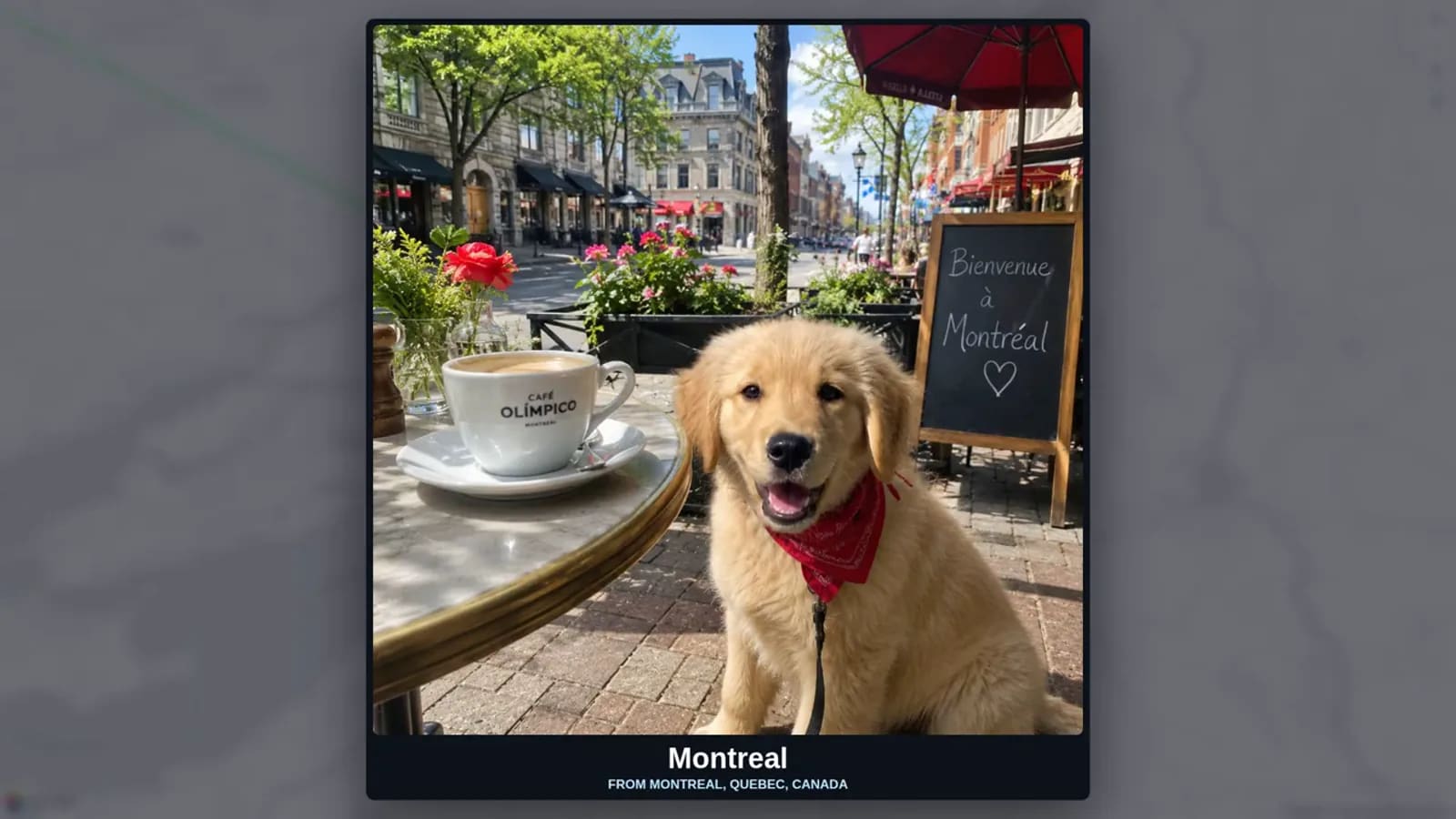
After a trip, choose one memory for each completed place. It can be a photo, a five-second clip, a voice note, or a written line. Pick the item that explains why the stop mattered to your group. A scenic image is useful, but a small human moment often carries more feeling.
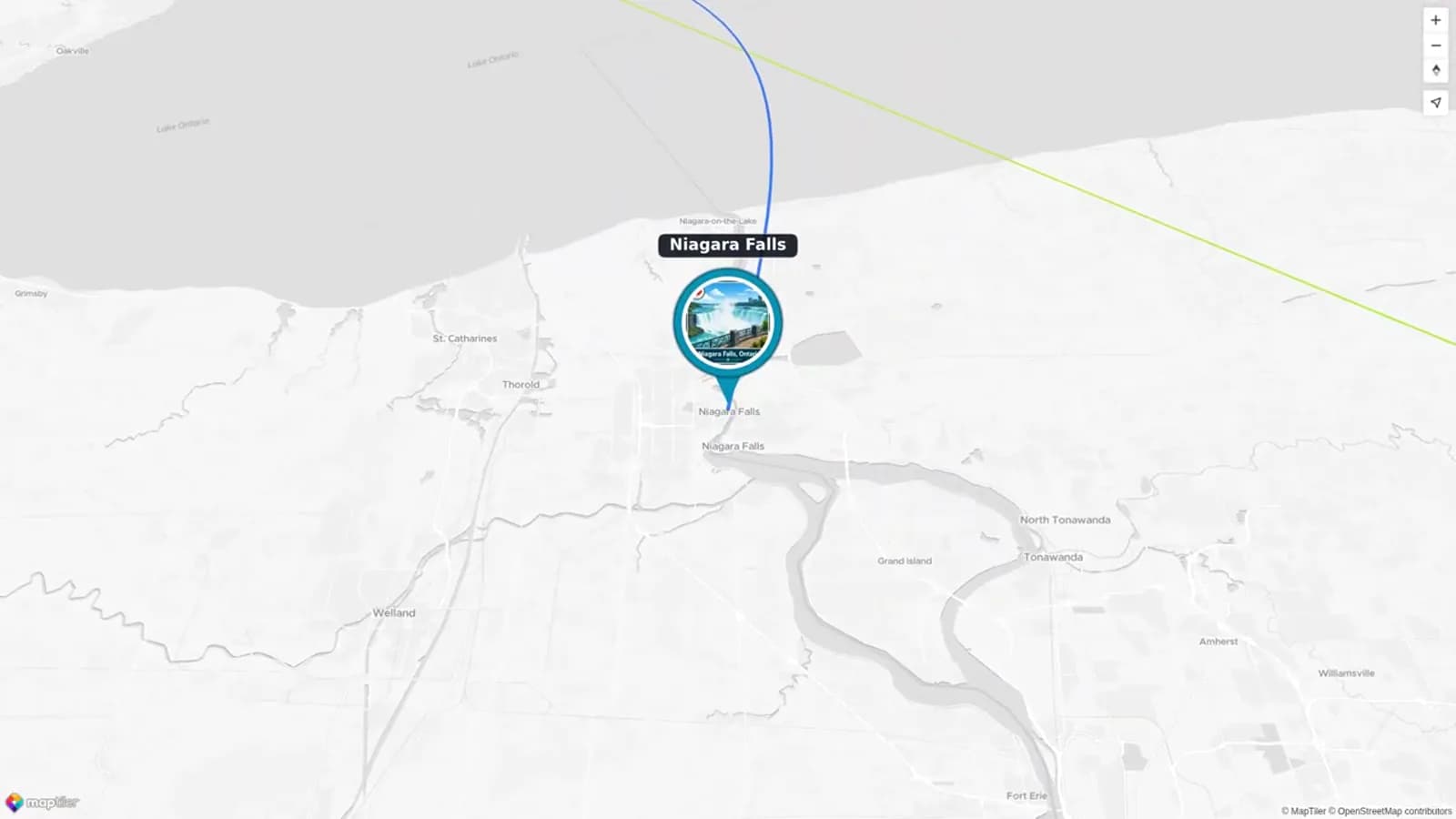
Use a simple pattern: map move, place name, memory, and a short transition. For nearby places, group them into one chapter instead of making several fast pins. This keeps the adventure map video clear and gives each memory room to land.
If several people traveled together, ask each person for one contribution. A useful request is: “Please send one photo or clip, name the place, and write one sentence about what you remember.” Keep the request optional and easy. A short written note is enough for anyone who does not want to record video.
Where AlbumMap fits naturally
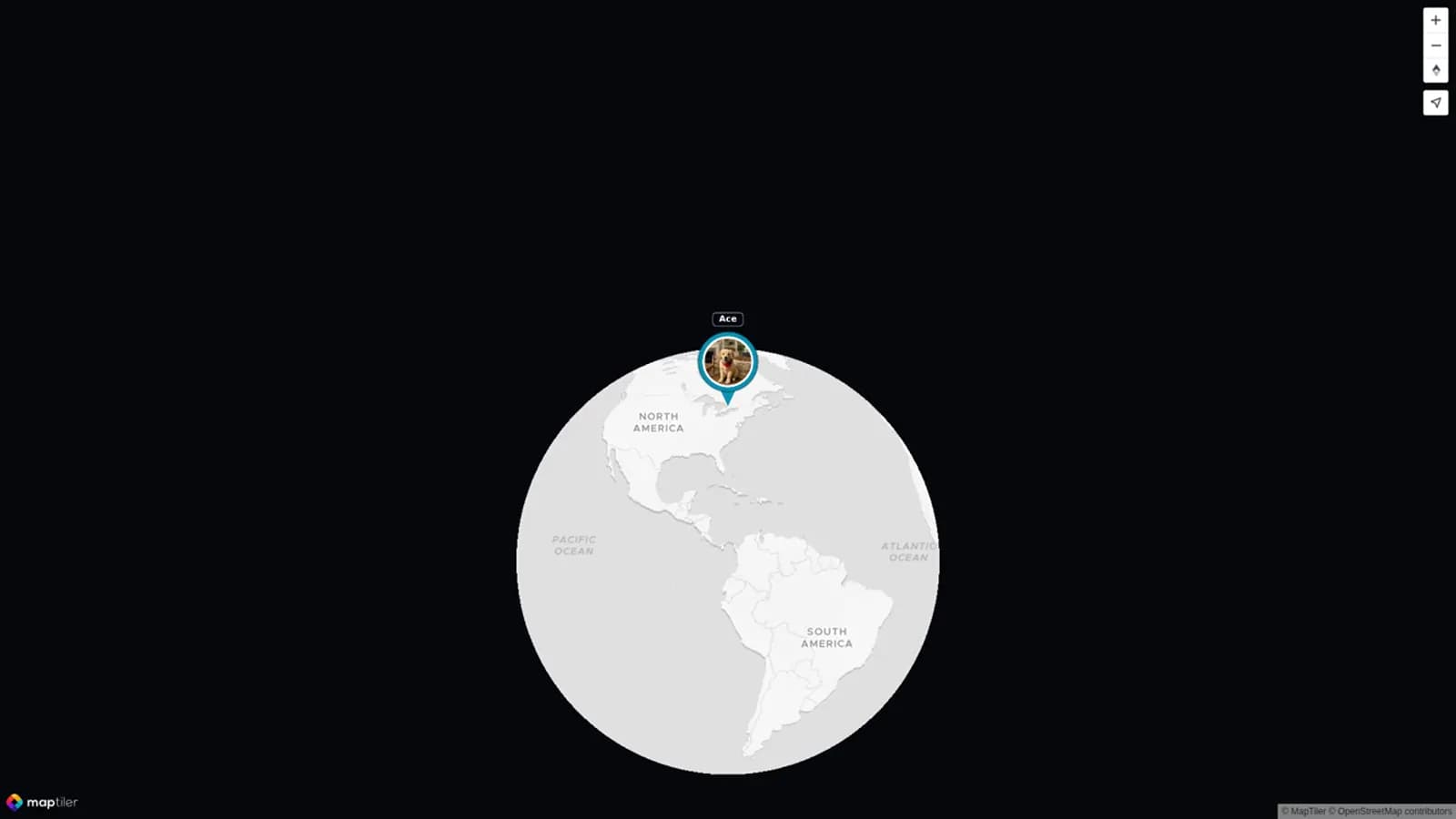
A paper list or map app can be enough for future planning. AlbumMap becomes useful when a completed trip has memories spread across several phones, chats, and people. You can bring photos, short clips, written messages, and locations into one map-led story.
For example, one traveler can add the beach photo, another can add the funny restaurant clip, and someone else can add the note about the long drive. The completed video can move between the places rather than playing every file in a flat slideshow. That makes it easier to see both where the trip went and why it mattered.
Copy-ready prompts for your travel group
Future-goal prompt: “I’m making a bucket-list map for the places we hope to experience together. Send one location, one reason it matters to you, and one small idea for what we would do there. Keep it to two sentences.”
Completed-trip prompt: “I’m turning our trip into a map video. Please send one favorite photo or short clip, the place where it happened, and one line about what made that moment memorable. It can be funny, quiet, or simple.”
Progress-update prompt: “We moved [location] from Planned to Completed. Add your favorite memory, one photo or clip, and a short caption before [date].”
Bucket-list Progress Tracker
Copy this tracker into a note, spreadsheet, or project board. Use it for a future list, then complete the last two columns after each trip. Replace the sample rows with your own priorities.
| Location | Why it matters | Status | Next small step | Completed memory |
|---|---|---|---|---|
| Banff, Alberta | Mountain walk with the group | Dreaming | Choose a season | Leave blank until the trip |
| Kyoto, Japan | Slow neighborhood day | Dreaming | Save one travel note | Leave blank until the trip |
| Lisbon, Portugal | Food and wandering | Planned | Pick a possible month | Add bakery photo or note |
| Reykjavík, Iceland | Winter sky trip | Dreaming | Discuss comfort and timing | Leave blank until the trip |
| New Orleans, Louisiana | Music and food weekend | Planned | Name one travel partner | Add favorite meal photo |
| Machu Picchu, Peru | A trip worth taking slowly | Dreaming | Research a realistic next step | Leave blank until the trip |
| Cape Town, South Africa | Views and meaningful stops | Dreaming | Make a three-place wish list | Leave blank until the trip |
| Queenstown, New Zealand | One chosen adventure | Dreaming | Write the experience you want | Leave blank until the trip |
| Rome, Italy | An open evening to wander | Completed | Add date and media | Favorite street after we put the map away |
| Yellowknife, Northwest Territories | A patient northern trip | Completed | Add date and media | The long wait became the story |
Examples You Can Copy
Future-map opening card
Our next ten places: not a race, just a list of adventures we want to share.
Completed-map opening card
Ten pins, a few missed turns, and the moments we will keep talking about.
Future location caption
Lisbon — planned for a slow weekend, a tram ride, and one bakery we find by chance.
Completed location caption
Lisbon — we missed the tram, found the bakery, and decided that was the better plan.
Group request
Send one photo or short clip, the location, and one sentence about what made the moment matter. Please send it by [date].
Progress update
Status update: Banff moved from Planned to Completed. Add one memory so we can save this chapter before we choose the next pin.
Final Thoughts
The best bucket-list map is not about collecting pins. It is about noticing the places that call to you, taking one small step toward them, and saving the memories when a plan becomes real. Begin with a short list. Update it kindly. Then, after an adventure, give each completed place one honest moment. When those moments come from several people, AlbumMap can help turn the photos, clips, messages, and locations into one map-based story you can revisit.
Helpful answers
Frequently asked questions
Should I make a future bucket-list map or a completed-adventure map?
Choose a future map when you want to organize goals and inspire a shared trip. Choose a completed map when you want to save what happened. Use both only when showing the move from a plan to a memory is the main story.
How many locations belong in a bucket-list map video?
Five to ten locations is a good starting range. Keep a location only when you can explain why it matters or what memory it holds.
How do I update a places visited map after a trip?
Change the status to Completed, add the trip date, choose one favorite photo or short clip, and write one sentence about the moment. That gives you the material for a recap later.
Can I make a completed adventure video without video clips?
Yes. Use photos, location labels, and short written memories. One specific note at each stop can make the story feel personal.
When does AlbumMap make sense for a travel video?
It is helpful when photos, clips, messages, and locations come from more than one person or live in different places. AlbumMap can bring those contributions into one map-based story.