Introduction
Before and after travel video ideas work best when viewers understand the place, the time gap, and the change in a few seconds. The goal is not a busy edit. It is a clear reveal with simple labels and a reason to keep watching. This guide helps you shape one comparison for a quick Short or a longer YouTube video without making the two cuts feel like copies.
Start with a change viewers can see
Choose a change that reads at a glance. It might be a waterfront, a skyline, a station area, a public square, or a landmark seen from a similar point of view. Pick details that let viewers compare the images without a long explanation.
Give each video one simple promise. A line such as “One view, two moments in time” sets up the reveal without making a claim you cannot support. It also keeps the video from turning into a loose travel montage.
Check every source file before you edit. Keep the location, date, and usage rights with the image or clip. If the date is uncertain, use labels such as “earlier view” and “recent view.” Do not state an exact year unless you can verify it.
Before and after travel video ideas: pick the right format
Choose the format before you build the edit. A Short needs one fast, easy-to-read point. A longer YouTube video can connect several comparisons through a shared theme. Both need a strong first frame and a clear reveal.
For a Short, use one place and one key detail. Show the older or less familiar view first. Put the place name on screen at once. Cut or swipe to the newer view within a few seconds. End with a simple question that invites a comment.
For a longer video, group stops by a clear idea. You could use a type of view, a trip route, or a collection from one family archive. Give every stop the same order: place, earlier view, current view, and one short note about what to notice.
Do not force every source pair into both formats. One strong pair may be enough for a Short. Several related pairs may support a longer story. Save the same files, but change the pacing, screen text, and amount of context for each version.
Build a shot list before you edit
A small shot list prevents simple mistakes. For each comparison, note the place, earlier view, recent view, date label, and visible detail. This helps you spot pairs that are too far apart in angle or scale to compare fairly.
Try to match the frame when you can. Look for a street line, shoreline, building edge, rail line, or horizon that appears in both views. The match does not need to be exact. It only needs to make the change easier to see.
If the angles do not match, do not pretend that they do. Show each view full screen and use a calm transition between them. A fair presentation is more useful than a flashy effect.
Use the same order for every stop. Put the place label in one spot. Use one date style. Keep each caption short enough to read on a phone. A viewer should notice the image first and the text second.
A longer edit can use an opening hook, a simple route card, a few comparisons, and a closing prompt. A Short can use only the hook, one comparison, and the closing prompt. The smaller plan is often the stronger one.
Write honest hooks and captions
A good hook says what the viewer will see. “Then and now: one changing view” is clear and calm. Avoid broad claims that are hard to prove. The comparison should carry the interest on its own.
Captions have three jobs: name the place, show the time label, and guide the eye. For example: “Harbor view — earlier image / recent image. Notice the shoreline.” That is enough context for a short clip.
Do not use a caption to guess why a place changed. A visible difference does not explain its cause. If you have verified context that belongs in the story, add it to a longer voiceover or the video description and keep the on-screen text simple.
End with one easy question. “Which detail did you notice first?” works well because it points back to the visual. It invites a response without asking viewers to accept a big claim.
Choose a reveal that fits the footage
The reveal is the main moment. A hard cut works when two frames line up well. A split screen works when viewers need a few seconds to study both views. A slow slide can work when the image has many small details. Pick one approach that makes the comparison clearer.
Keep music and effects quiet. Fast transitions can hide the very change that makes the video interesting. Leave a short pause after the second view so viewers can compare it with the first one.
Review the cut with sound off. Can a viewer still identify the place and the time labels? Then check it on a phone. Are the labels large enough? These two reviews catch common problems before you post.
For recurring city comparison content, use one cover style. A matched pair of views and a short place name can be enough. Avoid a crowded collage. The thumbnail should show the main contrast, not every moment in the video.
Plan YouTube and Shorts as a pair
A longer YouTube video can be the home for a fuller visual story. Start with a short promise, then move through the stops in a steady order. The order may follow a route, a theme, or one shared trip. Give people enough time to see each comparison.
Travel Shorts ideas can introduce the longer story without repeating it frame for frame. Each Short should make sense on its own. Use one place, one reveal, and one clear caption. If you link to a longer video, make sure that video includes the same stop or theme.
Keep a separate edit note for each format. The long version may need chapter labels, map cards, and light voiceover. The Short may need larger type, fewer words, and a faster reveal. It is not only a crop of the same timeline. It is a new cut for a different viewing habit.
If the story comes from a shared trip, start by gathering photos, clips, messages, and locations in one place. AlbumMap can turn those pieces into a map-led memory video. That approach works especially well for a group’s own route, reunion, or return visit.
Use the approved video as a pacing example
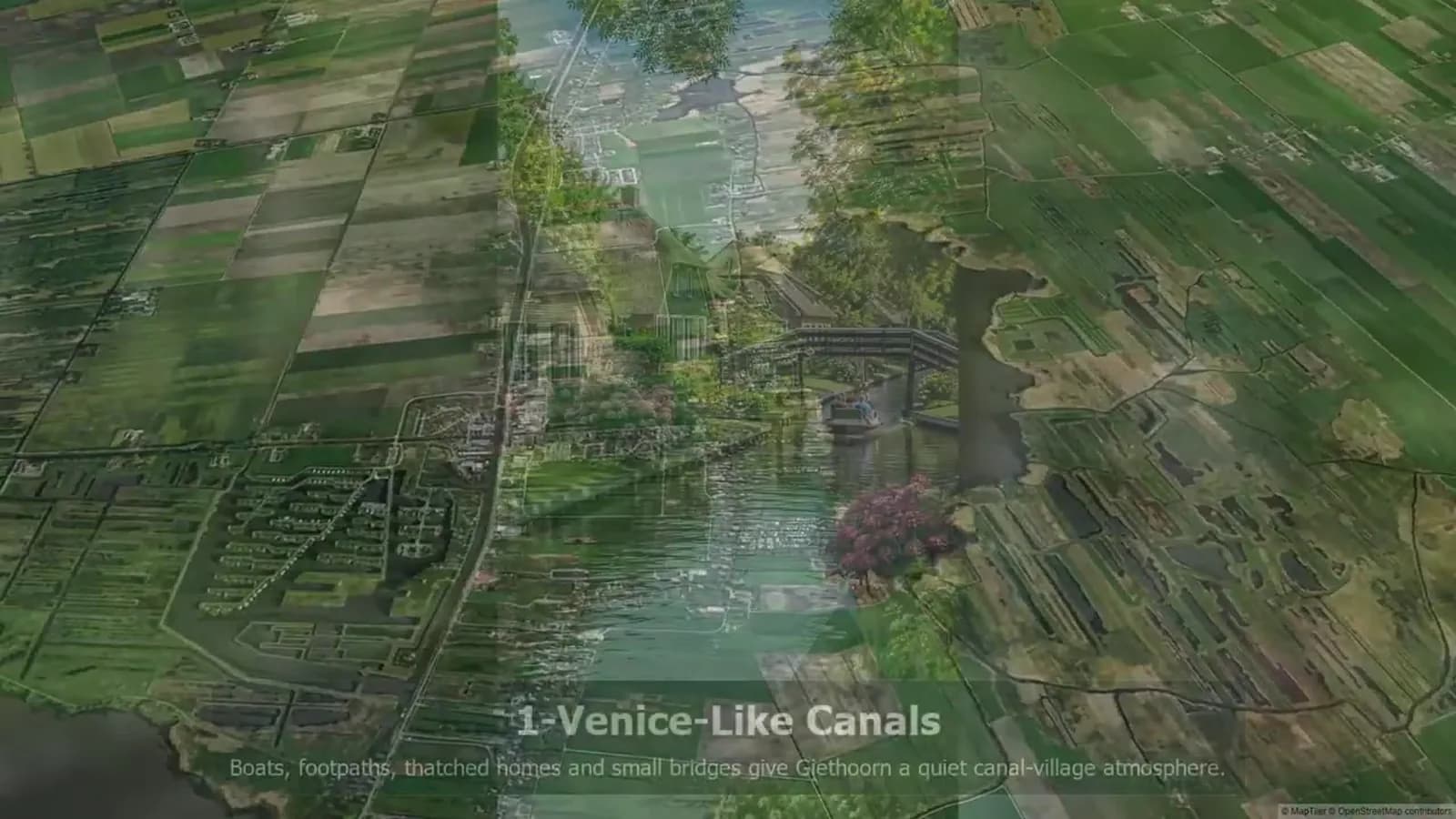
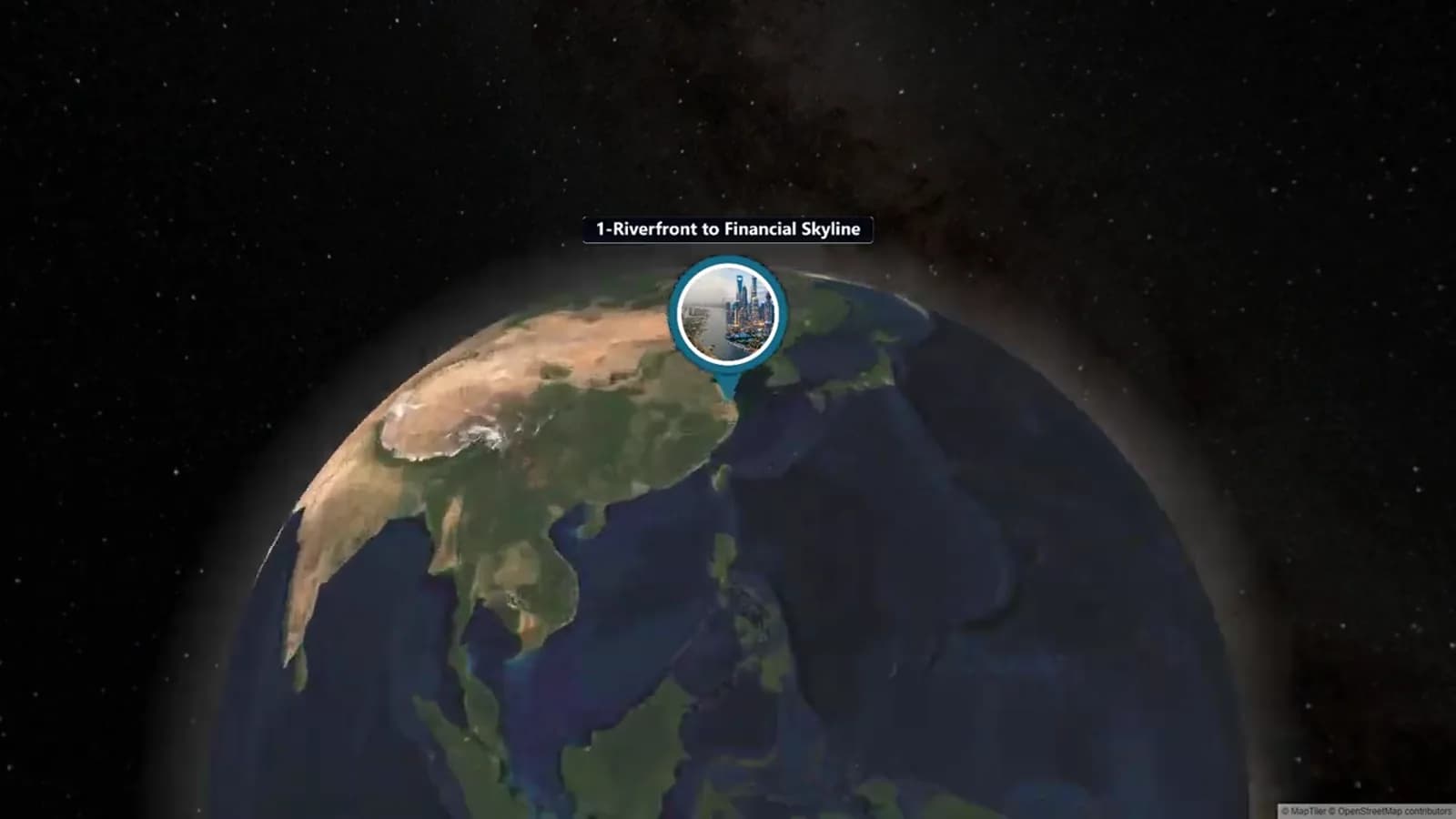
The AlbumMap video shows how short, named segments can make a multi-place sequence easy to follow. Each comparison is easy to locate by place, so viewers can enter the route without needing a long setup.
Use that structure as a planning lesson, not as a list to copy. Name the place, show the comparison, leave time to look, and move on. A route can span several regions or types of place while each segment stays simple.
For a personal travel edit, make the structure your own. A family may compare a first visit with a return visit. Friends may show a familiar meeting place across several trips. A group can add a route card between moments so the changes still feel connected.
Short-form versus long-form comparison
Use this planning table to decide how one travel comparison should change for each platform.
| Planning element | YouTube Short | Longer YouTube video |
|---|---|---|
| Main idea | One place and one fast reveal. | Several related places in a clear route. |
| Opening | Show the most striking view at once. | State the route or shared theme, then begin. |
| Captions | Large place and time labels. | Short labels plus light context at each stop. |
| Pace | Fast, with one comparison. | Steady, with time to study each comparison. |
| Ending | Ask one simple question. | Invite viewers to choose a favorite stop or watch a related Short. |
Examples You Can Copy
Short hook formula
Then and now: [place]. Watch the view change in one reveal.
Long-video opening formula
Follow this route through [theme] and compare each place across time.
Caption formula
[Place] — earlier view / recent view. Notice [one visible detail].
Final Thoughts
Clear comparisons earn attention because they make change easy to see. Keep the place, dates, and images honest. Then choose the format that fits the story. A Short can make one reveal memorable, while a longer video can give related moments room to connect.
Helpful answers
Frequently asked questions
What makes a before-and-after travel video easy to follow?
Use a clear location label, two related views, and a short note about time. Keep the visible change as the focus.
Should I make a Short or a longer YouTube video?
Use a Short for one strong comparison. Use a longer video when several places form a route or a shared theme.
How do I avoid misleading viewers?
Keep dates and place names clear, avoid guessing why a place changed, and use wider date labels when an exact date is not known.
Can AlbumMap help with a personal travel story?
Yes. AlbumMap can bring together shared photos, clips, messages, and locations into a map-led story for a group trip.
How can I make a Short lead to a longer video?
Use one stand-alone comparison in the Short, then link to a longer video that includes the same place or a closely related route.