World Gratitude Day Video Ideas for Work and Home
World Gratitude Day ideas do not need a large budget or a formal event. A few sincere messages can help people feel noticed at work and home. World Gratitude Day takes place each year on September 21. You can mark it with a short video, a shared reflection, or a simple act of thanks. This guide offers practical video formats, prompts, examples, and a plan that small families and large teams can adapt.
What Makes a World Gratitude Day Activity Meaningful?
The strongest activity helps people name something real. A general “thanks for everything” is kind, but a specific detail carries more meaning. Ask what happened, why it helped, and what the person remembers about it.
Keep the activity easy to join. Someone should be able to record a short clip or write a note without special equipment. Give people another option if they dislike appearing on camera.
Think about the recipient before choosing a public format. Some people enjoy recognition during a meeting or family gathering. Others would rather receive a private link. Respecting that choice is part of showing gratitude.
At work, appreciation should support fair treatment, useful feedback, and good working conditions. It should not replace them. At home, gratitude should be honest and should never pressure someone to ignore a difficult feeling.
World Gratitude Day Ideas for Work
A workplace video can thank one person, a department, or the full team. Choose the audience first. Then ask contributors for brief examples instead of polished speeches.
Try a peer appreciation chain. Each person records a 15-second message about a coworker who helped them. Ask them to name the action and its effect. The organizer can arrange the clips by team or project.
Create a behind-the-scenes thank-you video for people whose work is often missed. Include reception staff, cleaners, coordinators, technical support, volunteers, and quiet problem-solvers. Ask managers to check that recognition is fair across roles.
Build a project gratitude timeline. Start with the original goal, show two or three milestones, and add messages for the people behind each step. Photos, screenshots without private data, and short clips can make the progress clear.
Invite customers, partners, or community members to contribute when their thanks is relevant and freely given. Keep requests short. Never ask someone to share private details or make a public endorsement.
For a remote or international team, organize messages by city or time zone. A map-based format can show where each person worked while the team completed a shared project.
World Gratitude Day Video Ideas for Home
At home, the video can celebrate one person or help everyone notice the care around them. Keep the tone natural. Family humor and ordinary memories often work better than formal praise.
Make a “small things” video. Each person records one daily action they value, such as making breakfast, checking in after school, walking the dog, or calling every Sunday. These details show that everyday care is seen.
Create a family gratitude map. Choose places connected to support and happy memories. You might include a grandparent’s town, a first home, a favorite park, or the city where a distant relative lives.
Try a one-photo, one-story format. Each contributor selects one picture and explains why that moment matters. This works well for people who want a clear prompt and a short recording.
Children can draw a picture, hold up an object, or finish one sentence. Do not force a child to record. A parent can add the drawing or read the message with permission.
A household can also make a private year-so-far recap. Include hard moments as well as joyful ones, but focus on the people and actions that offered support.
Choose a Video Format That Fits Your Group
A solo message is the simplest choice. It suits one speaker, one recipient, and one clear thank-you. A phone placed at eye level is enough.
A group thank-you video is useful when many people saw different sides of someone’s impact. Give everyone the same main prompt, but let them answer in their own words.
A photo-and-voice video helps people who do not want to appear on screen. Pair a voice recording with a relevant photo, drawing, or written message.
A same-question montage creates a quick, steady rhythm. Questions such as “What is one thing you appreciate?” or “When did this person help you?” can produce short, connected answers.
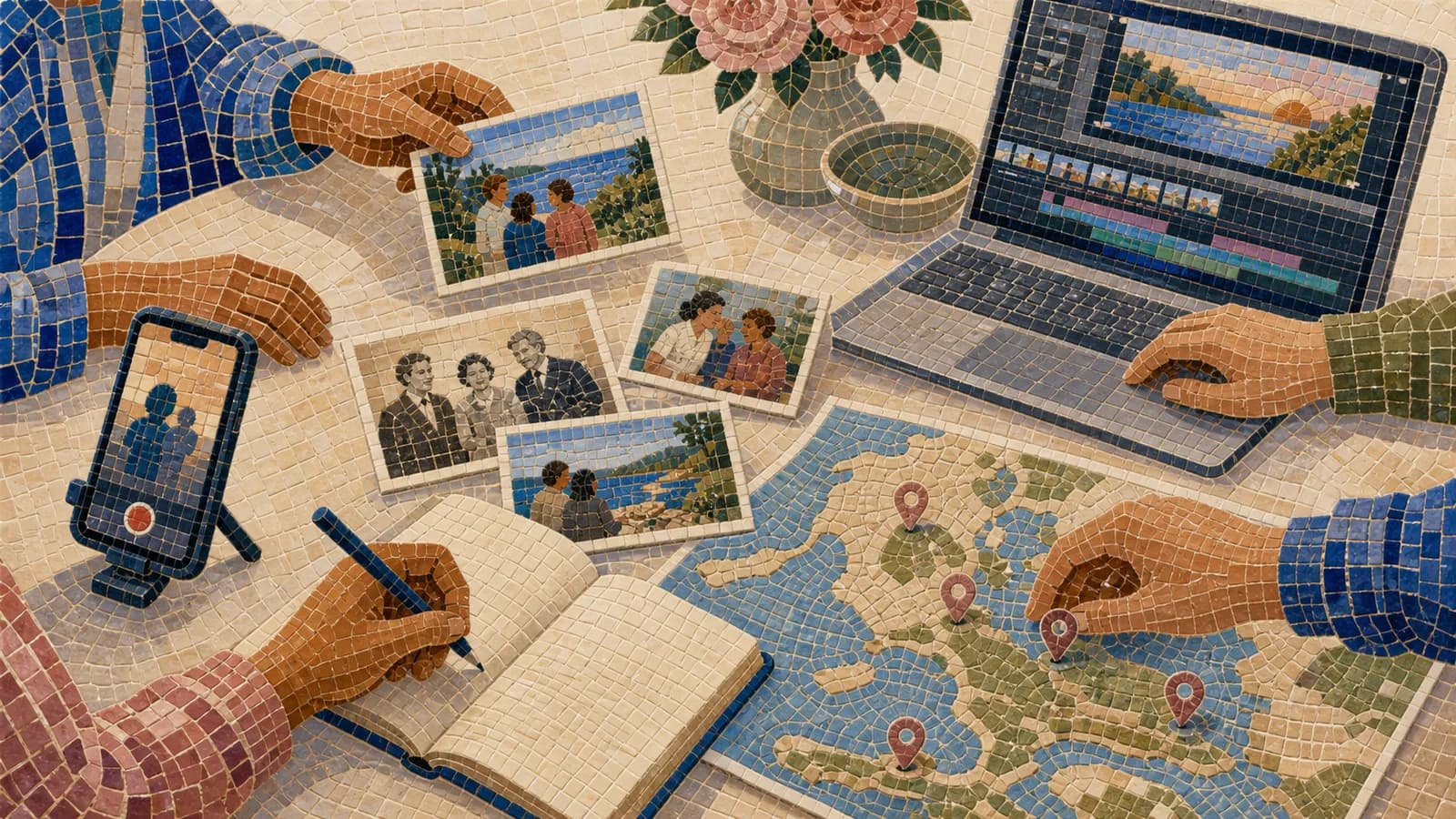
A map video works best when place adds meaning. AlbumMap can combine photos, short videos, written messages, and locations when gratitude comes from several homes, offices, schools, or cities.
How to Plan a Gratitude Video in Six Steps
First, define the goal in one sentence. For example: “Our team wants to thank the people who kept the community program running.” A narrow goal makes every later choice easier.
Second, choose one organizer. This person sets the deadline, sends instructions, tracks consent, and checks the final video. Shared ownership sounds helpful, but unclear ownership can delay a small project.
Third, write one main prompt and two optional prompts. Ask for clips between 15 and 30 seconds unless the group is very small. Short limits reduce repeated ideas.
Fourth, collect everything through one method. Request the contributor’s name, message, media, and optional location together. AlbumMap’s contribution flow can help when the project needs photos, clips, text, and places from many people.
Fifth, arrange the material in a simple order. You can use time, team, relationship, theme, or location. Open with the purpose, build through specific stories, and end with a clear shared thank-you.
Sixth, review the video before sharing. Check names, captions, sound, permissions, and private details. Ask one person who was not involved in editing to watch it with fresh eyes.
Prompts That Lead to Specific Gratitude Messages
Good prompts point toward a moment. “Say something nice” often produces broad answers. A focused question makes recording easier and helps each contribution feel different.
For coworkers, ask: “What did this person do that made your work easier?” You can also ask: “Which quiet contribution deserves more notice?” or “What lesson from this teammate do you still use?”
For families, ask: “What small thing does this person do that you appreciate?” Other options include: “Which place reminds you of their care?” and “What family moment still makes you smile?”
For a group or community, ask: “How did this person help others feel welcome?” Another useful prompt is: “What became possible because they showed up?”
Tell contributors that one real example is enough. They do not need a perfect speech, a dramatic story, or a long list of compliments.
Recording Tips for Clear, Natural Clips
Use a phone or computer that the speaker already knows. Clean the camera lens and place it near eye level. Face a window or soft lamp instead of putting a bright light behind the speaker.
Choose a quiet space. Turn off loud fans and move away from traffic, television, or busy hallways. Clear sound matters more than a perfect background.
Look at the camera and imagine speaking to the recipient. Notes can sit beside the lens. Record two versions, then choose the one that sounds the most natural.
Leave a short pause before and after speaking. This gives the organizer room to edit. Use the same portrait or landscape direction across a group when possible.
Add captions or a transcript. Captions help people who cannot hear the audio clearly. They also make mixed recording quality easier to follow.
Make Gratitude Inclusive and Low Pressure
Offer a written note, photo, drawing, or voice recording as an alternative to video. This helps camera-shy contributors and people with different access needs.
At work, make participation optional. Managers should avoid asking employees to reveal personal stories or praise someone in public. A private submission can be just as meaningful.
Use names and pronouns correctly. Check spelling before publishing the final version. Avoid jokes that could embarrass the recipient or exclude part of the group.
Protect children and private family information. Do not publish school details, home addresses, health information, or personal conflicts. A city or general place is usually enough for a mapped story.
Tell everyone where the finished video will appear. Consent to a private viewing does not mean consent to social media, a public website, or marketing use.
A Simple Seven-Day Schedule
Day one: choose the audience, purpose, organizer, format, and sharing plan. Write the main prompt and clip limit.
Day two: send the invitation. Include the deadline, submission method, privacy note, and one short example.
Days three and four: collect messages, photos, drawings, clips, and optional locations. Track what arrived and who gave permission.
Day five: send one friendly reminder. Begin sorting the existing material by theme, team, time, or place.
Day six: assemble the video, add captions, and remove repeated points. Keep music quiet and use only audio you have permission to include.
Day seven: check names, privacy, sound, and access. Then share the video in the way the recipient prefers.
Common Mistakes to Avoid
Do not ask everyone to read the same full script. A shared prompt gives the video structure, but personal details give it warmth.
Avoid a long introduction. Viewers usually want to hear from people they know. One title and one sentence about the purpose are enough.
Do not include every file just because someone sent it. Select the parts that support the main idea. Save extra photos privately when appropriate.
Avoid turning workplace gratitude into a contest. Public rankings can leave people out. Recognition should be fair, specific, and connected to real actions.
Do not make locations decorative. A map is useful when a home, office, school, city, or project site helps explain the memory. If place is not important, use a simpler format.
Most of all, do not wait for perfect words. A short message with one true detail can make someone feel seen.
Examples You Can Copy
Copy-ready workplace invitation
Hi team. For World Gratitude Day, we are creating a short video about the people and actions that helped us this year. Please record a 15- to 30-second clip answering: What is one specific thing a teammate did that made a difference? Written notes and photos are also welcome. Submit your contribution through [link] by [date]. The finished video will be [shared privately/shown at our meeting]. Participation is optional.
Copy-ready family invitation
Hi everyone. We are making a small World Gratitude Day video for [Name/family]. Please share one short message, photo, or drawing about something you appreciate. You can answer: What small thing does this person do that matters to you? Please send it through [method] by [date]. The video will stay within [family/private group].
Copy-ready employee message
Thank you, [Name], for [specific action]. When you did that, it helped [person or team] by [result]. Your care and steady work did not go unnoticed. I am grateful to work with you.
Copy-ready message for someone at home
One thing I appreciate about you is [ordinary action]. It may seem small, but it makes [part of daily life] feel [effect]. Thank you for the care you bring to our home.
Copy-ready location prompt
Optional: add one place connected to your memory. It could be a city, office, school, park, family home, or travel stop. A general location is enough. Please do not send a private address.
Copy-ready video opening and closing
Opening: Today, we are pausing to notice the people, moments, and places that made a difference. Closing: These messages are only a few examples of the care we have seen. Thank you for what you gave and for the way you helped others feel supported.
Final Thoughts
A meaningful gratitude video does not need perfect editing. It needs clear prompts, real details, and a format people can join without pressure. At work, use it to notice specific contributions across the whole team. At home, focus on ordinary care and shared memories. If those messages come from many people or connect to meaningful places, AlbumMap can bring the photos, clips, notes, and locations into one map video gift. Whatever format you choose, keep the purpose simple: help people understand that their care was noticed.
Helpful answers
Frequently asked questions
- When is World Gratitude Day?
- World Gratitude Day is observed each year on September 21. You can share a video on the day itself or begin collecting contributions several days earlier.
- What is a simple World Gratitude Day activity for work?
- Ask each person to recognize one specific action by a coworker. Collect the answers as private notes or short optional video clips. Share them privately or during a team meeting, depending on each recipient’s comfort.
- What can families do for World Gratitude Day?
- Each family member can share one small action they appreciate, choose a photo connected to a happy memory, or record a brief message for someone who lives far away. Children can contribute drawings instead of videos.
- How long should a gratitude video be?
- A solo message can take 30 to 90 seconds. For a group project, keep most contributions between 15 and 30 seconds. The final length depends on the group, but remove repeated ideas and long pauses.
- What should I say in a gratitude video?
- Name one action, explain its effect, and end with a direct thank-you. For example: “When you checked in during my first week, I felt welcome and knew where to ask for help. Thank you for noticing.”
- Can people join without recording themselves?
- Yes. Accept written notes, voice recordings, photographs, or drawings. These choices make the activity more comfortable and accessible while preserving each person’s voice.
- When is AlbumMap useful for a World Gratitude Day video?
- AlbumMap is useful when many people want to contribute or when appreciation is tied to places. It can combine photos, clips, messages, and locations into a map-based story from different homes, offices, schools, or cities.
- How should a workplace gratitude video be shared safely?
- Explain the sharing plan before collecting anything. Make participation optional, check workplace policies, remove sensitive details, and obtain permission before showing a contribution publicly or posting it online.