Wedding video guest book ideas work best when they are easy for guests and low-stress for the couple. The goal is simple: collect short, warm messages from the people who came to celebrate with you. Some guests will leave advice. Some will tell a funny story. Some will just say how happy they are for you. Together, those short clips can become one of the most personal keepsakes from the day. If you want those messages to feel like one story, AlbumMap can help gather guest videos, photos, written notes, and meaningful places into a cinematic map video gift.
Why a wedding video guest book feels more personal
A paper guest book is sweet, but many guests write the same short line. Video gives you more than a name on a page. You hear voices, laughter, accents, pauses, and real emotion. That is what makes it feel alive later.
A wedding video guest book also helps include people who cannot be there in person. A grandparent, friend abroad, or family member with travel limits can still send a message. You can collect clips before the wedding, at the reception, and even the week after.
The best version does not need to be fancy. It needs clear instructions, a simple link or QR code, a quiet enough place to record, and a few good prompts.
Wedding video guest book ideas that are easy to run
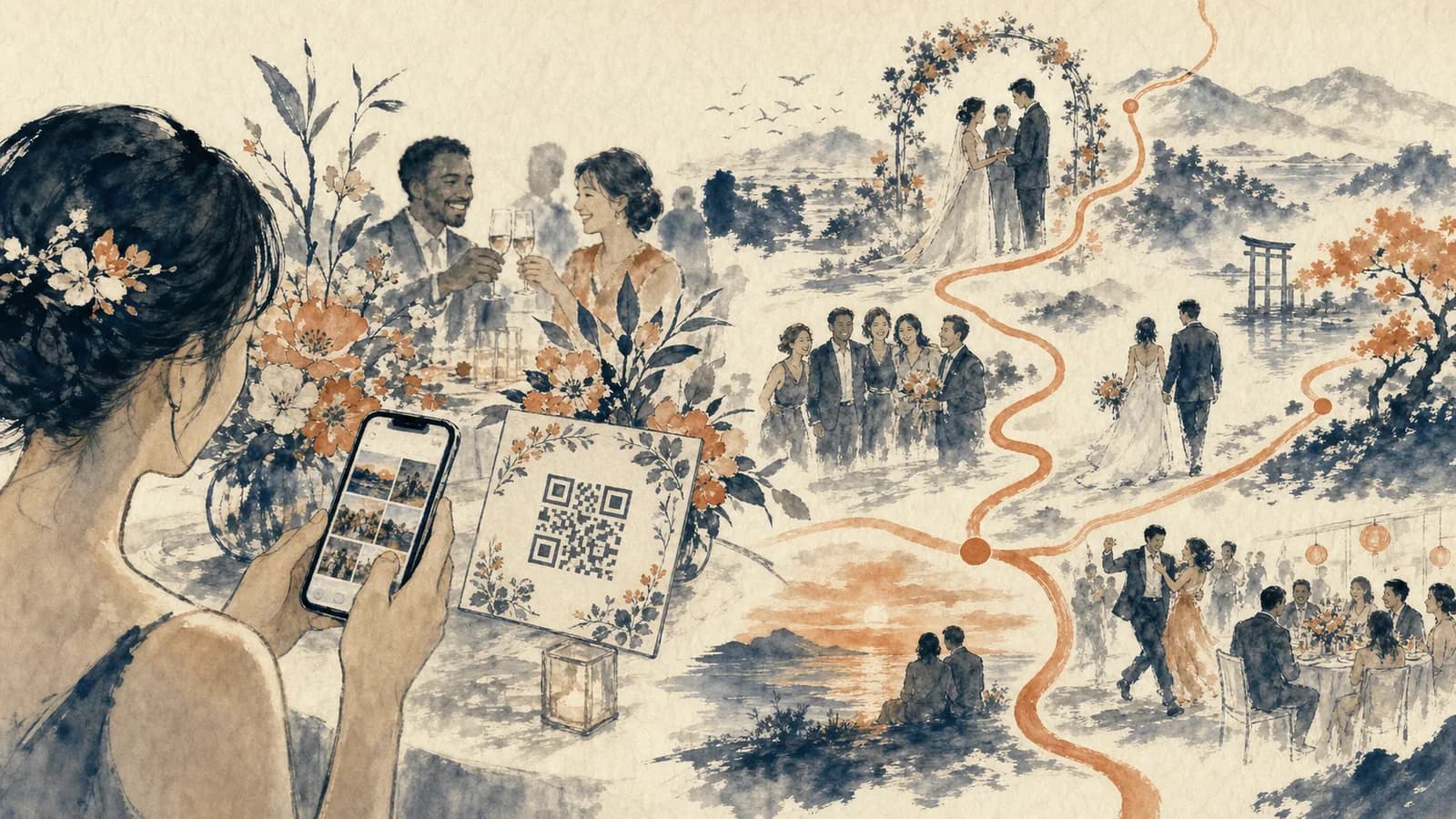
Start with a QR code message station. Place a small sign on a welcome table, guest book table, or near the seating chart. Guests scan the code, record a short clip, and upload it from their phone. This works well because most guests already know how to scan a QR code.
Create a story prompt station. Instead of asking guests to say anything they want, give them one simple question. Try: What is your favorite memory with us? What advice would you give us for marriage? What should we do on our first anniversary? A clear prompt helps shy guests start talking.
Ask wedding party members to record first. When guests see that the maid of honor, best man, siblings, or parents have already joined in, they are more likely to take part. You can ask these people before the wedding so the guest book is not empty on the day.
Use a tablet station if you want a more guided setup. A phone QR code is easy, but a tablet on a stand can make the idea more visible. Add soft lighting, a chair or stool, and a sign that says messages can be short.
Collect remote messages before the wedding. A video guest book for wedding guests should not depend only on the reception. Send the link to people who cannot attend and give them a clear deadline. This makes the final keepsake feel wider than the room.
Invite guests to add photos too. Some people may not want to record video, but they may have a great photo from the ceremony, rehearsal dinner, or dance floor. Giving guests a second way to contribute helps you collect more memories.
How to organize guest videos before the wedding
Choose one person to own the process. This can be a planner, sibling, wedding party member, or trusted friend. Their job is to test the link, check the QR code, remind key guests, and help anyone who looks confused at the reception.
Write one short instruction message. Guests should know what to do in less than ten seconds. Tell them where to scan, how long the clip should be, and what kind of message to leave. A good target is 20 to 60 seconds.
Test the full flow on at least two phones. Check that the link opens, the recording works, the upload is clear, and the final file is saved. Do this before you print signs or add the link to a wedding website.
Set a soft deadline after the wedding. Many couples get more honest and relaxed clips the next morning or week. Guests may remember a sweet moment after the party ends. Keep the link open for a short window if your tool allows it.
What to ask guests to say
The easiest prompts are specific, but not too narrow. Avoid questions that make people feel like they need to perform. You want real words, not perfect speeches.
Good prompts include: How do you know us? What is one memory you hope we never forget? What is your best marriage advice? What made you smile today? What should we watch again on a hard day?
For wedding guest video messages, it helps to offer two prompt styles. One can be emotional. One can be fun. That gives each guest a way in, based on their personality.
Where to place the video guest book at the reception
Choose a spot with decent light and less noise. A corner near the dance floor may look fun, but the audio can be hard to hear. A hallway, lounge area, cocktail hour corner, or side table can work better.
Make the setup visible without putting guests on stage. Most people record better when they do not feel watched. Add a small sign, flowers, and a chair. Keep the area simple so guests can focus on the message.
Ask your DJ, MC, or wedding party to mention it once or twice. A quick reminder after dinner or before dancing can help. Keep it light, not pushy. Guests should feel invited, not assigned homework.
How to include photos, places, and written notes
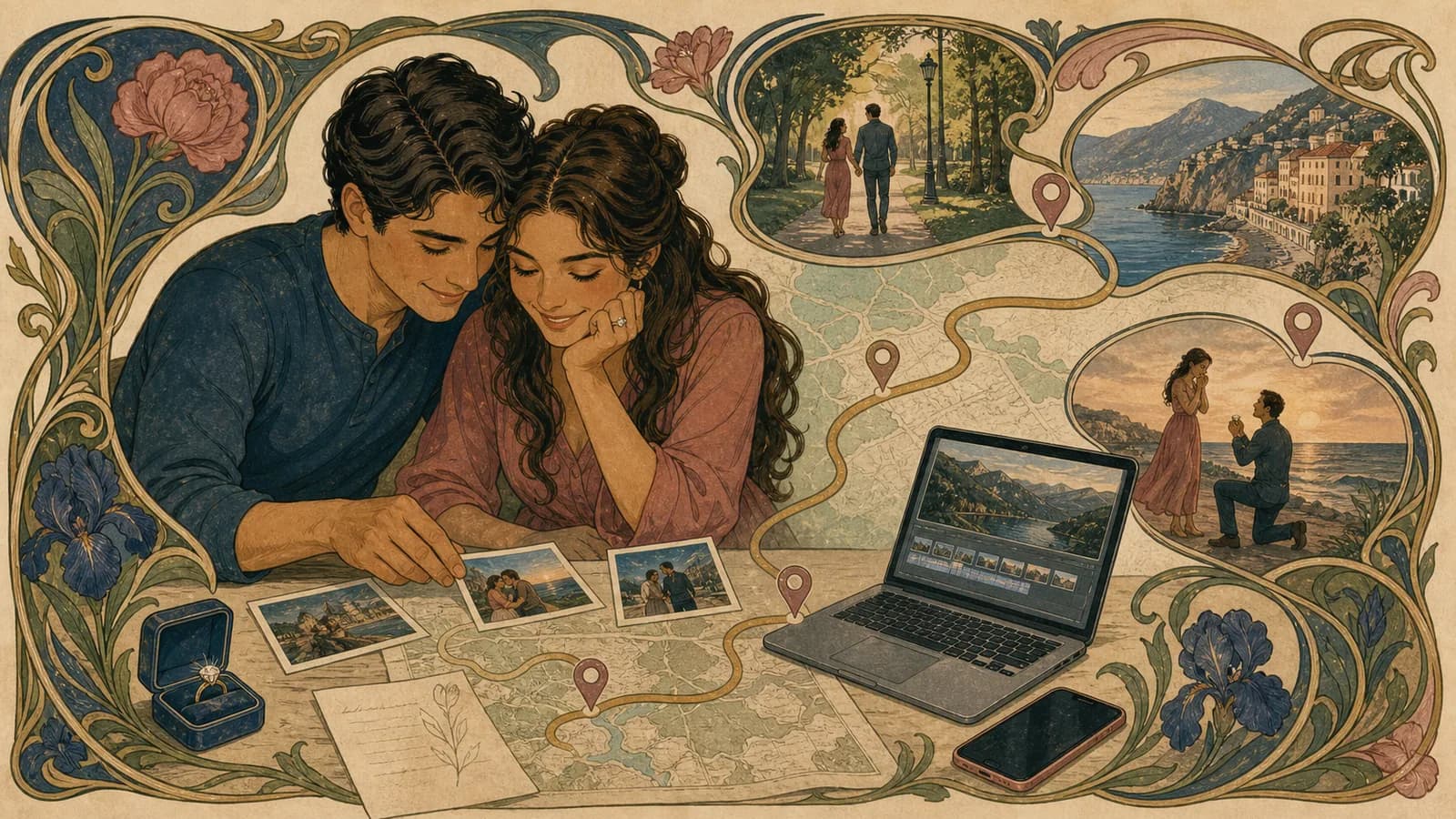
A video message is powerful on its own. It becomes even stronger when it connects to the places and moments behind the relationship. That might include the city where you met, the proposal spot, the ceremony venue, the first apartment, or the family home where many memories started.
This is where AlbumMap fits naturally. Instead of saving clips in one folder, photos in another, and notes in a separate document, AlbumMap can gather them into one keepsake. The final map video can move through meaningful places while showing guest messages, wedding photos, short videos, and written notes.
For example, a college friend can share a clip about the campus where the couple met. A parent can upload a photo from the family home. A sibling can add a message about the proposal trip. These pieces give the video a story, not just a list of clips.
A simple wedding video guest book timeline
Six weeks before the wedding, choose your tool and decide who will manage it. Write your guest prompts and test the upload link. If you want printed signs, this is a good time to design them.
Three weeks before the wedding, ask VIP guests to record early. This includes parents, grandparents, siblings, and wedding party members. Early clips reduce pressure on the wedding day.
One week before the wedding, add the link to your wedding website or send it to remote guests. Reprint the QR code if anything changed. Test the final version again.
On the wedding day, place the sign and device before guests arrive. Ask one helper to check the station during cocktail hour and dinner. After the wedding, send one final reminder to anyone who meant to record but missed it.
Mistakes to avoid
Do not make the instructions too long. Guests will skip a sign that looks like a manual. Use one headline, one sentence, and one clear prompt.
Do not place the station next to speakers. Bad sound can ruin an otherwise sweet message. If the reception is loud, collect more clips before and after the event.
Do not expect every guest to leave a perfect message. Some clips will be funny, quick, or awkward. That is part of the charm. The goal is to capture people as they are.
Do not wait until the last minute to plan storage and editing. Know where the files go, who can access them, and how you will turn them into something you want to watch later.
How AlbumMap can turn the guest book into a keepsake
A standard video guest book can be a set of guest clips stitched together. That can be lovely. AlbumMap adds another layer by tying those clips to places, photos, and written memories.
This works especially well for couples whose story spans cities, schools, trips, homes, or family locations. Your video can move from place to place while guest messages appear along the way. It can include wedding clips, phone photos, old memories, and notes from people who could not attend.
If you are planning a video guest book, think beyond the recording station. Ask guests for the memory, the place, and the photo that goes with their message. That small extra detail can make the final gift feel much more personal.
Examples You Can Copy
Text message invite for remote guests
Hi! We are making a wedding video guest book and would love a short message from you. A 20 to 60 second clip is perfect. You can share a favorite memory, advice for marriage, or a wish for our future. Please upload it here by Friday: [link]
Wedding website wording
Help us save the voices and faces of the people we love. Scan the QR code or use this link to leave a short video message. You can record at the wedding or before the big day if you cannot attend.
QR code sign copy
Leave us a video message. Scan the code, record a short clip, and tell us a memory, wish, or piece of advice. Short and sweet is perfect.
Prompt card for the reception table
Need an idea? Tell us how you know us, share a favorite memory, give us marriage advice, or say what made you smile today.
Wedding party reminder
Could you help us get the video guest book started? Please record a short clip before the wedding so other guests see how easy it is. It can be sweet, funny, or simple.
AlbumMap memory request
Along with your video, please share one place that connects to your memory with us. It could be a city, school, venue, trip, home, or favorite hangout. We may include it in our AlbumMap keepsake.
Final Thoughts
A good wedding video guest book is not about perfect speeches. It is about making it easy for people to share real words in the middle of a busy, emotional day. Keep the setup simple, give guests clear prompts, and collect messages before and after the wedding too. When you add photos, short videos, written notes, and meaningful places, the guest book becomes more than a set of clips. It becomes a story you can watch again. AlbumMap can help turn those pieces into a map video gift that follows the places and people behind your wedding memories.
Helpful answers
Frequently asked questions
What is a wedding video guest book?
A wedding video guest book is a collection of short video messages from wedding guests. Guests can record wishes, advice, memories, or funny stories. The clips can then be saved, edited, or turned into a keepsake video.
How do guests record messages for a video guest book?
Most couples use a QR code, link, tablet station, or simple upload page. Guests scan or open the link, record a short clip, and submit it from their phone or device.
When should we ask guests to leave video messages?
Ask some close family and wedding party members before the wedding. Then invite guests again during the reception. Keep the link open for a few days after the wedding for anyone who missed it.
What should guests say in wedding guest video messages?
Guests can share how they know the couple, a favorite memory, marriage advice, a wish for the future, or a moment from the wedding day that made them smile.
When is AlbumMap a good fit for this video project?
AlbumMap can combine guest messages with photos, videos, written notes, and meaningful places. This helps turn the guest book into a cinematic map video keepsake instead of a folder of separate clips.