Destination Wedding Memory Map: Turn the Journey Into a Keepsake
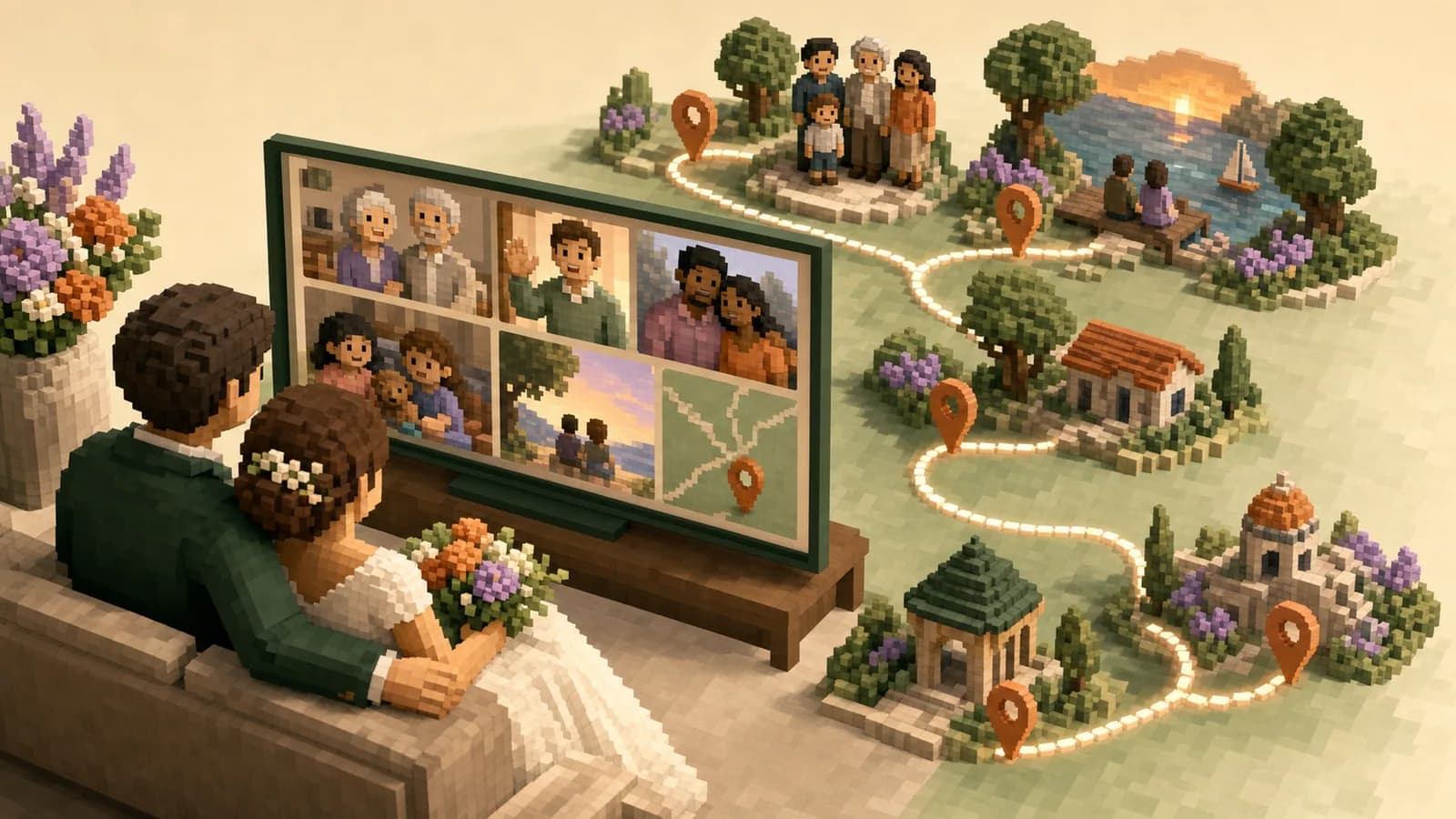
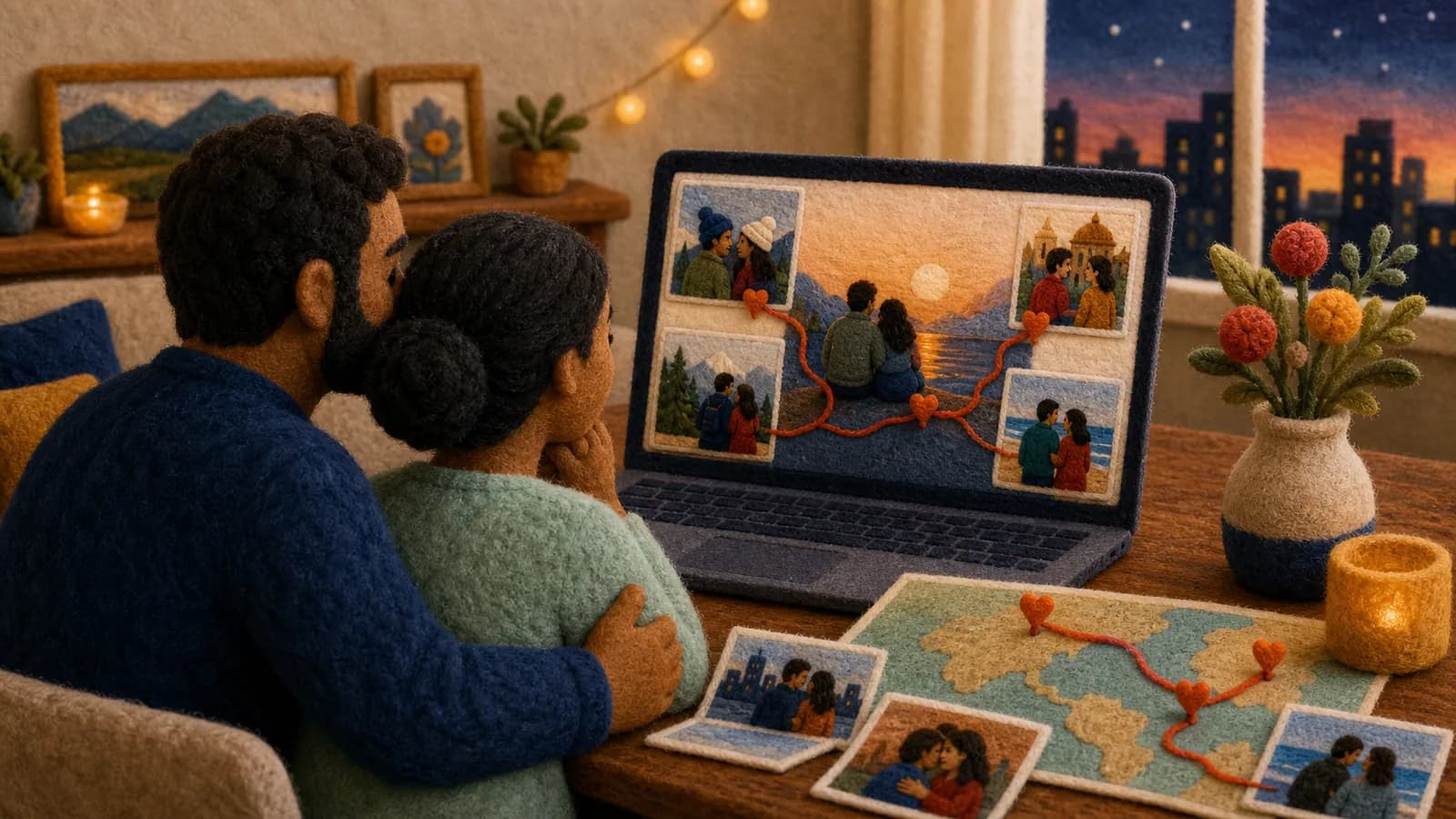
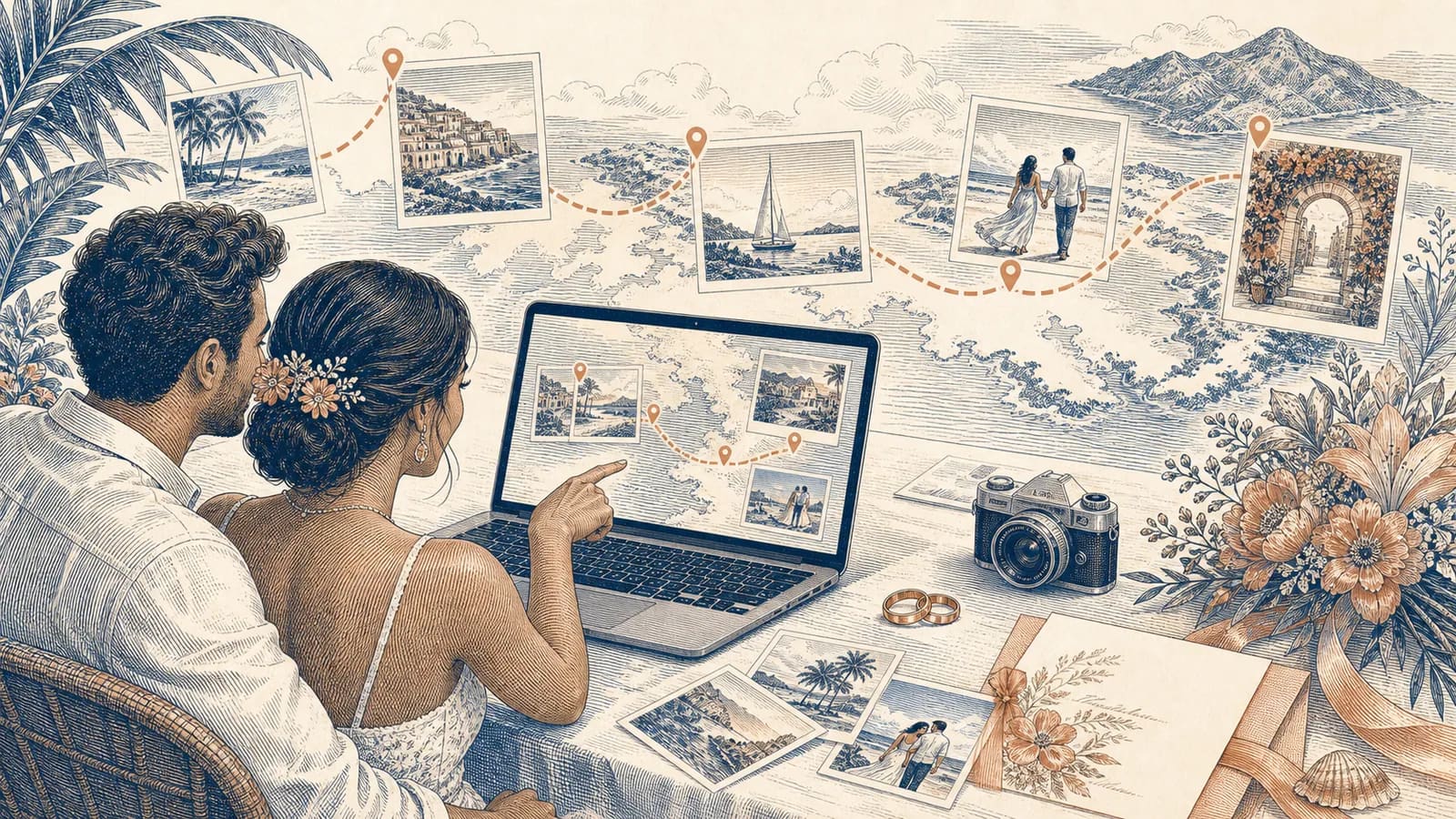
A destination wedding memory map can preserve more than the ceremony. It can follow the airport goodbyes, welcome dinner, beach walk, wedding day, and quiet breakfast after the celebration. Each stop can hold a photo, short video, written note, or guest memory. The result is a keepsake that explains both what happened and where it happened. This guide shows you how to plan the route, collect useful contributions, and shape everything into a story you will want to revisit.
What this destination wedding keepsake should capture
A destination wedding is often a shared trip as well as a wedding. Guests may travel together, meet for several events, and explore a new place. Small moments between formal plans can become some of the best memories.
A useful keepsake should show this wider story. Include the journey, the setting, and the people who made the trip. The ceremony still matters, but it does not need to carry the whole story.
Think of the map as a simple guide for the viewer. Each stop answers three questions: Where were you, what happened there, and why does it matter? A clear answer gives every photo or clip a reason to appear.
Start with the journey, not just the ceremony
Before collecting files, list the places that shaped the wedding trip. Start with major stops, such as the departure city, arrival airport, hotel, ceremony site, and reception. Then add one or two places tied to informal memories.
Those extra places might include a cafe where everyone met, a beach from the welcome day, or a street where the wedding party got lost. They may also include a family home or city connected to someone who could not attend.
Do not add every location from the itinerary. Five to nine strong stops are enough for most stories. Too many pins can make the route feel like a travel log instead of a wedding keepsake.
How to plan your destination wedding memory map
Write every possible stop on a page. Beside each one, note the strongest photo, clip, message, or story you have. Keep locations with clear meaning and remove stops that only repeat another part of the day.
Next, choose an order. A time-based route is usually easiest to follow. It can move from departure to arrival, then through the wedding events and the trip home.
You can also use an emotional order. Open with the couple's story, move toward the wedding place, and finish with messages sent from home. This works well when friends and relatives are joining from several countries.
Give each stop a short purpose. For example, the hotel may introduce the group, while the ceremony site holds the vows and family photos. This simple plan makes later editing much easier.
Ask guests for useful photos, videos, and messages
Guests need a clear request. Tell them what to send, how to send it, and when it is due. Ask for one or two strong items instead of every photo on their phone.
A good request asks for a place as well as a file. Guests could name where a photo was taken or where a memory began. Remote guests can share the city from which they are sending their message.
Offer a few prompts. Ask, "What moment from the trip made you smile?" or "Which place will always remind you of the couple?" Specific questions produce better answers than a request to send anything.
Use one collection link when possible. A QR code can help at the hotel, welcome event, and reception. Send the same link in the group chat for guests who remember a great photo after they return home.
Collect moments across the full wedding trip
Begin before the wedding day. Early photos might show packing, airport reunions, a road trip, or the first view of the destination. These scenes set up the journey without needing a long explanation.
During the welcome event, collect wide views and small details. A short clip of a toast, a group photo, or a handwritten note can show how the guests came together. Save a few quiet moments too.
On the wedding day, balance formal images with candid views. Include the venue, ceremony, couple, wedding party, family, and guests. One honest laugh may add more feeling than several posed photographs.
Continue collecting after the reception. The next-day breakfast, a group excursion, or a farewell at the airport can give the story a natural ending. Set a final upload date so the project does not stay open forever.
Build the route in a clear order
Open with one image that establishes the destination. Add the couple's names, the wedding date, and a short line about the journey. Keep this opening brief so the people and places appear quickly.
Move through the route one stop at a time. Add a map label, then show the memory tied to it. A stop may contain one strong photo, a short clip, and a sentence from a guest.
Use simple transitions. The map already provides movement, so extra effects are rarely needed. Clear labels and gentle pacing will help the story feel calm.
Finish with a place that points forward. It could be the couple's home, honeymoon stop, or the city where they begin married life. Add a final wish from the group rather than a long closing speech.
Choose memories without crowding the story
You do not need to use every upload. Remove duplicates, unclear clips, and images that do not support the route. Keep a backup of the full collection before you begin sorting.
Aim for variety. Mix wide views of the destination with faces, details, and short messages. If several guests captured the same moment, choose the version with the clearest sound or strongest feeling.
Keep spoken clips focused. A brief message is easier to place than a full speech. Longer vows or toasts can be saved as separate videos and linked from the final gallery.
Make sure both partners and both sides of the guest group feel present. Review the draft for missing people before export. A trusted friend can help spot gaps or private moments that should be removed.
Include loved ones who could not travel
Destination weddings often leave important people at home. Travel costs, health, work, or family duties may prevent them from attending. A remote contribution gives them a place in the keepsake.
Ask each person for a short video, photo, written wish, and their location. Their message can appear near the end as the map travels outward from the wedding destination.
Give remote contributors the same simple deadline and prompts. Avoid describing them as an afterthought. Their messages are part of the couple's wider story, even though they came from another place.
Use AlbumMap when the places are part of the story
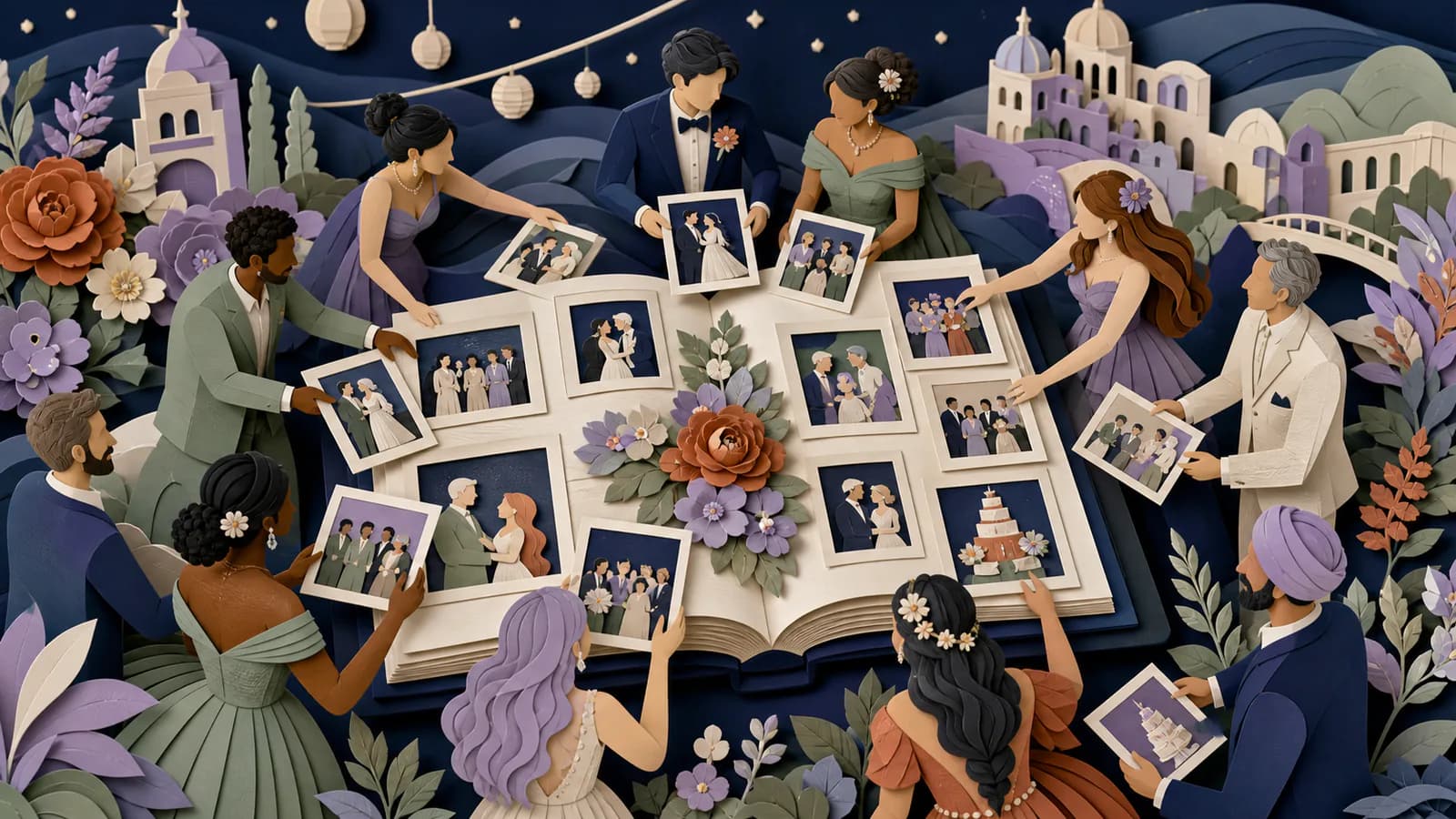
AlbumMap is useful when several people have photos, clips, messages, and locations to contribute. One shared flow can reduce the need to chase files across email, texts, and group chats.
The finished wedding map video can follow the trip from place to place. Each stop can connect a location with the people and memory behind it. That structure helps the result feel like a story instead of a random folder.
This kind of keepsake can complement a professional wedding film. A filmmaker may focus on the main event, while a group memory map can include guest views, travel moments, written notes, and messages from far away.
Protect privacy and make the keepsake easy to watch
Ask before using private messages, unflattering photos, or clips involving children. Tell contributors who will see the final result. Remove location details that reveal a private home when that information is not needed.
Check every name, date, and map label. Destination names may have local accents or spellings that matter. Ask the couple or planner to review details before the final export.
Add captions to spoken messages when sound is unclear. Keep on-screen text large and brief. Avoid placing important words over a busy photo.
Test the finished keepsake on a phone, laptop, and the screen planned for the reveal. Check sound levels and make sure every location stays visible long enough to understand.
A sample wedding journey map
Stop one could be the couple's home city, with a packing photo and a line about the trip beginning. Stop two could be the arrival airport, followed by a clip of relatives meeting outside the terminal.
Stop three might show the welcome dinner and the first full group photo. Stop four could visit a beach or landmark from the free day. A guest message can explain why that outing became a favorite memory.
Stop five is the ceremony site, using a few strong images rather than every formal photograph. Stop six is the reception, with a toast, dance clip, and candid guest photo.
The final stop could be the next-day breakfast or the couple's new home. End with short wishes from guests who attended and loved ones who watched from afar. This route covers the journey without becoming a full record of every hour.
Ways to share the finished keepsake
Show the video at a post-wedding gathering or send it after everyone returns home. A quiet reveal may work better than playing it during a busy reception.
The couple can revisit it on their anniversary or share it with guests who could not attend. They can also keep the original files in a backed-up folder.
If you use a QR code to share the result, test it before printing. Keep a direct link as a backup. Only share the keepsake with the audience approved by the couple.
Examples You Can Copy
Copy-ready guest request
Hi! We are making a map keepsake of our destination wedding trip. Please share one favorite photo or short video, the place where it was taken, and one sentence about why the moment mattered. Upload it here by [date]: [link].
Copy-ready QR code sign
Help us remember the whole journey. Scan this code to share a photo, short clip, message, and the place connected to it. Candid travel and wedding-weekend moments are welcome.
Copy-ready remote guest prompt
We wish you could travel with us, and we would still love to include you. Please record a short wedding wish and tell us the city you are sending it from. You may also add a favorite photo of the couple.
Copy-ready reminder
A quick reminder for our wedding map keepsake: please upload your favorite moment by Sunday. One clear photo or short clip is perfect. Add the location and a brief note so we know the story behind it.
Copy-ready opening card
One wedding, many places, and the people who made the journey matter. Here is the story of [Name] and [Name], from [starting place] to [wedding destination].
Copy-ready closing card
The trip brought us here. Your love, memories, and wishes will travel with us into every place that comes next.
Final Thoughts
A strong destination wedding keepsake does not need every photo or every stop. It needs a clear route and memories that explain why each place mattered. Begin with the journey, ask guests for small and useful contributions, and choose the best pieces with care. When photos, videos, messages, and locations belong together, AlbumMap can help turn them into a wedding map video that the couple can keep and share.
Helpful answers
Frequently asked questions
- What is a destination wedding memory map?
- It is a keepsake organized around the places in a destination wedding journey. Each map stop can hold a photo, short video, written message, or story. It may cover travel, pre-wedding events, the ceremony, reception, and the trip home.
- Which locations should we include?
- Choose five to nine places with clear meaning. Good options include the departure city, arrival airport, hotel, welcome event, ceremony venue, reception, group outing, and farewell breakfast. Skip stops that do not add a new part of the story.
- How do we collect photos and videos from guests?
- Use one private link or QR code and give guests a clear deadline. Ask for one or two strong files, a location, and a short note about the memory. Share the link before, during, and shortly after the trip.
- Can people who did not attend contribute?
- Yes. Ask remote loved ones for a short video or written wish and the city where they recorded it. Their messages can become map stops that show how support for the couple reaches beyond the wedding destination.
- Can this replace a professional wedding film?
- It is usually better as a companion to a professional film. A group memory map can preserve guest views, travel moments, written notes, locations, and remote messages that may not appear in the main wedding film.
- How long should the finished wedding map video be?
- There is no single required length. Keep each stop focused and remove repeated material. A shorter story with strong memories is often easier to watch than a long record of every event.
- When should we ask guests to upload their memories?
- Share the request before the trip so guests know what to capture. Display the QR code during key events, then send one reminder after everyone returns. Set a final date while the memories are still fresh.