Introduction
A carousel can start a story, but it seldom tells the whole story. To turn an Instagram carousel to blog content, treat each slide as a clue. Add the facts, feelings, and steps that a swipe cannot hold. Explain what happened, why it matters, and what a reader can do next. Use only photos, clips, words, and place details that you own or may reuse. Your article should be new work, not a long version of a caption.
Find the story behind the slides
Before you write, state the real point in one sentence. A travel carousel may show pretty views. The real story may be a first trip after a move. A party carousel may be about the people who made the day feel special.
Do not use every slide. Keep items that support your point. Set aside repeats, private facts, and media that needs more consent. Write for the reader's question, not for the number of slides.
Read from first slide to last. Mark the hook, proof, change, and ending. These jobs can shape your opening, main sections, details, and final thought.
Make an Instagram carousel to blog outline
Many carousels start with a claim, show examples, and end with a prompt. Turn that flow into a simple outline. The first slide becomes the article promise. Similar slides become one section. A quick tip becomes a full step with an example and a useful link.
Then add what the slides leave out. Readers may need a date, a plain term, an approved quote, or a reason a place mattered. They may also need a next step. A blog can answer those needs without feeling crowded.
Use headings that name the reader benefit. Do not call a section “Slide 4.” Try “Choose details that make the memory clear.” Readers can scan the article even if they never saw the carousel.
Add context, not filler
To repurpose Instagram content well, expand the useful part. Add a short scene, one clear step, a source, or an honest lesson. Do not stretch a short thought into long text just to raise the word count.
For example, a group weekend carousel may show a meal, a walk, and a last photo. The article can explain how the group picked a meeting place, what each person brought, and how they shared the finished memory. That gives readers a method to use.
Keep fact and feeling apart. Say what happened in plain words. Then say why it mattered to you. If a fact has changed, update it, give the date, or cut it.
Use place details with care
Place details can help readers picture a story. A city, park, venue, or broad area may show why a memory belongs in the article. Yet a location tag may be wrong, old, or unsafe to repeat.
Do not post a home address, school routine, live location, or another person's private place without clear approval. A broad label often works better. “A weekend on the Ontario shore” can tell enough without sharing a precise pin.
A group story may connect to more than one place. In that case, AlbumMap can fit well. Ask each person for an approved photo or clip, a safe place level, and a short note. AlbumMap can turn those approved parts into a map-led video.
Add your view and helpful links
A blog needs a reason for readers to stay. Explain what worked, what you would change, and who the idea can help. That is what makes content repurposing different from pasting a post into a new page.
Link to the next useful page at the moment a reader needs it. Someone planning a location story can read AlbumMap's guide to creating a location map from Instagram posts. Someone planning a wider recap can use the Instagram year-in-review template.
If you mention an outside Instagram post, use its official embed. Do not download or repost its photo, video, or caption. Write your own point around the embed and let readers view the source on its platform.
Carousel-to-Article Conversion Worksheet
Use this worksheet before you draft. It turns a slide sequence into a story plan. It also helps you find gaps in the story. Replace the sample details with material you may use.
If two slides do the same job, put them in one section. If a slide does not help the reader understand the story, leave it out. Your article does not need to match the carousel slide for slide.
| Carousel slide or group | What it shows | Article section | Context to add | Location or permission check | Reader next step |
|---|---|---|---|---|---|
| Slide 1: opening claim | The main promise or question | Introduction | Say who this helps and why it matters now | Confirm the image and wording are yours or permitted | Tell readers what they will learn |
| Slides 2-3: first example | A moment, tip, or result | Section one | Add the situation, not just the outcome | Use a broad place label if needed | Link to a related AlbumMap guide |
| Slides 4-5: process | Steps or behind-the-scenes detail | Section two | Explain how the process worked | Remove private screens, addresses, or unapproved names | Give readers a simple step to try |
| Slide 6: people or messages | A shared contribution | Section three | Add an approved short quote or lesson | Get permission for names, faces, and messages | Invite readers to gather one contribution |
| Slide 7: place | A location that explains the memory | Section four | Explain why the place belongs in the story | Check accuracy and choose the safest detail level | Suggest a map-story option if useful |
| Slide 8: result | The finished moment or takeaway | Final thoughts | Share what changed or what you learned | Check the audience for the final image | Offer one clear CTA |
| Any repeat slide | A duplicate image or point | Cut or combine | Keep only the strongest version | Do not reuse content without a reason | Make the article easier to scan |
| Final carousel CTA | A prompt to save, share, or comment | Article CTA | Offer a helpful next resource or action | Make claims accurate and current | Use the page's main CTA |
Copy-ready examples
Adapt these lines to your own story. Keep names, places, and facts only when the people involved are happy to share them.
What the video shows
The AlbumMap video is a ranked snapshot, not a live measure of engagement. It says the ranking has a time limit. It then moves in labeled steps from rank nine to rank one. This shows why a visual sequence needs a clear frame.
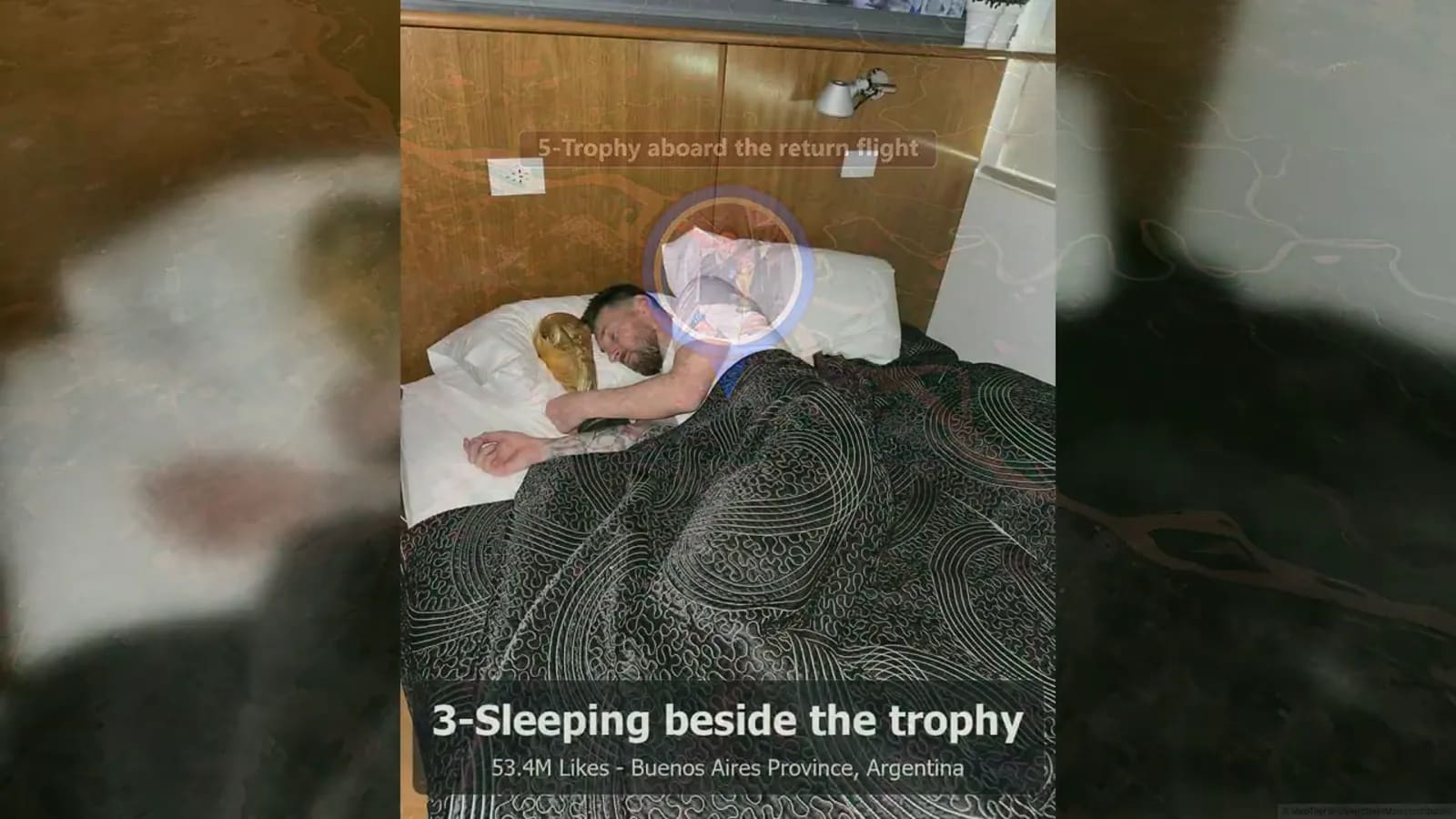
The scenes include sports celebrations, a shirt announcement, a bus parade, an AI-made sunset reel, a return-flight image, a campaign image, the viral egg, and a trophy celebration. They are not all the same kind of visual. A blog writer should add the context that helps a reader understand each image.
The video uses a steady rhythm. Each item has a label, then the count moves on. A carousel can use that rhythm. A blog can slow down where readers need more help. A group of slides can become one heading. A fast change can become a short explanation.
The final frame invites viewers to create a map video with AlbumMap. That idea fits this article when the media is your own shared material. Use approved photos, clips, messages, and safe place details. Do not reuse public third-party media.
Final thoughts
A carousel earns attention one slide at a time. A helpful blog earns trust by adding the details that make the sequence matter. Keep the main idea clear. Group slides into useful sections. Add only approved context. Give readers one sensible next move.
When a shared story is tied to places, AlbumMap can turn approved photos, clips, messages, and locations into a map video people can revisit.
Build the same sequence into an animated map video that travels between each place.
Sources and verification
Last verified: 2026-08-10. Carousel guidance, platform reuse guidance, competitor blog indexes, and the AlbumMap blog were reviewed on this date.
The embedded AlbumMap video was verified from supplied first-party evidence dated 2026-08-09. It was uploaded on 2026-07-14 and runs for 2 minutes and 39 seconds. It shows labeled sequencing, not a live ranking claim.
Review this article every six months, or sooner if Instagram changes its reuse, embed, or carousel tools. Use official platform embeds for third-party social posts.
Examples You Can Copy
Opening paragraph
The carousel began as five photos from one small reunion. The fuller story is about how three cousins chose a halfway point, brought old photos, and made one rainy afternoon feel like a new tradition.
Section transition
The second set of slides shows the trip itself. What the images do not show is the planning that made the weekend easy: one shared list, one simple meeting point, and room for everyone to add a memory.
Location context
We use the wider Lake Ontario area here because it explains the route without sharing anyone's home or regular routine.
Closing line
The photos were the start. The story became clearer once we wrote down why each stop mattered and who made it memorable.
Final Thoughts
A strong article does more than place carousel slides in a longer layout. It explains the story, protects private details, and gives readers a useful next move. When shared memories are tied to places, AlbumMap can turn approved photos, clips, messages, and locations into a map video story.
Helpful answers
Frequently asked questions
Can I turn any Instagram carousel into a blog post?
Turn material you own or have permission to reuse into an original article. Add context, structure, and commentary rather than copying another creator's work.
How many carousel slides should become one blog section?
Group slides by purpose. One hook may become the introduction, while two or three related slides can become one useful section.
Should I embed the original Instagram carousel?
An official embed can work for your own post or with permission. For third-party content, use the platform's official embed and do not download or republish media.
What makes a carousel-to-blog post useful?
Add the background, practical steps, original commentary, internal links, and a clear next action that a short carousel could not hold.
Can I include locations from a carousel?
Only include location details that are accurate, useful, and safe to share. Broader place labels are often safer than exact pins.