Graduation Video Ideas That Celebrate the Graduate’s Journey
The best graduation video ideas do more than show the ceremony. They reveal how the graduate learned, changed, worked through hard moments, and reached this milestone. You can tell that story with family photos, short clips, messages from important people, and places tied to their school years. You do not need rare footage or advanced editing skills. Start with one clear idea, choose details that feel true, and build a video that moves from the graduate’s first steps to the road ahead.
Start With the Graduate’s Story, Not the Editing Style
Before choosing effects or music, decide what the video should say. You might show the graduate’s growth, thank the people who helped, or celebrate the courage behind one achievement. A clear purpose will guide every later choice.
Think about the person who will watch it. A quiet graduate may prefer a warm family story. A social graduate may enjoy a lively montage with friends, teammates, and teachers. Someone moving away may value a video about the places and people they are leaving.
Choose one main feeling as well. The video can be proud, warm, funny, hopeful, or reflective. It may include several emotions, but one main tone will help the story feel whole.
8 Graduation Video Ideas for Telling the Whole Journey
1. Make a through-the-years timeline. Begin with an early school photo or childhood clip. Move through first days, school events, hobbies, friendships, awards, and graduation. End with a recent message from the graduate or a picture of their next destination.
2. Build a journey through meaningful places. Use the family home, first school, campus, library, sports field, arts room, workplace, or favorite meeting spot. Add a photo, clip, or message at each stop. The places give the story a clear path.
3. Gather messages from people who helped along the way. Invite family members, friends, teachers, coaches, mentors, and classmates. Ask each person to name one change they saw in the graduate. Their different views can show growth that the graduate may not see in themselves.
4. Celebrate challenges and turning points. Focus on a difficult class, a move, a lost game, a changed plan, or another hard season. Keep private details private. Show what the graduate learned and who stood beside them.
5. Film a final-day mini documentary. Record the trip to school, cap-and-gown preparation, familiar halls, the ceremony, family reactions, and the last walk away. Add short reflections from the graduate before and after the event.
6. Create a photo story with voice notes. Ask contributors to send one photo and a short recording about it. The voice can explain where the picture was taken, what happened, and why the moment still matters. This works well when you have many photos but little video.
7. Make a lessons-and-advice video. Ask older relatives, teachers, graduates, and mentors for one useful lesson. Mix their advice with examples of skills the graduate already has. Keep the tone supportive instead of turning the video into a lecture.
8. End with messages for the future. Ask people to share one hope, prediction, or promise. Friends might plan a reunion. Parents could name a quality they hope the graduate keeps. The final section should make the next chapter feel open and hopeful.
Choose the Idea That Fits Your Time and Material
Review what you already have before setting the plan. A large photo library suits a timeline or narrated slideshow. Many willing contributors suit a group montage. Strong links to schools, cities, or family homes suit a place-based story.
Next, consider your time. A short message montage may take one weekend. A full documentary needs more filming and editing. Choose a project you can finish without rushing people or cutting important checks.
You can also combine two ideas. A timeline can include brief messages from teachers and friends. A place-based story can end with advice for the future. Keep one format in charge so the final video does not feel random.
Build a Five-Part Graduation Story
A simple story has five parts: opening, early years, growth, milestone, and future. The opening sets the tone with the graduate’s name, school, and graduation year. Early years show where the journey began.
The growth section can include friendships, interests, lessons, setbacks, and proud moments. The milestone section covers the final year and graduation day. The future section adds advice, wishes, and the graduate’s next step.
Keep each part focused. You do not need to show every year or award. Choose moments that reveal something about the graduate. A small story about kindness or effort may say more than a long list of results.
Use People and Places to Make the Story Personal
Ask people from different parts of the graduate’s life to contribute. A parent remembers early effort. A friend knows the daily jokes. A teacher saw academic growth. A coach, club leader, or manager may have watched the graduate learn to lead.
Give contributors one clear prompt. Ask what changed, which moment made them proud, or what quality will help the graduate next. Specific prompts lead to better answers than a general request for congratulations.
Places can add context to those memories. Ask each person to name a place connected to their story. AlbumMap can bring the photos, clips, written notes, and locations into a map-based route when place is an important part of the journey.
Plan What to Collect Before Sending Invitations
Make a short list for each story chapter. You may need early photos, school event pictures, graduation-day footage, contributor clips, written notes, and locations. Mark the items you already have and the ones you must request.
Ask for small contributions. One short clip, one photo, and one place are enough for most people. Give a firm deadline several days before you need to edit. That space will help when files arrive late or need to be replaced.
Keep every submission in one place. Use clear file names with the contributor’s name and story section. Save a backup before editing. If someone cannot record, offer a written message, photo, or voice note instead.
Give Contributors Prompts That Create Better Messages
People often freeze when asked to say something meaningful on camera. Offer two or three prompts and let each person choose one. Short answers are easier to record and easier to edit.
Useful prompts include: When did you first notice the graduate’s strength? What school memory still makes you smile? What did the graduate teach you? Which place reminds you of them? What quality will help them in the next chapter?
Ask contributors to use the graduate’s name and share one true detail. They can finish with a simple wish. A natural 20-second message often feels warmer than a long speech read from a page.
Edit the Video So the Journey Feels Clear
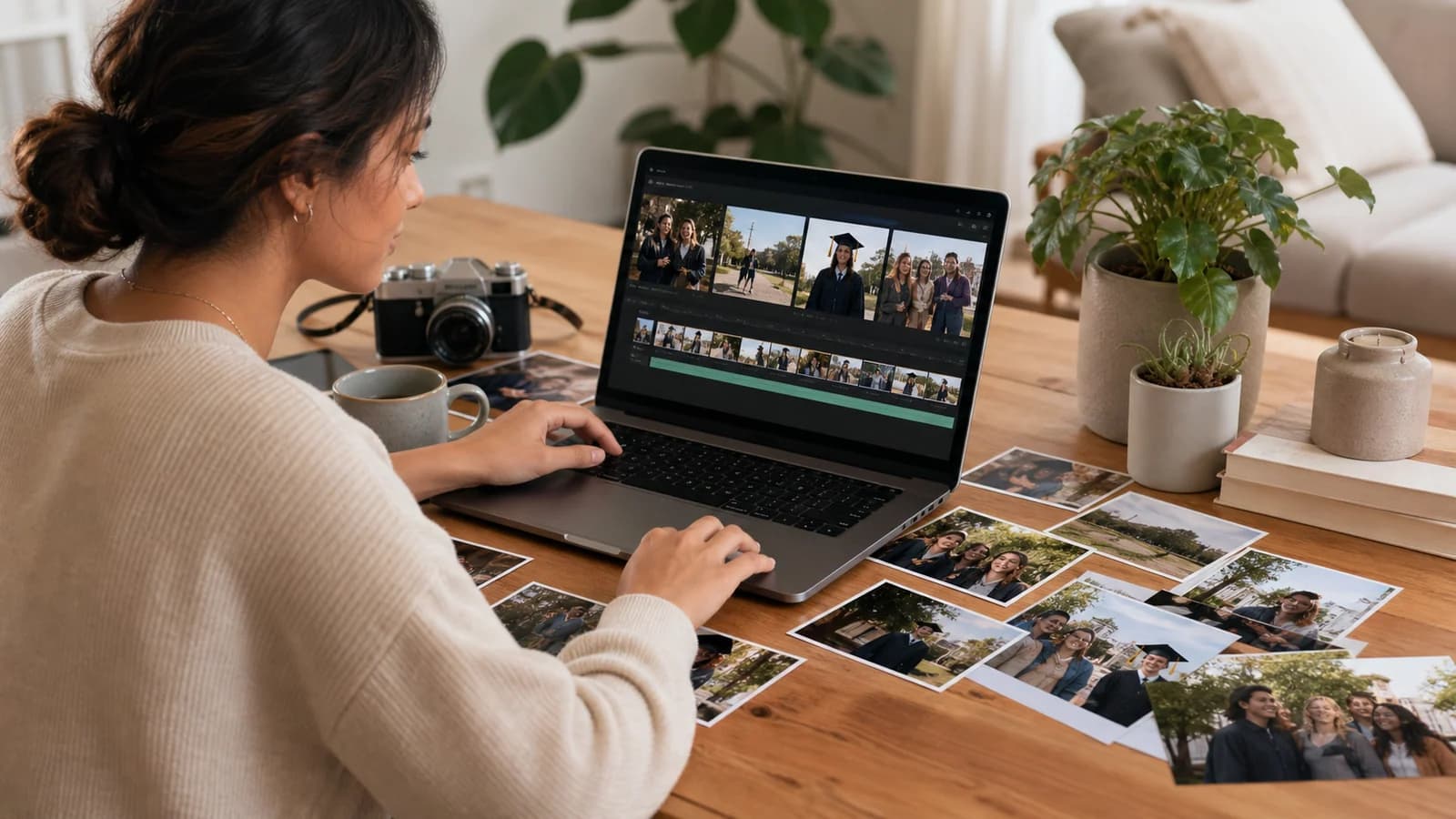
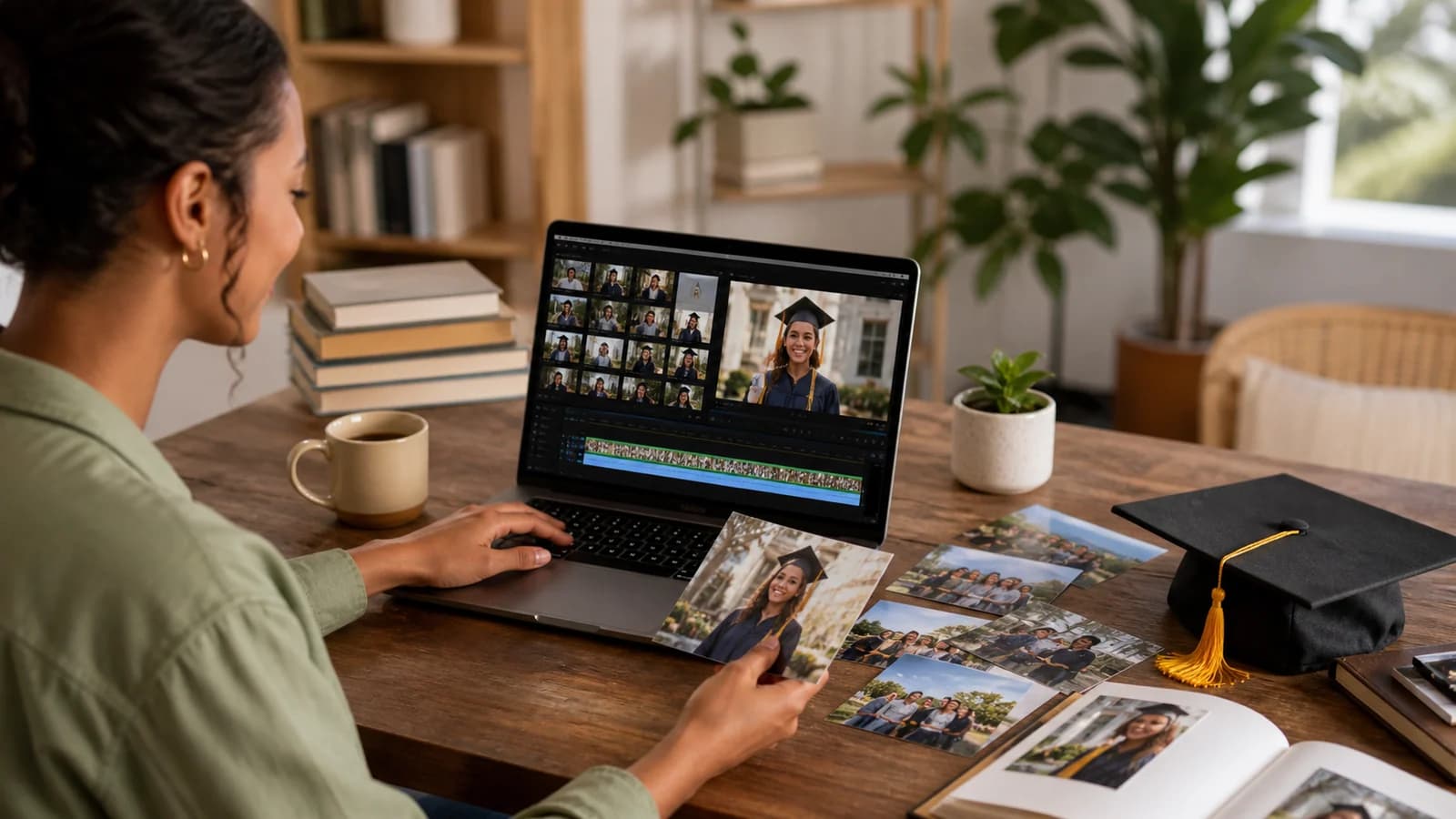
Sort the material by story chapter before opening the editor. Remove repeated photos and messages. Keep clips that add a new memory, voice, or point of view.
Use simple transitions. A date, place, or short title can tell viewers where they are in the story. Avoid long blocks of text. Captions should be large, clear, and easy to read.
Keep music low under spoken messages. Use tracks you have permission to include. Check that every voice can be heard and that the mood fits the graduate.
Watch the full edit without stopping. Note where it becomes slow or confusing. Shorten repeated sections before removing a unique story. The goal is not to use every file; it is to make the graduate feel understood.
Protect Privacy and Keep the Graduate Comfortable
Tell contributors how the final video will be shared. A private family viewing is different from a public social post. Ask for permission before publishing a person’s face, voice, photo, or private message.
Review jokes and old photos from the graduate’s point of view. Leave out anything that could embarrass them. Be extra careful with health, money, grades, relationships, or other private subjects.
Add captions when they will help the graduate or guests follow the messages. Check spelling, names, and dates. If children appear, get permission from a parent or guardian before using their media.
Adapt the Video for Different Graduation Milestones
For an elementary or middle school graduate, keep the video short and playful. Use class photos, hobbies, funny moments, and warm wishes from family and teachers.
For a high school graduate, show the change from early school years to graduation. Include friends, activities, teachers, and plans for work, travel, training, or further study.
For a college or professional school graduate, include the effort behind the degree. Show moves, placements, research, work, friendships, and family support. A map route can connect a hometown, campus, training sites, and the next city.
For a graduate degree or career program, focus on purpose and persistence. Messages from peers, advisers, colleagues, and family can show how much work happened beyond the ceremony.
Plan a Reveal That Suits the Graduate
You can show the video at a party, watch it with a small group, or send it privately after the ceremony. Choose the setting the graduate will enjoy, not the one that creates the biggest reaction.
Test the finished video on the screen and speakers you plan to use. Check the internet connection, captions, picture shape, and sound. Keep an offline copy ready in case the venue connection fails.
After the reveal, give the graduate a private link or saved copy. You can also place a tested QR code in a card. Keep a secure backup so the gift is not lost when a device or account changes.
A Simple Seven-Day Plan
Day one: choose the main story and list the material you need. Day two: invite contributors with a prompt, deadline, and upload link. Days three and four: collect files and follow up with key people.
Day five: sort everything into the five story parts. Day six: edit, add captions, and check permissions. Day seven: review the complete video, save a backup, and test the reveal.
Start earlier when many people are involved. Two or three weeks gives contributors more time and leaves room for a careful edit.
Examples You Can Copy
Copy-ready contributor invitation
Hi! We are making a surprise graduation video for Maya. Please send a 20-to-30-second clip by May 18. Share one moment that made you proud, one way you saw her grow, or one wish for her next chapter. If you can, include one photo or place connected to your story. Upload everything here: [link]. Thank you!
Copy-ready message from a friend
Jordan, I watched you become much more confident this year. I will always remember our late study nights in the library and how you kept us laughing. You earned this moment. I hope your next chapter brings good people, bold plans, and reasons to visit us often.
Copy-ready teacher or mentor message
Leah, your progress was clear each time you faced a hard problem and tried again. Your patience, curiosity, and care for others will serve you well. Congratulations on this milestone. Keep trusting the steady work that brought you here.
Copy-ready five-part video outline
Opening: name, school, and graduation year. Early years: two childhood or first-school memories. Growth: friends, interests, hard moments, and proud wins. Milestone: final year and graduation day. Future: advice, next destination, and a closing message from everyone.
Copy-ready place-based outline
Stop one: the family home with an early photo. Stop two: the first school with a teacher’s memory. Stop three: a field, stage, club room, or library linked to growth. Stop four: the graduation venue with family messages. Final stop: the city, school, or workplace connected to the next chapter.
Final Thoughts
A graduation video feels meaningful when it shows the path behind the diploma. Choose one clear story, gather details from people who care, and keep the graduate’s comfort at the center. Photos and clips can show what happened. Honest messages can explain why it mattered. When memories are tied to homes, schools, campuses, and future destinations, a map video can connect those chapters into one journey. The result does not need to be perfect. It needs to feel true to the person being celebrated.
Helpful answers
Frequently asked questions
- What should a graduation video include?
- Include a clear opening, a few early memories, signs of growth, important people, graduation-day moments, and wishes for the future. Choose details that reveal the graduate’s character instead of trying to include every photo or award.
- How long should a graduation video be?
- There is no fixed length, but every section should add something new. A short family video may last three to five minutes. A larger group montage may be longer. Trim repeated messages and slow sections before removing unique memories.
- What should family and friends say in their messages?
- Ask each person to share one specific memory, one quality they admire, or one wish for the future. They should use the graduate’s name and speak in their normal voice. A short, honest message is enough.
- How many photos should go in a graduation slideshow?
- Use enough photos to show change without rushing through them. Choose a small set for each chapter, such as early years, school life, friendships, proud moments, and graduation. Remove similar pictures so important images have time to register.
- How can I make the video meaningful without much old footage?
- Use current photos, written memories, voice notes, and short interviews. Ask people to describe moments that were never recorded. You can also film meaningful locations, keepsakes, school items, or the graduate preparing for the ceremony.
- Can a graduation story be organized around places?
- Yes. A place-based story can move through a family home, schools, a campus, sports fields, work sites, and the graduate’s next destination. Add a related photo, clip, or message at each stop so the route has personal meaning.
- How early should I start collecting contributions?
- Start at least two weeks before the reveal for a small project. Allow three or four weeks for a large group. Set the contributor deadline several days before your true editing deadline so late files do not stop the project.
- What is the best way to share the finished video?
- Choose a private link, saved file, party screening, or QR code based on the graduate’s comfort. Test the full video on the viewing device first. Ask contributors for permission before posting their messages or images publicly.