College Graduation Video Ideas From Family and Friends
A college graduation video can bring two important parts of a graduate’s life together. Family members know the years of support behind the degree. College friends know the late study nights, campus routines, shared jokes, and small victories. When both groups contribute, the video can show more than graduation day. It can celebrate the full path from home to campus and into the next chapter. You do not need advanced editing skills or perfect footage. Start with one clear story, give each person an easy prompt, and collect the best messages, photos, and memories in one place.
How to Plan a College Graduation Video With One Clear Story
Begin by writing one sentence that explains what the video should say. It might be: This video shows how Maya grew from a nervous first-year student into a confident new engineer. Another option is: This video brings together the people who supported Daniel from home and the friends who shared his college years.
That sentence becomes your filter. Include a memory when it supports the story. Leave it out when it only makes the video longer. A focused video will usually feel more personal than a complete record of every class, club, and event.
You can organize the story as past, present, and future. Start with the move to college or the first semester. Continue through friendships, challenges, and proud moments. Finish with messages about work, further study, travel, service, or whatever comes next.
Choose an Idea That Fits the Graduate
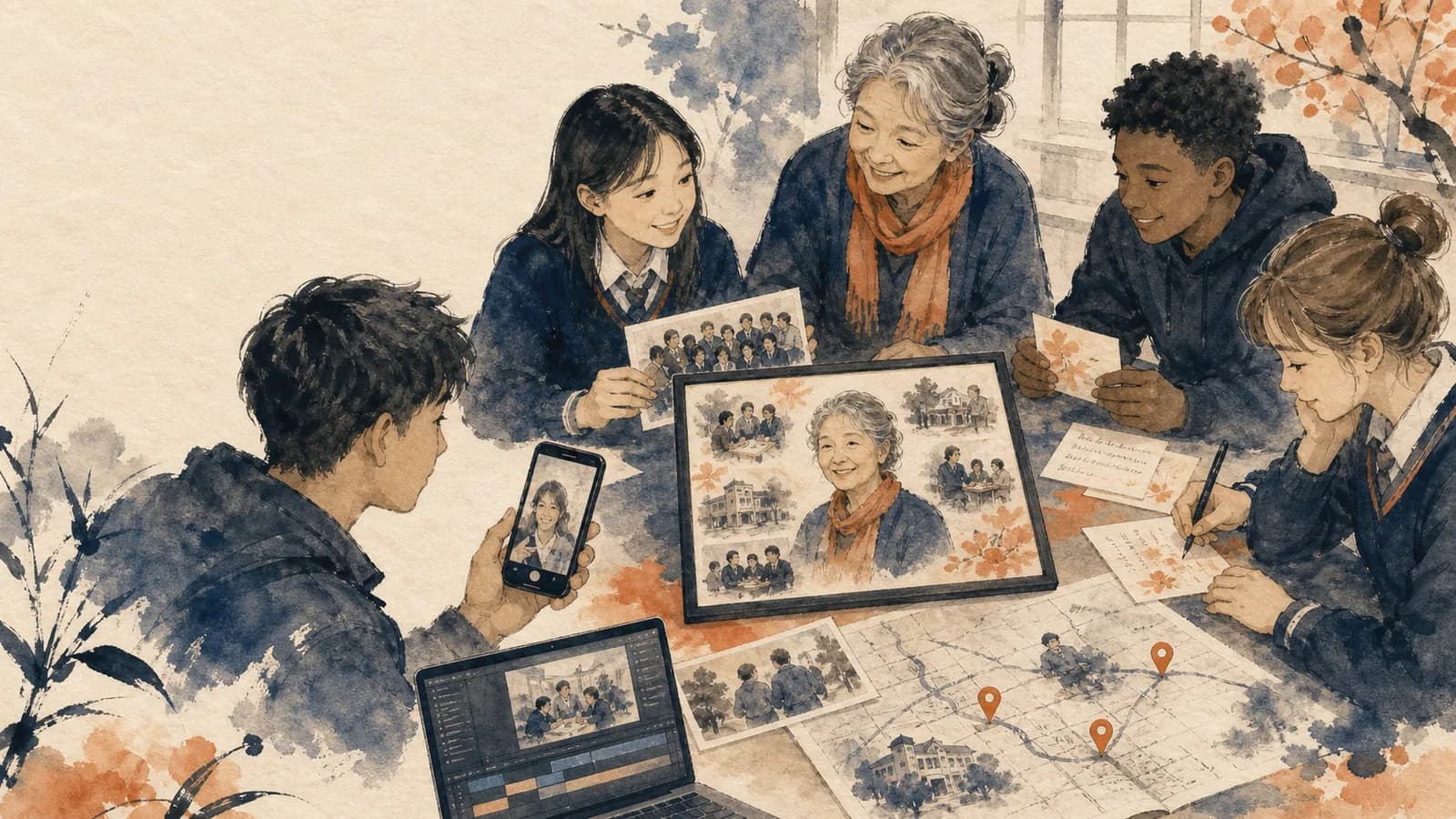
A family-and-friends montage is the simplest option. Ask relatives, roommates, classmates, professors, and mentors to share short messages. Arrange their clips in chapters so the finished video feels like a story instead of a random playlist.
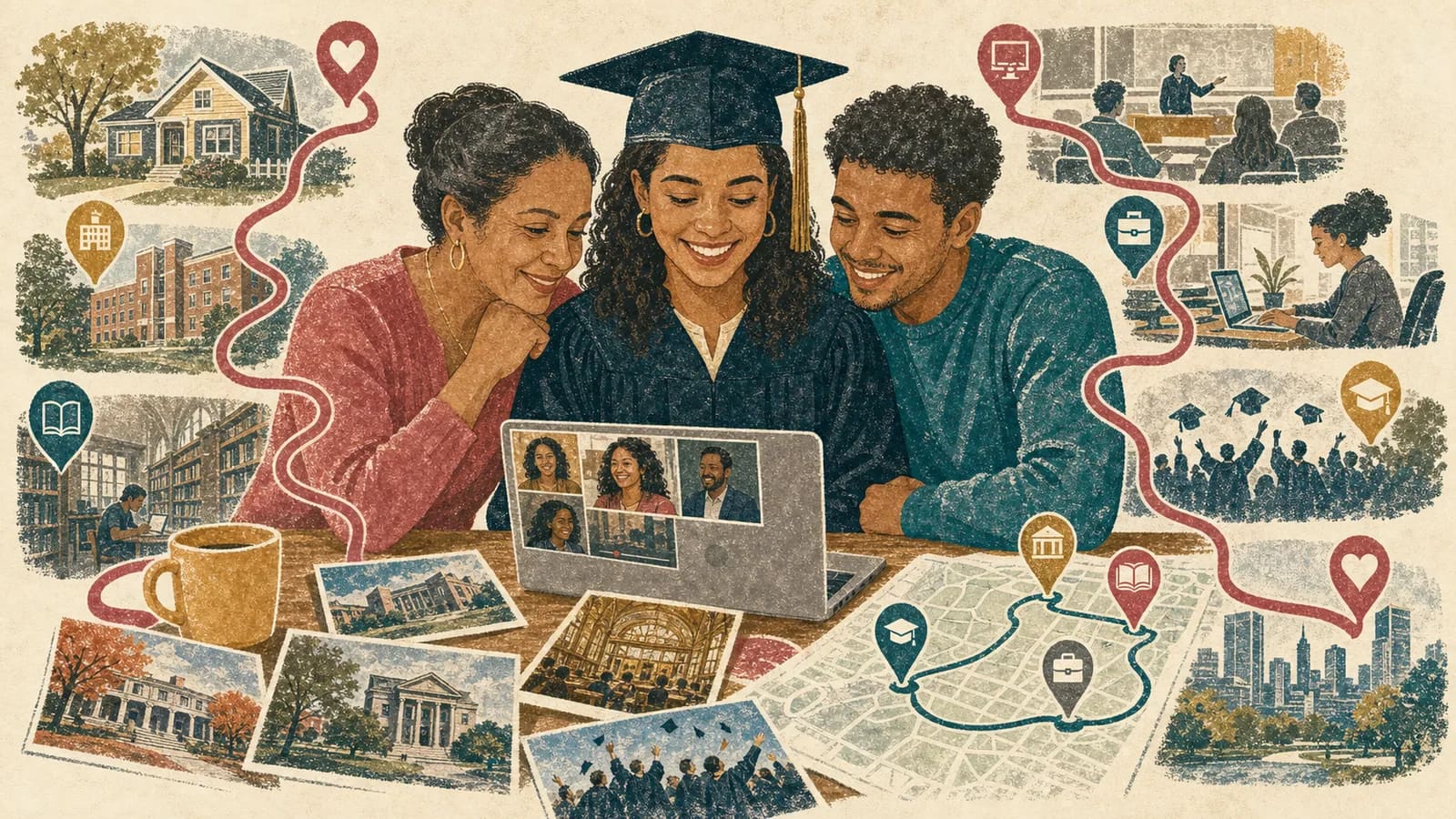
A home-to-campus video shows the graduate’s two worlds. Family photos can introduce the support behind the degree. Campus clips can show the life they built at college. This works well for students who studied far from home or whose relatives could not visit often.
Other college graduation video ideas include a roommate memory reel, a first-generation family tribute, advice from people in the graduate’s future field, or a final campus tour. Choose one main format. You can add a few elements from another idea without trying to make several different videos at once.
Invite People From Every Part of the College Journey
Start with the people closest to the graduate. Parents, siblings, grandparents, partners, and longtime friends can speak about the years before college. They may remember the application process, the first move, difficult semesters, or changes they noticed from a distance.
Next, add people who know the college chapter from the inside. Consider roommates, classmates, study partners, teammates, club friends, professors, advisors, internship supervisors, or coworkers. Invite only people with a real story or meaningful relationship.
A smaller, thoughtful group is better than a large list of weak connections. Ten specific messages can feel warmer than thirty nearly identical congratulations. If an important person dislikes recording, invite a written note, photo, voice message, or meaningful location instead.
Give Family and Friends Different Prompts
Family members can describe growth over time. Ask what made them proud, what challenge they watched the graduate face, or what quality helped the student finish. Encourage them to share one clear moment instead of giving a long speech.
Friends can reveal the everyday college experience. Ask about a study-night tradition, a campus mishap, a kind act, a shared project, or the moment they knew the graduate had found their path. These details keep a graduation video montage from sounding formal.
Professors and mentors can speak about the graduate’s work, curiosity, or character. Ask what stood out in class, during research, at an internship, or inside a student group. A useful message usually has three parts: congratulations, one specific detail, and a hopeful closing.
Set a Simple Collection Schedule
Begin two or three weeks before you plan to share the video. Set the contributor deadline several days before your real editing deadline. That buffer gives you time to follow up, replace unclear clips, and check names or dates.
Send one invitation containing the deadline, preferred clip length, recording direction, and upload link. Ask for a 20-to-45-second message. Short clips are easier to record and easier to arrange. Give contributors two or three prompts, but tell them to answer only one.
Track submissions in a simple list. Record each person’s name, relationship, response status, and type of contribution. Send one friendly reminder to missing contributors. If someone still cannot record, offer a photo or written message as an easier option.
Help Contributors Record Clear Messages
Ask people to record in a quiet place with light facing them. A window often provides enough light. They should place the phone near eye level and clean the camera lens before starting. A normal phone recording is usually enough.
Choose one phone direction for the whole project. Horizontal clips often work well for a video shown on a television or laptop. Vertical clips may suit a mobile-first video. Consistency makes the final edit easier, but a meaningful clip should not be rejected only because its shape differs.
Tell contributors to pause for one second before and after speaking. They should avoid loud music, strong wind, and bright windows behind them. Clear sound matters more than a perfect background. Ask each person to say the graduate’s name so the message feels direct.
Arrange the Video in College-Specific Chapters
Open with the graduate’s name, school, program, and graduation year. Follow with a few early photos or a short family message. This gives the viewer context before the campus story begins.
The middle can follow college life in a clear order: arrival, friendships, academic work, activities, setbacks, achievements, and graduation. Place roommate and classmate clips beside the photos or locations they mention. A short caption can explain an inside story without slowing the video.
End with future-facing messages. Family members can offer support. Friends can share hopes for staying connected. Professors or mentors can speak about the graduate’s next field. Remove repeated lines and long pauses. The goal is to make the graduate feel known, not to include every second submitted.
Turn Campus Memories Into a Map-Based Story
A map can help when places are central to the college experience. The route might begin at the family home, move to the first residence hall, visit a library or lab, stop at a favorite café, and finish at the graduation venue. A final location can point toward a new city, workplace, or school if the graduate is comfortable sharing it.
Ask each contributor for one place connected to their memory. A parent might choose the college drop-off spot. A roommate might choose the dorm kitchen. A friend might choose the bench where they talked after a hard exam. A mentor might choose the lab, studio, clinic, or classroom where the graduate gained confidence.
AlbumMap can be useful when you want to collect those locations with photos, short videos, and written messages. The final map video can travel between the places in story order. Use only the stops that add meaning. A few well-explained locations are stronger than a crowded map.
Respect Privacy, Music Rights, and the Graduate’s Comfort
Decide who will see the video before collecting contributions. A private family link is different from a public social post. Tell contributors whether the video will appear at a party, be sent privately, or be shared online.
Ask before including embarrassing photos, difficult experiences, relationship details, or private health and financial information. College can involve hard periods, but the graduate should control how those moments are presented. Focus on growth without exposing a story they would rather keep private.
Use music you have permission to include. Keep it quiet under spoken messages. Do not publish a home address, dorm room number, personal schedule, or future living address. A city or general campus location is usually enough for a map-based story.
Plan a Reveal That Suits the Graduate
A social graduate may enjoy watching the video during a party with friends and family. Test the screen, sound, internet connection, and playback before guests arrive. Download or save a backup when the chosen video service allows it.
A private graduate may prefer to watch with a few close people or receive a personal link after the ceremony. You can also place a QR code inside a card. This gives the graduate control over when and where to watch.
Save the original messages, photos, and clips in an organized folder. Check that the graduate can access the finished keepsake later. The reveal lasts a few minutes, but the messages may become more meaningful when the graduate starts a job, moves away, or faces another major change.
Examples You Can Copy
Copy-ready invitation for family and friends
Hi! I am making a surprise graduation video for [Name] and would love to include you. Please record a 20-to-45-second message by [Date]. Share one college memory, one thing that makes you proud, or one wish for the next chapter. You may also send one favorite photo and the place connected to it. Upload everything here: [link]. Please keep the project a surprise.
Copy-ready reminder
Hi! This is a quick reminder about [Name]’s college graduation video. If you would like to join, please upload your short message by [Day]. A simple phone recording is perfect. You can share one memory, one quality you admire, or one wish for the future. Upload link: [link]. Thank you!
Copy-ready parent message
Congratulations, [Name]. I still remember leaving you at [campus place] for your first semester. You were excited and nervous, but you kept moving forward. Watching you grow into the person you are now has made us deeply proud. Carry that courage into your next chapter, and remember that we are always on your side.
Copy-ready college friend message
Hey [Name], congratulations! I will always remember [specific campus memory]. You made stressful weeks lighter and always noticed when someone needed help. College would not have been the same without you. I am proud of everything you have done, and I cannot wait to see what you build next.
Copy-ready campus route
1. Family home — an early photo and family introduction. 2. College entrance — first-day memory. 3. Residence hall — roommate message. 4. Library, lab, or studio — academic milestone. 5. Favorite campus spot — friend memory. 6. Internship or community location — mentor message. 7. Graduation venue — ceremony photo. 8. Next destination — wishes for the future.
Final Thoughts
A meaningful college graduation video does not need perfect clips or a large contributor list. It needs a clear story and details that belong to this graduate. Let family describe the support behind the degree. Let friends share the campus life they experienced together. Add professors or mentors when they can offer another useful view. If homes, campus spaces, and future destinations are important to the story, AlbumMap can bring those places, messages, photos, and clips into one map video gift. Keep the project kind, specific, and comfortable for the graduate.
Helpful answers
Frequently asked questions
- What should a college graduation video include?
- Include a short introduction, messages from family and college friends, a few meaningful photos or clips, important campus memories, and wishes for the graduate’s next chapter. Use only material that supports one clear story.
- How long should each graduation video message be?
- Ask contributors for about 20 to 45 seconds. That is long enough for a congratulations, one specific detail, and a warm closing. Short messages also help the finished video maintain a good pace.
- Who should contribute to a college graduation video?
- Invite close family, longtime friends, roommates, classmates, study partners, professors, advisors, coaches, and mentors who know the graduate well. Choose people with a real memory or useful perspective.
- How far in advance should I start collecting messages?
- Start two or three weeks before the reveal. Set the public deadline several days before your true editing deadline. This leaves time for reminders, missing files, sound checks, and final review.
- What can someone contribute if they do not want to record a video?
- They can send a written note, voice message, photo, or meaningful location with a short explanation. Offering several contribution formats makes the project more welcoming.
- How can college locations be used in the video?
- Choose places tied to real memories, such as the family home, residence hall, library, lab, favorite café, internship, or graduation venue. Connect each location to a photo, clip, or message.
- When should the graduation video be shown?
- Choose a moment that fits the graduate. It can be played at a party, watched privately after the ceremony, sent as a link, or shared through a QR code inside a card.