How to Choose the Best Music for a Graduation Slideshow
Choosing graduation slideshow songs is easier when you start with the graduate, not a popular playlist. The right music should fit their personality, support the photos, and guide the mood without taking over. It also needs to work for the people watching and the way you plan to share the finished slideshow. This guide gives you a simple process, practical examples, and a final test you can use before graduation day.
Start with the feeling you want to create
Choose one main feeling before you browse for music. Do you want the slideshow to feel proud, joyful, thankful, playful, or reflective? One clear answer will remove many songs that sound good but do not fit the story.
Think about the graduate’s personality too. A quiet graduate may prefer a warm acoustic song. An energetic graduate may want a bright pop track. A traditional instrumental may suit a formal school event better than either choice.
Ask the graduate for input unless the slideshow is a surprise. You can ask for three favorite artists or a song linked to school. Friends and siblings can also recall music tied to teams, trips, performances, or late-night study sessions.
Do not choose a sad song only because it creates emotion. Graduation looks back, but it also marks a new start. A track can feel tender without making the ending seem gloomy.
How to narrow down graduation slideshow songs
Make a shortlist of three to five tracks. Then compare each one against the same questions: Does it sound like the graduate? Does its message fit the occasion? Can everyone hear it comfortably? Does its length suit the slideshow? Can you use it in the place where the video will be shown or shared?
Play each track while viewing ten sample photos. Include an early photo, a funny image, a group moment, an achievement, and the final portrait. A song that works with only one type of image may not carry the full story.
Notice your first reaction, but do not stop there. Listen to the complete song. A cheerful chorus can hide verses about a breakup, regret, or another theme that feels wrong for graduation.
Give each choice a simple score from one to five for meaning, mood, pace, lyrics, and ease of use. The highest score is not an automatic winner, but the comparison makes tradeoffs clear.
Check the full lyrics and the audience
Read the full lyrics before editing. Check the verses, spoken sections, and ending as well as the chorus. Look for explicit language, adult themes, insults, or references that could distract from the graduate’s story.
The audience matters. A family party offers more freedom than a school ceremony. A classroom slideshow may include young children. A public event may include staff, grandparents, classmates, and community members with different tastes.
Use a clean version only after checking what changed. An edited track can still contain a theme that does not fit. When voices or written messages carry the story, an instrumental track may be the simplest choice.
If you are unsure, ask one person who knows the graduate and one person who represents the wider audience. Their reactions can reveal a problem you missed.
Match the music to the slideshow’s story
Music works best when it follows the shape of the story. A childhood-to-graduation timeline may begin softly, gain energy during the school years, and finish with a hopeful lift. A friends-first slideshow may use a steady, upbeat track from start to finish.
You can also build the story around themes. Separate family, friends, school activities, achievements, and future plans. Choose a musical change only when the story changes. Too many shifts can make the slideshow feel like a playlist instead of one memory.
Places can provide another structure. You might move from home to elementary school, a sports field, a favorite trip, and the graduation campus. Each place can introduce a new group of photos, clips, or messages.
If several people are contributing, ask what each photo or song means. A popular track may become personal because it played during a team bus ride or school performance. That context matters more than its place on a general graduation list.
Choose a pace that gives each memory room
The tempo should support the speed of the images. A calm song suits longer looks at portraits, certificates, and family photos. A faster track works with short bursts of candid images, sports clips, or celebration scenes.
Begin with about four seconds for an important photo. Use shorter holds for a quick sequence and longer holds when viewers need to read a caption. These are starting points, not fixed rules.
Watch for natural musical landmarks. A new verse can begin a different school year. A chorus can support major achievements or group scenes. A quieter passage can make room for a short message.
Avoid changing every image on a strong beat. That pattern can become tiring. Mix clear musical cues with calmer stretches, and let the best photos stay visible long enough to register.
Decide whether to use one song or several
One song is often enough for a short slideshow. It gives the piece a clear identity and reduces editing. It also works well when the track has personal meaning for the graduate.
Use several songs when the slideshow has distinct chapters or a longer running time. Each change should mark a real shift, such as childhood to high school or reflection to celebration.
Do not cut a track in the middle of a word or musical phrase. Fade at a natural pause. Keep the volume steady so viewers are not reaching for the remote after each change.
If the final video includes spoken messages, lower the music beneath each voice. Clear words matter more than a dramatic soundtrack. Use the music to connect the messages, not compete with them.
Graduation song ideas by mood
For a familiar, reflective mood, consider “Graduation (Friends Forever)” by Vitamin C, “Good Riddance (Time of Your Life)” by Green Day, or “In My Life” by The Beatles. Check the complete lyrics and event rules before choosing.
For a bright, forward-looking mood, try “Unwritten” by Natasha Bedingfield, “Best Day of My Life” by American Authors, or “On Top of the World” by Imagine Dragons. These can work with achievements, cap-and-gown photos, and lively group scenes.
For a friendship theme, consider “Lean on Me” by Bill Withers, “Count on Me” by Bruno Mars, or “I’ll Be There for You” by The Rembrandts. Test whether the tone matches the age of the graduate and the style of the event.
For a traditional or quiet approach, try “Pomp and Circumstance” or a properly licensed instrumental cover of a meaningful song. Instrumental music leaves more space for captions, voice clips, and written messages.
These are prompts, not a ranked list. A less obvious song connected to a real memory can be stronger than a famous graduation anthem.
Make the music personal with people and places
A slideshow becomes more personal when other people help shape it. Ask relatives, friends, coaches, and teachers for one photo, short clip, message, or music memory. Their answers may reveal parts of the graduate’s journey you did not see.
Keep the request simple. Give contributors a deadline and explain the type of memory you need. Ask them to include a date or location when it helps place the moment.
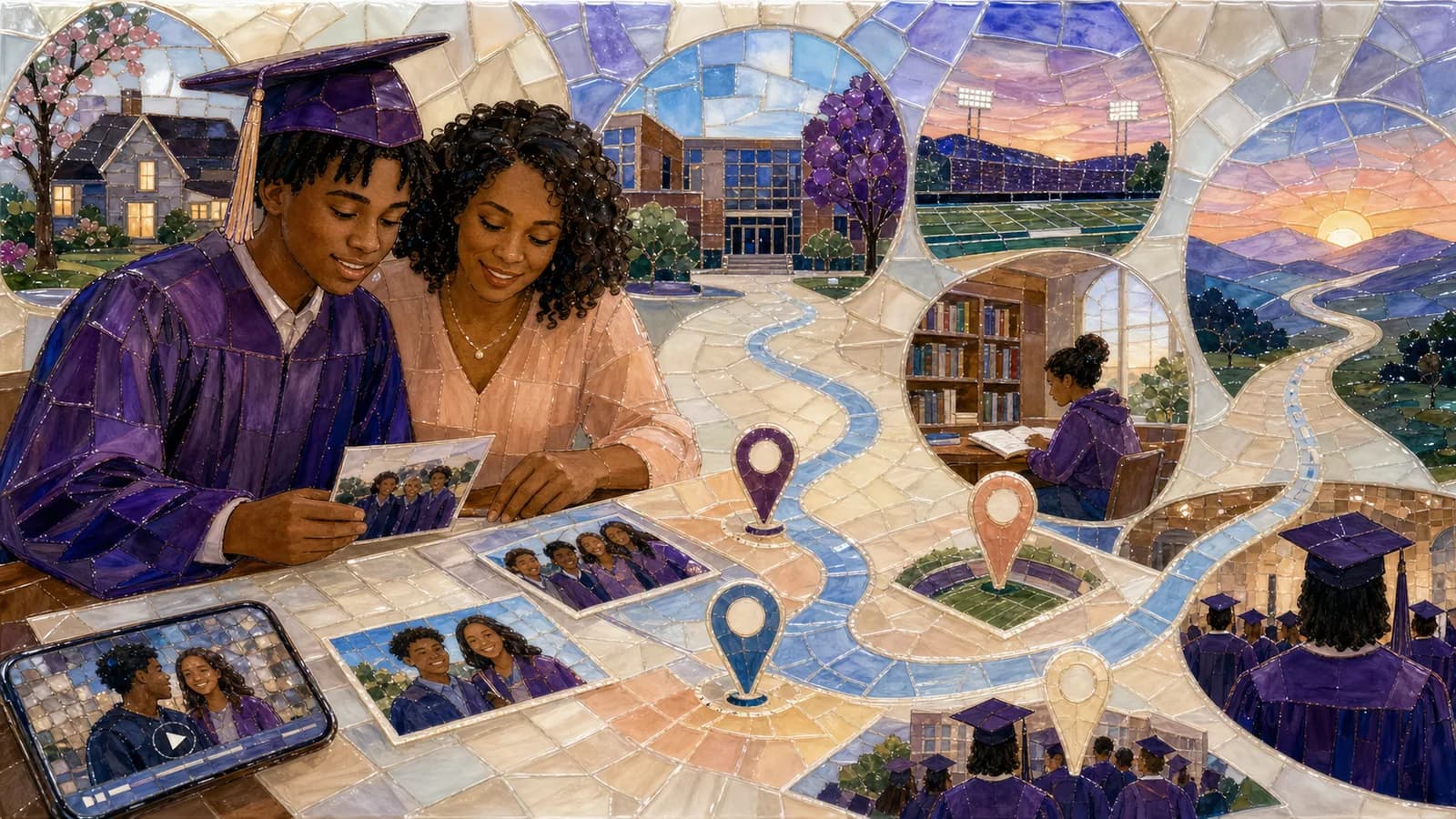
AlbumMap can be useful when the story crosses meaningful locations. Photos, videos, written messages, and places can form a map-based journey from home to school, trips, competitions, and graduation. This approach makes the route part of the story instead of using locations as background details.
You do not need to include every contribution. Choose the moments that support the main feeling and story. Save extra files for a private album or another keepsake.
Check music rights before you publish or share
A song that works at a private gathering may face different rules when the video is uploaded or shared online. Music services, video platforms, editing apps, venues, and schools can have separate terms.
Do not assume that buying a song or paying for a streaming service gives you permission to add it to a video. Check the current rules for your editor, music source, event, and sharing platform.
A licensed track from your video tool or a reputable music library may be easier to share. Keep a copy of the license or receipt when one is provided. Confirm that the allowed use covers your planned audience and platform.
If you cannot confirm permission, choose another track or keep the slideshow within an approved private setting. This article offers planning guidance, not legal advice.
Run a final music test
Watch the whole slideshow without editing. Note any moment when the music feels too loud, too slow, too serious, or disconnected from the images. Fix those moments after the complete viewing.
Next, test the exact screen, speakers, and connection planned for the event. Phone speakers can hide problems that become clear on a television or venue sound system.
Ask two people to preview it. One should know the graduate well. The other should focus on practical details such as volume, timing, captions, and song changes.
Finish with five checks: the music fits the graduate, the full lyrics suit the audience, the pace supports the images, voices remain clear, and the planned use follows current music rules. If all five pass, the soundtrack is ready.
Common music mistakes to avoid
Do not choose a song only because it includes the word “graduation.” Its sound or full message may not match the person. Do not force several favorite songs into a short slideshow either.
Avoid letting music decide every image. The story should lead, while the soundtrack supports it. Remove a weak photo before stretching a section just to fill the track.
Do not wait until the final edit to test lyrics, volume, or sharing rules. A late music change can affect every transition and caption.
Most of all, do not search forever for a perfect song. A thoughtful choice that feels true to the graduate will usually work better than a trendy choice with no personal link.
Examples You Can Copy
Copy-ready one-song decision card
Main feeling: proud and hopeful. Graduate’s style: warm, upbeat, not too formal. Audience: family graduation party. Story: childhood, friends, school achievements, next step. Track choice: [song and artist]. Full lyrics checked: yes/no. Sharing plan checked: yes/no. Test result with sample photos: [what worked and what needs changing].
Copy-ready three-part music plan
Opening — Use a gentle instrumental under childhood and first-day-of-school photos. Middle — Change to an upbeat personal favorite for friends, activities, trips, and achievements. Ending — Use a hopeful song or return to the opening theme for graduation photos, messages, and the final title card.
Copy-ready contribution request
I’m making a graduation slideshow for [Name]. Please send one favorite photo or short video by [date]. Add one sentence about where it was taken or why it matters. If a song reminds you of that memory, include the title and artist too.
Final Thoughts
The best music is not always the most famous graduation song. It is the track that sounds like the graduate and helps their memories move in a clear direction. Start with one feeling, check every word, test the pace, and confirm how the music may be used. When photos and messages are tied to meaningful places, a map-based story can give the soundtrack an even stronger journey.
Helpful answers
Frequently asked questions
- What are the best songs for a graduation slideshow?
- The best choice fits the graduate’s personality and the mood of the photos. Reflective options include “In My Life” by The Beatles. Brighter options include “Unwritten” by Natasha Bedingfield. A personal favorite linked to school may work even better. Always check the full lyrics and usage rules.
- How many songs should a graduation slideshow have?
- Use one song for a short, focused slideshow. Use two or three when the story has clear chapters, such as childhood, school years, and graduation. Make each change at a natural story and musical break.
- How do I match photos to graduation slideshow music?
- Start with the story order, then use verses, choruses, and quieter passages as editing cues. Give important photos more time. Use faster sequences for candid or energetic scenes, but avoid changing every image on every beat.
- Can I use a popular song in a graduation video?
- It depends on the music source, event, editing tool, and place where the video will be shared. Buying or streaming a song does not automatically grant video-use rights. Check current licensing and platform rules before publishing.
- Should the music have lyrics or be instrumental?
- Either can work. Lyrics can add meaning when they match the graduate and occasion. Instrumental music is useful when captions, spoken messages, or video clips need more space. Test both versions with the actual content.
- How loud should music be under graduation messages?
- Keep voices easy to understand without effort. Lower the music before each person begins speaking and raise it gently between clips. Test the mix on the speakers that will be used at the event.