Introduction
To embed TikTok videos in blog posts, use TikTok’s official embed method. Do not download the clip and upload it again. The official player keeps readers connected to the original post, creator, caption, and TikTok link. Choose a public post. Copy the supplied code or use TikTok’s documented player URL. Add it in the right CMS block, then test it before you publish.
What the video shows
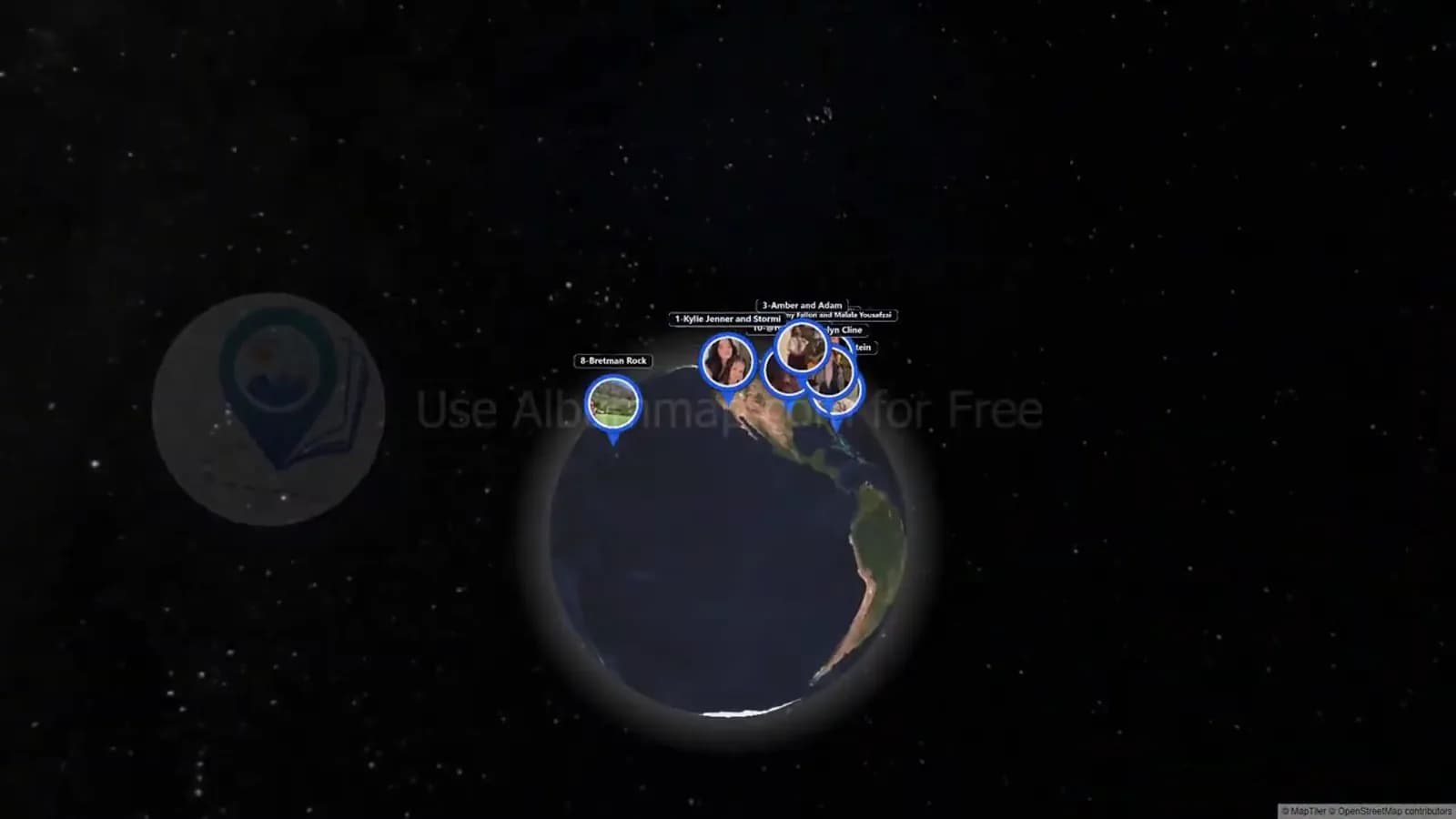
The video opens with a globe that frames a countdown by location. It then shows named social-post entries one at a time. Globe and map changes give each entry geographic context.
At 48 seconds, the ninth-ranked Erica Goldstein entry appears. The Jennifer Hudson Show entry appears at 96 seconds. At 144 seconds, a Taylor Dinelli map change places the sixth-ranked entry.
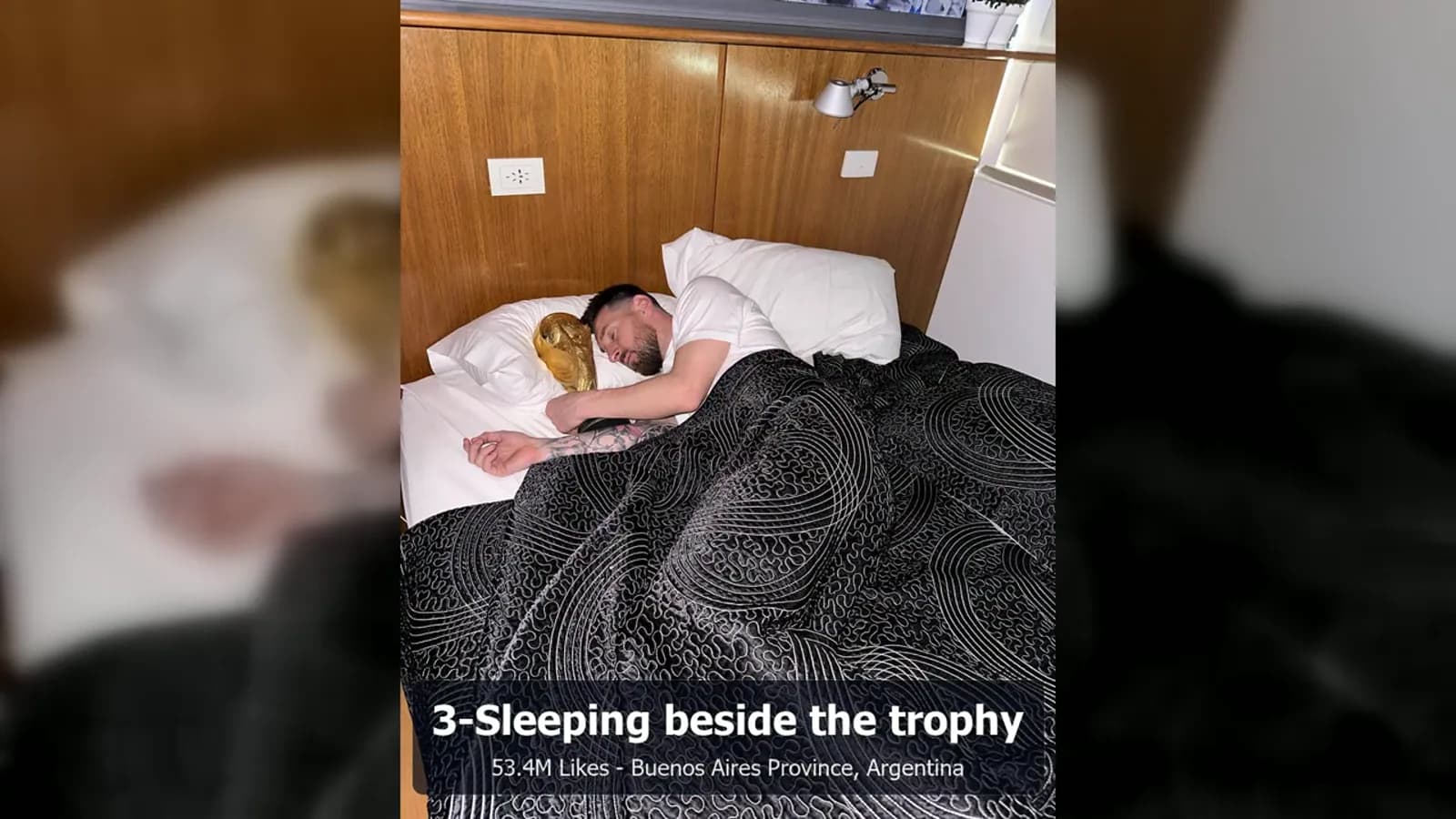
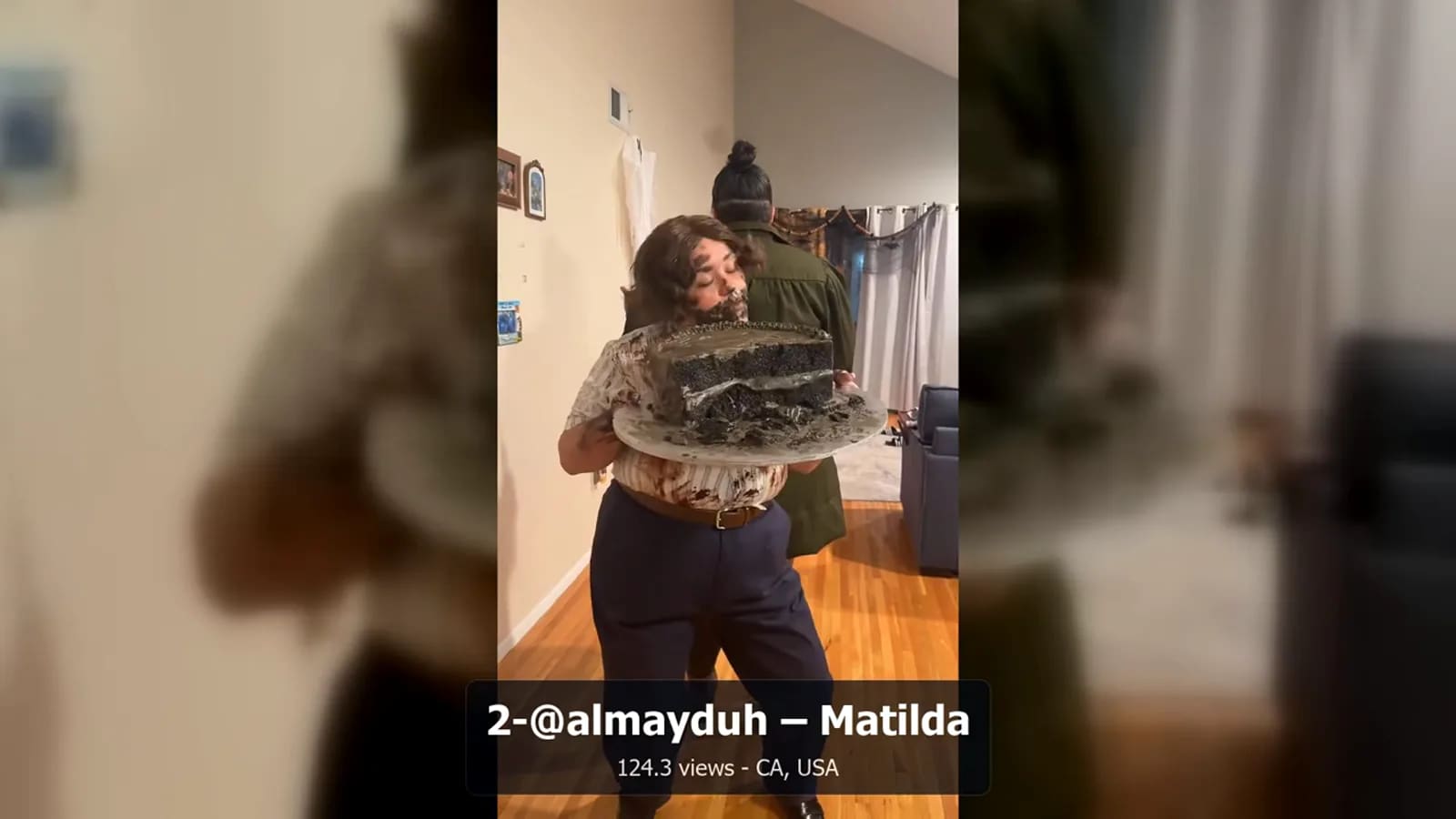
The fourth-ranked Madelyn Cline entry appears at 192 seconds. Amber and Adam appear at 216 seconds. The second-ranked @almayduh Matilda entry appears at 240 seconds. At 264 seconds, a wider map gathers several places before the closing globe and call to action at 284 seconds.
That format helps explain this guide. A public post can stay in an official embed. Your article can add a clear reason for showing it, such as a place, lesson, or wider story. For your own footage, AlbumMap can build a separate original map video. It does not turn a third-party TikTok into group media.
When an official TikTok embed makes sense
Use an official embed when the public post itself is the source a reader should see. It may show a creator example, a local tip, or a trend you explain in the article. The player helps readers reach the original TikTok context.
Add a short sentence before every player. Tell readers why the example matters. Do not use a clip as decoration with no reason. One focused player often works better than many unrelated players.
Check the post before publishing. It should be public, relevant, and suitable for the page. A post can later be removed or change settings. Your article needs useful text even without the player.
How to embed TikTok videos in blog
First, open the public TikTok post in a desktop browser. TikTok’s official guide says to select Share, choose Embed, and copy the code from the pop-up into the destination webpage.
Next, open an HTML, custom-code, or embed block in your CMS. Paste the official code exactly as TikTok provides it. Keep the credit links, blockquote content, and script. Those parts help the placeholder become a working player.
Some CMS tools ask for an iframe URL instead of a code snippet. TikTok also documents an Embed Player format based on the post ID. This can help a technical team. For most bloggers, the Share and Embed option is the simplest place to start.
Preview the page before it goes live. Check the player at a narrow mobile width. It should not cause side scrolling. Then check the published page too. Some editors remove scripts from normal text blocks, so use the block made for embeds.
Use clear wording around the player
Put a lead-in above the player: “This public TikTok from [creator name] shows the place we are discussing. Watch it in the original TikTok player below.”
Use a fallback line below it: “If this embedded post is unavailable, visit [creator name]’s original TikTok post.” This keeps the article useful if the player no longer loads.
For a location article, you can write: “This official TikTok embed provides one public example. The map and explanation add context; the post remains credited to its creator.”
For an AlbumMap transition, say: “For our group’s own approved photos, clips, messages, and places, we created a separate map-based video story with AlbumMap.” The two uses stay distinct.
Public-post limits and creator credit
Not every TikTok will stay available to embed. TikTok says a video’s web availability follows its availability in the app. A removed, private, or restricted post may no longer display for readers.
Explain the point in your own words. Link to the original post when it helps. Do not write a paragraph that works only when a player loads. A short summary gives readers a useful fallback.
Leave official credit in place. Name the creator in your copy when it helps explain the source. Do not remove a watermark from a downloaded version or make the work look like yours.
If you need long-term use of a creator’s video, ask for clear written permission and agree on a licensed-file workflow. That differs from embedding a public post. An embed points back to the source; it does not grant new rights to reuse the file.
Why not download and repost a TikTok
Downloading a TikTok and uploading it to your blog breaks the direct link to the creator’s post. It can remove the caption, account link, sound details, and route back to the original source. It can also create copyright, consent, and licensing problems.
A copied file creates more work. You must host it, handle requests about it, add clear access context, and decide what to do if the original post is removed. An official embed is not a promise that a post will stay online, but it is the proper way to point readers to a public post in its original setting.
Your group’s own media is different. Gather only photos, videos, messages, and location details that people approved for the project. AlbumMap can turn those shared materials into an original, map-led keepsake.
Keep embeds from slowing the page
Third-party embeds can add scripts and network requests. Start with the fewest players that support the article. Put each player next to the point it proves instead of stacking several at the top.
Use a responsive embed area. Do not add TikTok’s script more than once if the official code and your CMS already load it for the page. If your site uses lazy loading or click-to-load embeds, ask a developer to confirm that the method still follows TikTok’s rules and keeps needed creator context visible.
After publishing, check the page on a phone and use your normal performance test. If the page feels heavy, remove nonessential players before you remove the explanation. Readers on slow connections should still understand the article.
Official embed publishing checklist
Use this checklist before a TikTok goes live. It helps protect creator context while keeping the page useful.
Confirm that the post is public and relevant. Use TikTok’s supplied embed code or documented player URL. Do not download, crop, reupload, or remove credit. Identify the creator when useful. Make sure the text works if the player fails. Test the player on mobile. Keep only the embeds the page needs. Have a human complete a rights, accuracy, access, and brand-safety review.
| Check | What to confirm | Why it matters |
|---|---|---|
| Post access | The TikTok is public and relevant to the article. | Private, removed, or restricted posts may not display for readers. |
| Official method | You used TikTok’s supplied embed code or documented player URL. | The post stays linked to TikTok and its original creator context. |
| Attribution | Creator credit, links, and platform context remain in place. | Readers can identify and visit the original source. |
| No reupload | No downloaded, cropped, or self-hosted duplicate was used. | You avoid presenting third-party media as your own. |
| Fallback | The surrounding text explains the point without the player. | The article remains useful if the embed fails. |
| Performance | The player is responsive and the final page was checked. | Third-party players can add page weight. |
Pair a public example with an original group story
A public TikTok can be a helpful example, but it should not replace memories your group owns. A travel guide, for example, can show a public creator’s restaurant tip in TikTok’s official player. The guide can then invite readers to make a separate story from their own trip photos, clips, messages, and places.
The split is simple. The creator keeps credit for the public post. The group creates an original map video from approved material. This is a respectful way to publish and a better way to save memories that matter to the people who made them.
Keep third-party TikToks in their official player. Then turn your group’s own approved memories and locations into a story that belongs to you with AlbumMap.
Sources and update note
Last verified: 2026-08-10. Data cutoff: 2026-08-10. TikTok’s embed tools and post availability can change, so confirm the official documentation before publishing.
Sources: TikTok for Developers — Embed Videos; TikTok for Developers — Embed Player; and AlbumMap’s “10 Viral TikTok Videos of 2025, Mapped Around the World (with AlbumMap).” The video reflects a stated 2025 selection and is not presented as a live ranking.
Examples You Can Copy
Embed lead-in
This public TikTok from [creator name] shows the place we are discussing. Watch it in the original TikTok player below.
Fallback line
If this embedded post is unavailable, visit [creator name]’s original TikTok post.
Attribution caption
Embedded from TikTok. Creator credit and links remain with the original post.
AlbumMap transition
For our group’s own permissioned photos, clips, messages, and places, we created a separate map-based video story with AlbumMap.
Final Thoughts
The best way to feature someone else’s TikTok is to let the original post stay original. Use the official embed, add clear context, and use your own approved media for stories you create. When you have your own photos, clips, and locations, AlbumMap can turn them into an original animated map video.
Helpful answers
Frequently asked questions
Can I embed any TikTok video on my website?
Start with a public post and TikTok’s official embed option. A video that is private, removed, or restricted may not display for your readers.
Do I need to download a TikTok before embedding it?
No. Use TikTok’s official embed code or documented player workflow. Downloading and uploading a copy is not the official embedding process.
Why did my TikTok embed stop working?
TikTok says embedded availability follows the post’s availability in the app. The post may have been removed, made private, restricted, or affected by a technical issue.
Will TikTok embeds slow down my blog?
They can add third-party scripts and requests. Use only the embeds that support your article, make them responsive, and test the published page on mobile.
How should I credit a TikTok creator?
Keep the official player and its attribution intact. In your own text, identify the creator when it helps readers understand the example and link to the original post where appropriate.
Can AlbumMap use a TikTok I found online?
AlbumMap is best for photos, videos, messages, and locations your group has permission to use. Keep a third-party TikTok as an official embed unless you have clear rights for another use.