A birthday video template helps you decide what comes first, what to ask contributors for, and when the story should end. This guide gives you a copy-ready three-minute outline, plus ways to shorten it to one minute or expand it to five.
Use the timings as a starting point, not a rule. Keep the memories that suit the person and the people watching. A few well-chosen photos and messages can tell a clearer story than a long sequence of unrelated clips.
Page 01 / 07
Choose one idea before you choose the clips
First decide what the video should help the birthday person feel or remember. It could celebrate a milestone, bring together friends who live far away, revisit a favorite trip, or simply show how much people appreciate them. That one idea helps you decide which photos and messages belong.
Write a one-sentence brief and keep it beside your edit: “This video celebrates [name] by showing [theme or chapter]; [people] will share [memory or wish]; I want the ending to feel [warm, funny, grateful, or hopeful].” If a clip does not support the brief, save it for another time.
Page 02 / 07
Copy this three-minute birthday video template
This scene-by-scene birthday video outline balances photos, short messages, and a clear ending. Adjust each section to fit the number of contributors and the material you have.
- 0:00–0:10 — Opening. Show the person's name, a recent photo, and a short greeting that sets the occasion.
- 0:10–0:35 — Early memories. Choose a few childhood or earlier-life photos. Add a date or place only when you know it is correct.
- 0:35–1:00 — The person today. Show familiar hobbies, routines, places, or small details that friends and family recognize.
- 1:00–2:00 — Messages from their people. Mix short greetings from different parts of their life. Add a name caption when viewers may not recognize the speaker.
- 2:00–2:35 — Shared moments. Use photos or clips from trips, celebrations, family traditions, or ordinary days that show the birthday person's relationships.
- 2:35–2:50 — One highlight. Give a meaningful message or favorite memory a little extra room, and make sure the voice is easy to hear.
- 2:50–3:00 — Closing wish. End with a group greeting, a simple wish for the year ahead, or one final image that feels like a natural finish.
A simple opening could be: “Happy birthday, [name]. We asked the people who know you best to share a memory and a wish for the year ahead.” Close with a line that sounds like your group, such as: “We love you, and we can't wait to see what this next year brings.”
Page 03 / 07
Shorten the template to one minute or expand it to five
Choose one of these complete alternatives before requesting clips. They are hard-cut planning budgets; a transition, title animation or pause must use time within a slot. The export is only this length when the actual recordings and edit fit the allocations.
| One-minute timeline | Material | Seconds |
|---|---|---|
| 00:00–00:05 | Opening title | 5 |
| 00:05–00:20 | Three photographs × 5 seconds | 15 |
| 00:20–00:50 | Two messages × 15 seconds | 30 |
| 00:50–00:55 | One final photograph | 5 |
| 00:55–01:00 | Closing birthday wish | 5 |
| Five-minute timeline | Material | Seconds |
|---|---|---|
| 00:00–00:10 | Opening title and portrait | 10 |
| 00:10–00:50 | Eight early-memory photographs × 5 seconds | 40 |
| 00:50–01:30 | Eight present-day photographs × 5 seconds | 40 |
| 01:30–03:50 | Seven messages × 20 seconds | 140 |
| 03:50–04:30 | Eight shared-moment photographs × 5 seconds | 40 |
| 04:30–04:50 | One featured message | 20 |
| 04:50–05:00 | Closing wish and image | 10 |
The short version totals 60 seconds; the longer version totals 300 seconds. The five-minute plan includes eight messages in total: seven regular contributors and one featured message. Keep extra originals in a separate archive rather than silently extending the screening copy.
Download the editable one- and five-minute templates. The three-minute outline above remains a third option, not additional scenes to append to these plans.
Budget the template with the photo-count calculations, then test its order against the finished birthday slideshow example. The one-, three- and five-minute versions are planning choices, not required lengths; keep complete messages before filling spare seconds with more pictures.
Page 04 / 07
Ask contributors for material you can use
A clear request makes it easier to collect birthday video messages without repeated follow-ups. Include the deadline, the preferred format, and one prompt. For a full collection plan, see how to collect birthday video messages.
Copy and complete this request: “We’re making a birthday video for [name] for [specific audience and viewing]. Please send one [15- or 20-second, matching our chosen cutlist] message or one original photo at [tested link] by [date, time and time zone]. Share one memory or wish. Participation is optional. [Organizer/contact] will review it; tell us any limits on use or request a correction before [review deadline]. We will explain any additional public-use permission before you submit.”
- What is one moment with [name] that still makes you smile?
- What is something you admire or appreciate about them?
- Which place reminds you of a good time together?
- What do you hope they get to enjoy in the year ahead?
Give contributors different prompts so the finished video does not repeat the same birthday wish. If you also need help pairing music with the scenes, read music for a birthday video.
Page 05 / 07
Edit for clear pictures, sound, and text
Once the material is collected, edit in a few passes instead of adding effects as you go. First put the scenes in order. Then check whether each photo or clip adds something new. Finish with sound, captions, and transitions.
- Trim long greetings and repeated introductions so the video keeps moving.
- Lower background music while someone is speaking, then listen on a phone or laptop before sharing.
- Use readable captions for names or context, and check that text does not cover a face or important detail.
- Keep transitions consistent. A simple cut or dissolve is usually enough when the story is clear.
- Check names, dates, and place labels with the organizer before exporting.
Page 06 / 07
Use meaningful places only when they add to the story
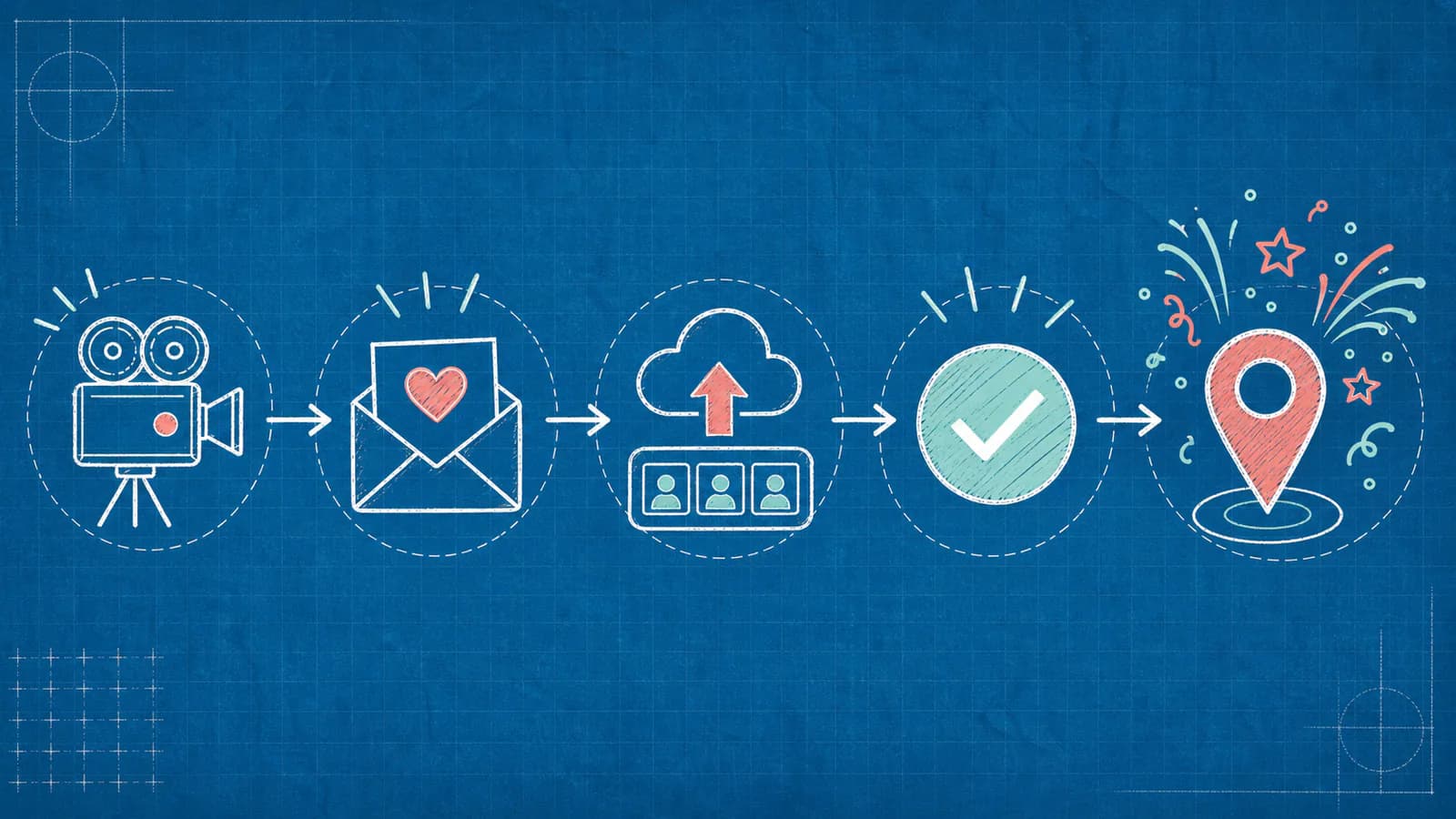
A map can give a birthday video a useful structure when memories are tied to places: a childhood home, a favorite trip, a school, or the cities where friends live now. AlbumMap can collect photos, video clips, messages, and locations from friends and family and bring them together in a map-based video.
If locations do not add meaning, a straightforward photo-and-video montage may fit better. For more ways to shape a personal birthday story, explore these happy birthday video ideas and messages.
Page 07 / 07
Review the video before sharing it
Watch the finished video from beginning to end on the device or screen where it will be shown. Check that the sound is clear, captions are readable, the final wish is not cut off, and every selected photo or story is appropriate for the intended audience. Ask before including sensitive details or sharing someone else's contribution beyond the group.
- Confirm the birthday person's name and any dates or locations.
- Check that contributors expected their clips to appear in this version.
- Make sure the opening explains who the video celebrates and the ending feels complete.
- Test the exported file and the way you plan to share or play it.
Summary sheet
Plan at a glance
- Choose one idea before you choose the clipsp.01
- Copy this three-minute birthday video templatep.02
- Shorten the template to one minute or expand it to fivep.03
- Ask contributors for material you can usep.04
- Edit for clear pictures, sound, and textp.05
- Use meaningful places only when they add to the storyp.06
- Review the video before sharing itp.07
Helpful answers
Frequently asked questions
What should come first in a birthday video?
Start with the person's name, a recent photo or short clip, and a simple greeting. Then move into earlier memories, messages from friends or family, and a closing birthday wish.
How long should a birthday video be?
There is no single right length. A one-minute video can work for a quick greeting, while a longer tribute can include more contributors and chapters. Choose a length that lets each scene make its point without repeating the same message.
What should I ask people to send for a birthday video?
Ask each person for one short greeting, a favorite memory, or a wish for the year ahead. Include a deadline and explain who will see the finished video.
How do I make a birthday video feel personal?
Use details that are specific to the person, such as a familiar place, a shared memory, or a small habit people appreciate. Choose material that fits them instead of relying on generic greetings alone.
When is a map-based birthday video a good fit?
A map-based video can help when important memories connect to places, such as a hometown, trip, school, or the cities where contributors live. If locations do not add meaning, a regular photo-and-video montage may be clearer.