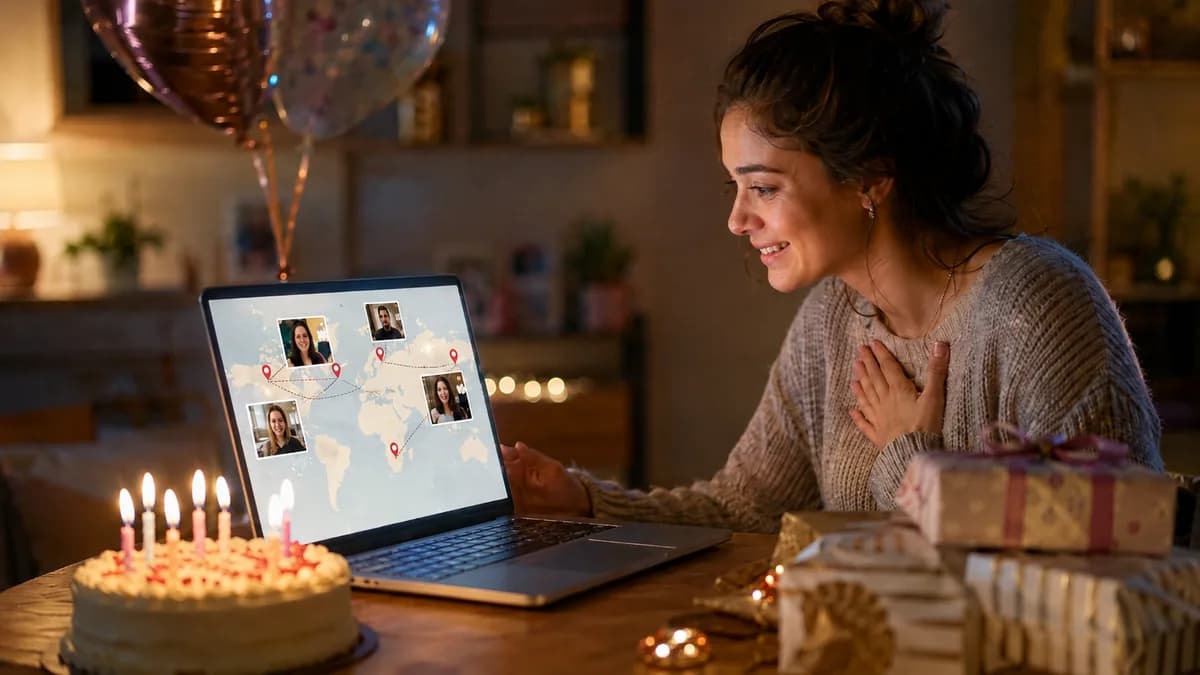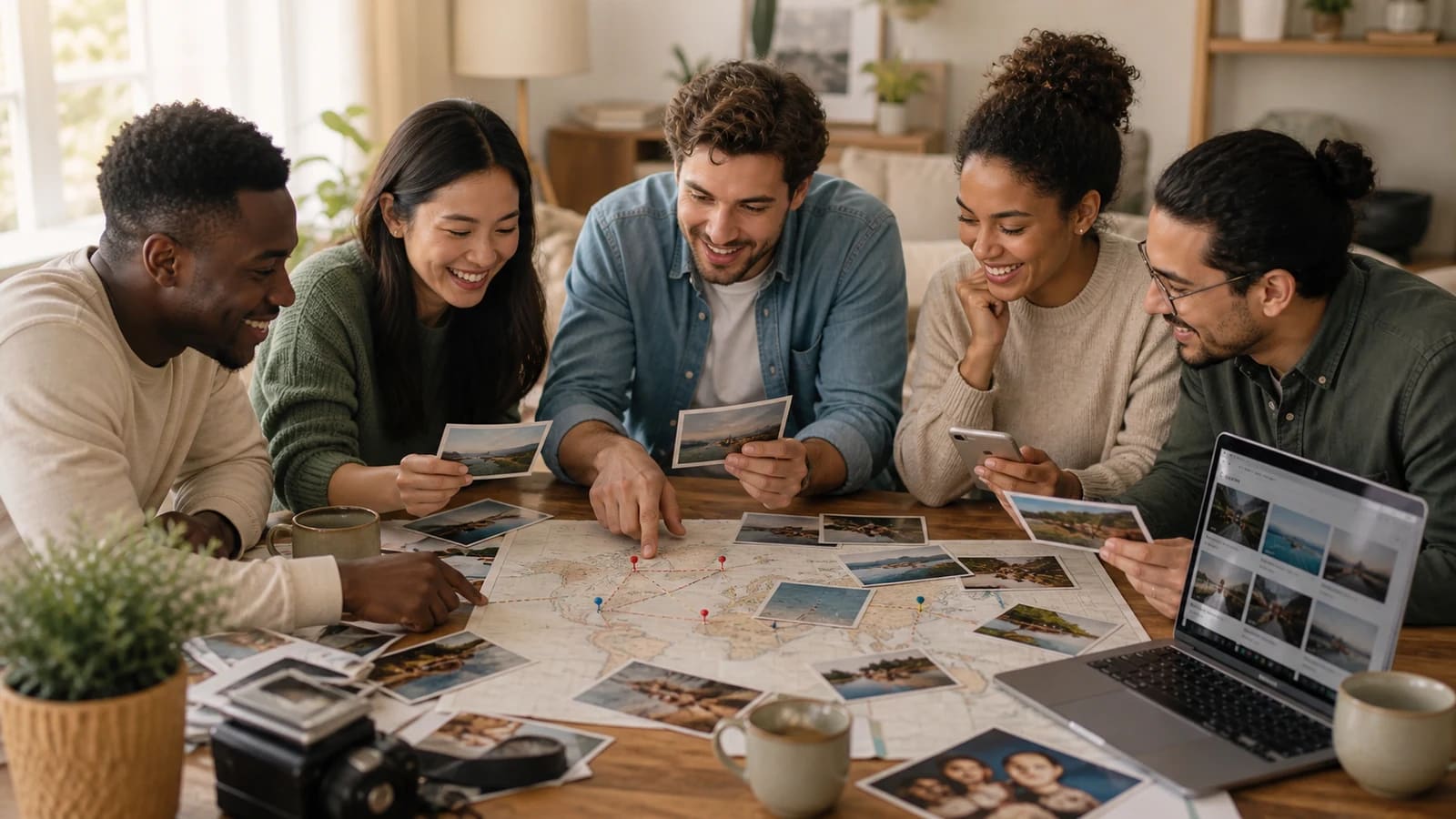
This is a fictional planning example, not a customer testimonial or a report of measured results. It shows how an organizer could coordinate twelve contributors across several cities, turn their clips and photos into a map-led birthday story, and reveal the finished video without creating a last-minute editing crisis.
The names, locations, schedule, and creative choices are illustrative. Use the structure as a template, then adjust the audience, permissions, message length, and map route for the real person and event.
Page 01 / 07
The fictional brief: a milestone birthday across many places
Imagine Maya is turning 40. Her sibling Sam wants a six-minute surprise video from family and friends in Toronto, Vancouver, London, Lisbon, and Melbourne. The story should feel warm and energetic, include a few childhood photos, and use an animated map to connect the places where contributors now live or where important memories happened.
- RecipientMaya, age 40, with a preference for sincere humor rather than a formal tribute.
- OrganizerSam, who owns the schedule, invitation, review, and reveal file.
- Contributorstwelve people grouped into family, school friends, and recent friends.
- Target lengthabout six minutes, including opening, map transitions, and closing montage.
- Audiencea private birthday dinner first, followed by a restricted family-and-friends link.
Page 02 / 07
Assign simple roles before inviting anyone
| Role | Owner | Responsibility |
|---|---|---|
| Organizer | Sam | Sets scope, deadline, privacy note, and final approval |
| Family fact-checker | Aunt Lena | Confirms names, dates, childhood locations, and sensitive photos |
| Contributor helper | Noah | Answers recording and upload questions without collecting files in side channels |
| Editor | Sam or chosen editor | Builds the map sequence, levels audio, captions clips, and exports the master |
| Reveal helper | Priya | Tests the television, speakers, internet backup, and room timing |
Even for a small group, named owners prevent duplicated reminders and conflicting instructions. The organizer remains the final decision-maker, while fact-checking and event playback are delegated to people who can complete them calmly.
Page 03 / 07
Use a three-week schedule with a real editing buffer
Set Day 21 to the actual dinner date, then fill in calendar dates and one explicit time zone before sending requests. The following schedule reserves ten days after the main submission deadline for editing, review, export and rehearsal.
| Relative date | Owner | Task |
|---|---|---|
| Day 1 | Sam | Confirm audience, export option, twelve contributors and fact reviewer. |
| Day 2 | Sam | Send the tested request with Day 10 deadline, time zone and audience terms. |
| Day 6 | Sam | One optional reminder to people who agreed; no reminder after a decline. |
| Day 10 | Sam | Close the main collection; log permission, names, sound and replacements. |
| Days 11–15 | Editor | Fit approved messages to cutlist; prepare captions and photo copies. |
| Day 16 | Aunt Lena and Sam | Check facts, privacy and the actual rough cut. |
| Days 17–19 | Editor | Correct, export, test recipient access and save independent master. |
| Day 20 | Priya | Rehearse final file on the dinner display with an offline backup. |
| Day 21 | Sam | Reveal at dinner; distribute only the audience-approved version. |
Download the editable three-week schedule. If a required approval will take longer, move the collection deadline earlier; do not borrow the rehearsal day to chase more clips.
Page 04 / 07
Give contributors prompts that produce compatible clips
Sam asks everyone to choose one of two prompts: ‘Share a moment with Maya that still makes you smile’ or ‘What do you hope her next decade includes?’ Each answer should be about 20 to 30 seconds. Contributors are asked to face a window, record in a quiet room, leave a short pause before and after speaking, and say their name and city in the submission form.
The invitation also explains that clips will appear in a private birthday video, names the organizer, gives the deadline, and states whether the finished version may be downloaded. A separate optional request asks for one meaningful photo and a short note about its year or location. The choice to contribute a video is not treated as automatic permission for public social posting.
Page 05 / 07
Build the map around the story, not around every pin
This fictional six-minute version uses all twelve contributors once, grouped by chapter. These are editorial allocations, not measured builder timings. A message longer than its slot must be trimmed with the contributor’s agreement or the target length must change.
| Timeline | Chapter | Included material | Seconds |
|---|---|---|---|
| 00:00–00:20 | Opening | 5-second title + 3 childhood photos × 5 seconds | 20 |
| 00:20–01:35 | Toronto · family | 5-second map cue + 3 messages × 20 seconds + 2 photos × 5 seconds | 75 |
| 01:35–03:05 | London and Lisbon · school friends | 2 map cues × 5 seconds + 3 messages × 25 seconds + 1 photo × 5 seconds | 90 |
| 03:05–04:20 | Vancouver · recent friends | 5-second map cue + 3 messages × 20 seconds + 2 photos × 5 seconds | 75 |
| 04:20–05:35 | Melbourne · next-decade wishes | 5-second map cue + 3 messages × 20 seconds + 2 photos × 5 seconds | 75 |
| 05:35–06:00 | Closing | 4 photos × 5 seconds + 5-second final greeting card | 25 |
The totals are 255 seconds of messages, 70 seconds of photographs, 25 seconds of map cues and 10 seconds of title/closing cards: 360 seconds. Use hard cuts at the boundaries; any added transition must fit inside an existing slot rather than extending the runtime.
Download the six-minute cutlist. The intended operations—caption correction, sound balancing and precise clip trims—may require a separate video editor; this plan does not claim that every operation is an AlbumMap control.
Page 06 / 07
Review privacy, accuracy, and accessibility before export
Sam and Aunt Lena review spellings, dates, locations, private home details, photos of children, and any joke that could feel uncomfortable in the dinner audience. Captions are corrected against the spoken clips. Music is checked for suitable permission, and the closing screen avoids phone numbers, private addresses, or contributor email addresses.
- Use city-level map labels when a home address adds no value.
- Confirm the intended audience with anyone sharing a sensitive story or image.
- Check captions for names, place names, and words that automatic transcription often misses.
- Play the full export once on headphones and once through speakers.
- Keep the full-quality master separate from the restricted viewing link.
The fictional brief is a private dinner and restricted follow-up sharing. Sam therefore chooses credits, an active pass or Premium rather than accepting the Free export permission for possible public Examples use. A paid export does not itself restrict a later viewing link: set and test that service’s audience controls separately. Keep the approved MP4 and an offline copy for the dinner.
Page 07 / 07
Design the reveal so the video, not the technology, gets attention
Priya downloads an offline copy to the playback laptop, connects it to the television, tests the speaker volume, turns off notifications, and keeps a charger nearby. The link is not opened for the first time in front of the room. Sam introduces the gift in one sentence and lets the video start without explaining every production choice.
After the dinner, Sam sends the restricted link with a short note asking recipients not to repost it publicly. The project file, master export, captions, source photos, and any relevant permissions are archived in two locations. Temporary contributor access is reviewed and old collection links are removed when they are no longer needed.
Put the plan into practice
This fictional plan works because it gives every creative idea an owner, deadline, audience, and review step. The map supplies momentum, but the real structure comes from focused prompts, a realistic editing buffer, verified details, and a reveal that has already been tested.
Summary sheet
Plan at a glance
- The fictional brief: a milestone birthday across many placesp.01
- Assign simple roles before inviting anyonep.02
- Use a three-week schedule with a real editing bufferp.03
- Give contributors prompts that produce compatible clipsp.04
- Build the map around the story, not around every pinp.05
- Review privacy, accuracy, and accessibility before exportp.06
- Design the reveal so the video, not the technology, gets attentionp.07
Helpful answers
Frequently asked questions
Is this an actual AlbumMap customer case study?
No. It is an explicitly fictional planning example created to demonstrate a realistic workflow, not a testimonial or a claim about customer results.
How long should a 12-person birthday video be?
About five to seven minutes is a practical planning range when most messages are 20 to 30 seconds and the edit uses selective clips, photos, and short transitions.
How early should invitations be sent?
Three weeks before the reveal provides a useful collection and editing buffer. Use an earlier start for larger groups, complex approvals, or mailed archival photos.
Does every contributor need a separate map pin?
No. Group contributors into story chapters or meaningful regions. Too many individual transitions can make the map repetitive and slow the emotional pace.
What is the most important birthday video backup?
Keep an offline final file on the playback device and a second copy nearby. The event should not depend on a new login, a single streaming link, or venue Wi-Fi.