How to Make a Thoughtful Memorial Video
A memorial video can hold photos, voices, stories, and small details that help people remember someone clearly. It may be shown at a funeral, played during a celebration of life, or shared as a private family keepsake. The best version does not need elaborate effects. It needs a clear purpose, careful choices, and memories that feel true to the person. You may be planning this while time and energy are limited. Keep the process simple. Choose one organizer, ask others for specific contributions, and focus on the material that matters most. The steps below will help you create a warm and respectful tribute without trying to include everything.
Plan the Memorial Video Around Its Purpose
First, decide where and how people will watch the video. A focused tribute shown during a service has a different role from a longer video playing at a reception. A private family version can hold more stories and personal material.
Ask the service leader how much time is available. Find out when the video will play and what equipment the venue provides. If it will play in the background, choose images that remain clear without captions or sound.
Write one sentence that defines the goal. It might be, “Show the warmth and humor Maya brought to everyday life.” Another goal could be, “Follow Daniel’s life through the people and places he loved.” Use that sentence when choosing every photo, clip, and message.
Choose one lead organizer. That person can collect files, answer questions, track permissions, and approve the final order. A second trusted person should review the video before it is shared. Grief can make small errors hard to notice.
Choose a Simple Format That Fits Your Time
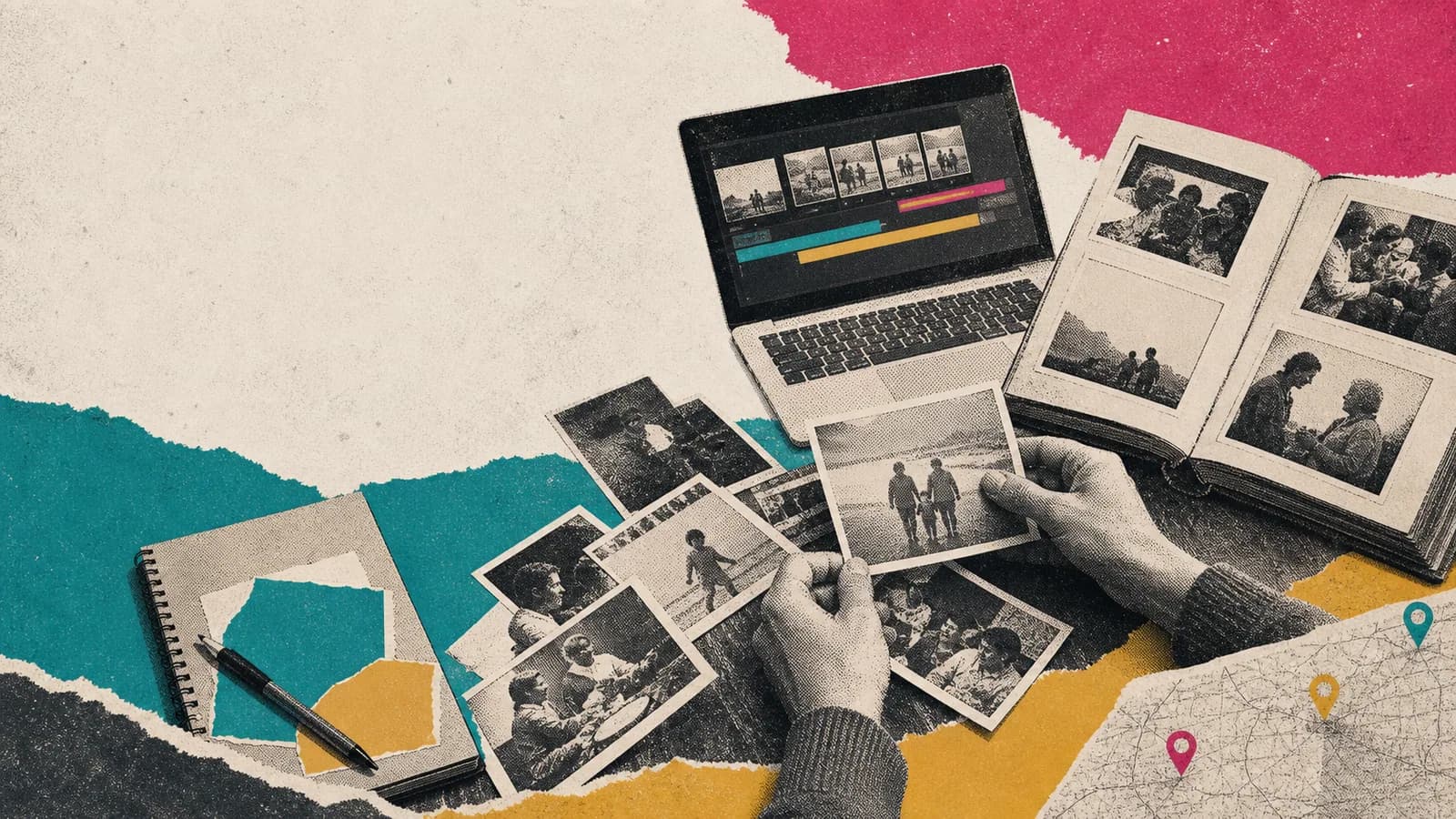
A funeral slideshow is often the fastest format. It uses photos, short captions, and music. A tribute video may also include home movies, voice recordings, and messages from family or friends.
A chronological structure moves from childhood toward later life. It is easy to follow when you have photos from many years. A theme-based structure uses chapters such as family, friendship, work, hobbies, travel, and home.
You can also build the story around places. A childhood house, school, workplace, garden, vacation spot, or family cottage may carry strong memories. Use only locations that add meaning. Do not force a map into a story that does not need one.
Keep the first version manageable. A clear five-minute tribute can feel more personal than a long video filled with repeated images. Extra photos and messages can be saved in a longer private version.
Gather Photos, Clips, Stories, and Messages
Start with a small group of essential items. Choose one clear portrait, several candid photos, and pictures from different parts of life. Add home video only when the clip is easy to understand and supports the story.
Look beyond formal events. Everyday images may show the person more clearly. A photo of them cooking, fixing something, laughing with a friend, walking a dog, or sitting in a favorite place can carry great meaning.
Ask relatives, friends, coworkers, and community members for one useful contribution. Give them a deadline and one upload location. Tell them what the finished video is for and who may see it.
Specific prompts make contributing easier. Ask for one favorite photo and the story behind it. You could also ask what habit, phrase, place, lesson, recipe, or tradition reminds them of the person.
Offer choices. Someone who does not want to record a clip can send a written note, voice recording, or photo. These options reduce pressure and bring more voices into the project.
Ask for Short and Specific Recorded Messages
Ask contributors to record for about 20 to 45 seconds. One clear memory is enough. General praise is kind, but a small true story often feels more personal.
A simple message can have three parts. The speaker says who they are, shares one memory or quality, and closes with love or support for the family. They do not need to explain grief or find perfect words.
For a clearer recording, face a window and choose a quiet room. Place the phone near eye level. Leave a short pause before and after speaking so the editor has room to trim the clip.
Tell contributors whether to record vertically or horizontally. Horizontal video often fits televisions and projectors well. The right choice still depends on the final format.
Review each message with care. Remove private details, unkind jokes, unsupported claims, or comments the family would not want shared. Ask the speaker before editing words in a way that could change their meaning.
Shape the Story With a Beginning, Middle, and End
Open with the person’s name, dates if the family wants them shown, and one strong image. Add a short welcome or a line that captures the tone. Avoid a long block of text at the start.
Use the middle to show different parts of the person’s life. Mix posed pictures with candid moments. Place short messages between photo groups so the video does not become a long row of talking faces.
Transitions can be simple. A plain fade or clean title card is usually enough. Busy effects may draw attention away from the memories.
End with an image, place, saying, or piece of music that feels connected to the person. A closing message from the family can thank contributors and guests. Leave the final image on screen for a few seconds before the video ends.
Choose Music, Captions, and Pacing With Care
Choose music linked to the person when possible. A favorite song, artist, style, or gentle instrumental piece may feel more honest than music chosen only because it sounds sad.
Check the lyrics before using a song. Make sure they fit the family and the viewing setting. Confirm that you have the needed permission or licence for public, online, or recorded use.
Keep music below spoken messages. Test the sound with ordinary speakers, not only headphones. Sudden changes in volume can be uncomfortable during a quiet service.
Use captions to name people, places, or years when that context helps. Keep each caption short and readable. Add subtitles to recorded messages when sound is unclear or guests may have trouble hearing.
Give each photo enough time to register. Five to seven seconds often works as a starting point, but a detailed group picture may need longer. Let the meaning of the image guide the pace.
Use Meaningful Places When They Help Tell the Life Story
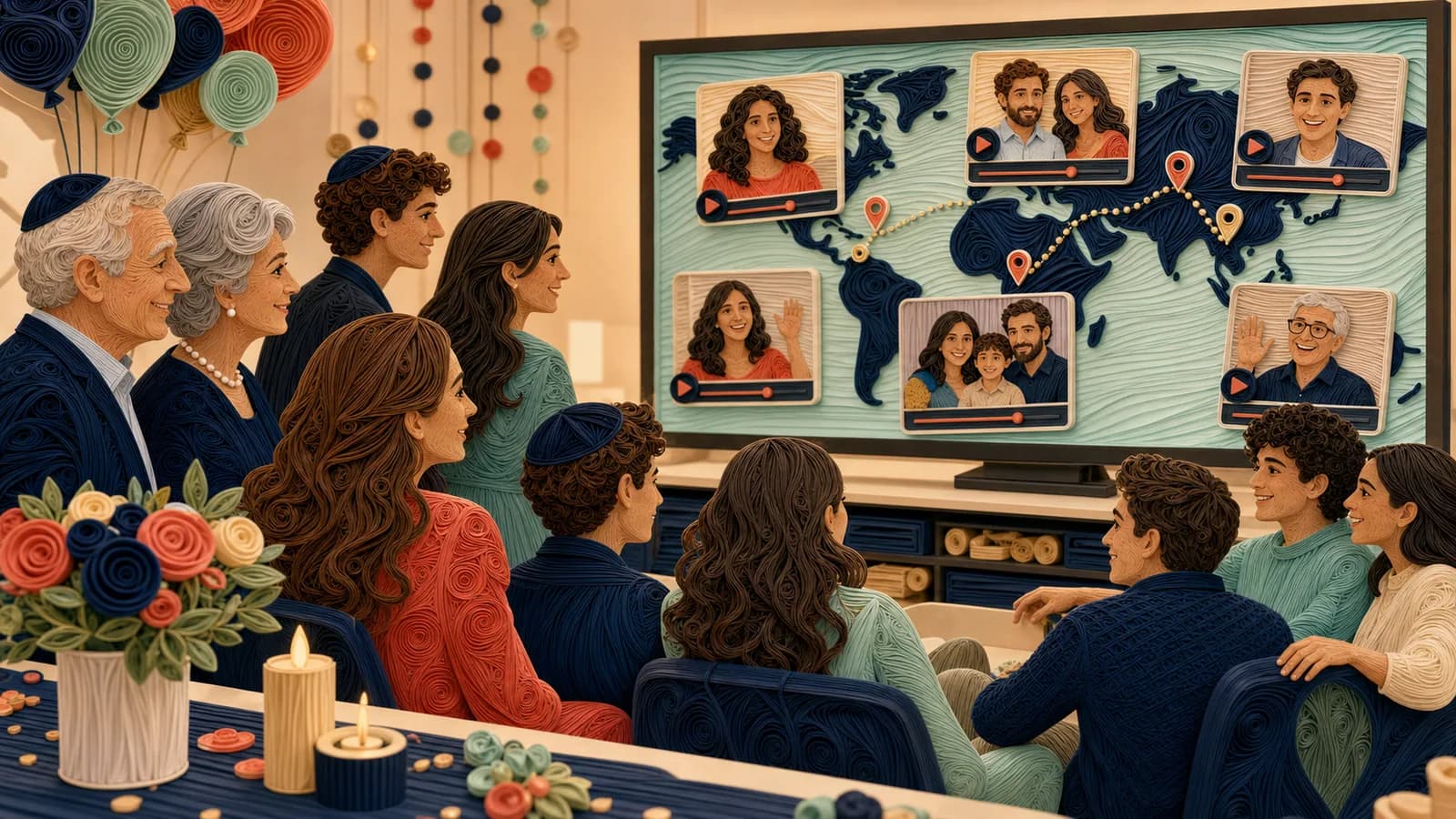
Places can give the video a natural path. The story might move from a hometown to a school, first home, workplace, family cottage, and favorite travel spot. Each stop can hold a photo, clip, or written memory.
AlbumMap can be useful when several people have material tied to different locations. Shared photos, short videos, messages, and places can become one map-based story. This works best when geography is a real part of the person’s life.
Protect privacy while using locations. A town, neighbourhood, park, or general area may be enough. Avoid publishing an exact home address or another private place without clear permission.
A map should support the memories, not replace them. If the locations do not add meaning, organize the story by time, relationships, or themes instead.
Review Privacy, Accuracy, and Family Wishes
Decide whether the tribute will be public, limited to service guests, or shared through a private link. Tell contributors about the audience before they send material.
Check the spelling of names and the accuracy of dates. Confirm relationships, job titles, military details, and other facts that appear on screen. Ask a close family member to review sensitive parts.
Get permission before using material owned by another person. This includes professional photographs, social posts, private messages, letters, and recordings. Do not assume that online material is free to reuse.
Be careful with children, medical information, family conflict, and stories involving people who are still living. When unsure, leave the detail out or ask the family privately.
Save the original files and the final export in two places. Set access controls that fit the family’s wishes. If the video is shared online, explain whether viewers may download or repost it.
Test the Finished Video Before Sharing It
Watch the full video without stopping. Check the order, names, captions, sound, image quality, and ending. Look for duplicate photos or messages that repeat the same point.
Ask one trusted reviewer to watch it on a different device. They may notice a spelling error, a quiet clip, or a transition that feels too fast. Give yourself time to make small changes.
For a service, test the exact file on the venue’s screen and speakers. Do not depend on internet access. Bring the video on a USB drive and keep another copy on a laptop or phone.
Ask who will start and stop the playback. Make sure that person knows the cue. Allow a quiet moment after the video instead of rushing into the next part of the program.
Common Mistakes to Avoid
Do not try to include every item you receive. Choose the pieces that best support the story. Save the rest in a separate family archive.
Do not use long messages without a clear reason. Short clips help more people take part and keep the tribute moving. A longer story may fit better in the private version.
Do not make every moment solemn if that does not reflect the person. Gentle humor, ordinary routines, and happy memories can still be respectful.
Do not add exact locations, private letters, or sensitive stories without permission. A meaningful tribute should not create a new worry for the family.
Do not wait until the service to test playback. A backup file, tested speakers, and one named operator can prevent avoidable stress.
Examples You Can Copy
Copy-ready request for photos and memories
We are creating a video tribute for [Name]. If you would like to take part, please send one clear photo, short video, written memory, or voice note by [date]. A small story or everyday detail is perfect. Please upload it here: [link]. The finished video will be shown at [setting] and shared with [audience].
Copy-ready recorded message prompt
Please record a 20-to-45-second message. Start with your name and how you knew [Name]. Then share one memory, quality, lesson, or small detail that feels true to them. Close with a brief message of love or support for the family.
Copy-ready gentle reminder
A gentle reminder that contributions for [Name] are due on [date]. One photo or a few sincere sentences are enough. There is no pressure to record yourself. You can add your contribution here: [link]. Thank you to everyone who has already shared a memory.
Copy-ready personal tribute message
I’m [speaker’s name], and I knew [Name] through [relationship or place]. I will always remember the way they [specific action or habit]. That small moment showed their [quality]. I am grateful I had the chance to know them, and I am sending love to everyone who misses them.
Copy-ready opening title card
Remembering [Full Name] — [Year] to [Year]. A life held in the stories, places, and people gathered here.
Copy-ready closing title card
Thank you for the laughter, care, and memories you gave us. You remain part of every story we keep telling.
Copy-ready location request
If your memory is connected to a meaningful place, please include the city, school, park, workplace, family home, or travel spot. A general location is enough. Please do not share a private address without the family’s permission.
Final Thoughts
A thoughtful tribute is not measured by polished effects or the number of files it contains. Its value comes from details that feel true to the person. Start with a clear purpose, invite specific memories, and edit with care. When those memories span meaningful places, AlbumMap can help connect the photos, voices, notes, and locations in one gentle story.
Helpful answers
Frequently asked questions
- How long should a memorial video be?
- A focused video for a service often works well at about three to seven minutes. A reception loop or private family keepsake can be longer. Ask the service leader about available time before editing.
- How many photos should I include in a funeral slideshow?
- Choose enough photos to show different parts of the person’s life without rushing. At five to seven seconds per image, 30 to 60 photos may fill several minutes. Adjust the total for captions, clips, and messages.
- What should people say in a tribute video?
- Ask each person to share one specific memory, quality, lesson, habit, or story. They can introduce themselves, explain how they knew the person, and close with a short message for the family.
- Can someone contribute without appearing on camera?
- Yes. A contributor can send a photo, written memory, voice recording, scanned letter, or short story. These choices also add variety and reduce pressure during a difficult time.
- What music should I use for a celebration of life video?
- Choose music that reflects the person and suits the setting. Check the lyrics and volume before using it. Confirm the required music rights if the finished work will be streamed, posted publicly, or shared online.
- Should a funeral tribute be sad or uplifting?
- It can hold more than one feeling. Quiet moments, gratitude, laughter, and warm everyday memories can appear together. Let the person’s character and the family’s wishes guide the tone.
- How do I share the finished video with people who cannot attend?
- Use a private link or controlled file-sharing method when the family wants limited access. Explain who may watch, download, or repost it. Keep a separate downloaded backup before the service.
- When does a map-based format make sense?
- A map-based format helps when places are an important part of the story. Homes, schools, workplaces, travel spots, and family gathering places can become chapters containing related photos, clips, and messages.