Introduction
An Instagram year in review does not need to be a fast scroll through every post. It can be a small story with a beginning, a route, and a final thought. Start with photos and clips you own or can reuse with permission. Then choose twelve moments that show what changed, where you went, and who mattered. This map-based template helps you make an Instagram recap video that feels personal without sharing more than people agreed to.
Choose the Instagram year in review format that fits your year
A monthly format is best when you have steady memories across the year. Give each month one stop, one image or short clip, and one line of context. It makes a full year easy to follow and works well for a family, couple, friend group, or personal account.
A quarterly format is better when your year had a few larger chapters. Use four stops: January to March, April to June, July to September, and October to December. Add two or three moments inside each chapter. This format gives quiet months room to stay quiet.
A travel format works when places are the real thread. Arrange stops by the route instead of the calendar. A weekend trip, a move, a reunion, or several small getaways can become one path. Use broad place labels if an exact location would reveal too much.
You can also mix these ideas. A twelve-stop plan can use monthly stops for most of the year, then give a major trip two connected stops. Pick one clear rule and state it in the opening card. That keeps a social-media year recap from feeling like a random pile of posts.
Start with permission and a small source folder
Save only media you made or have clear permission to use in this new video. A tag, a like, or a shared group chat does not automatically mean a person wants their photo, words, or location reused. Ask what audience is okay: private family, invited friends, or public social media.
Make one folder for approved images, clips, and messages. Give each item a short file name with the month or route stop. If a photo has a sensitive place, such as a home, school, health site, or regular work location, use a wider area or leave the place off the video.
If you need to refer to a third-party Instagram post, use Instagram's official embed instead of downloading or copying its media. A simple written memory from your own group may tell the story just as well.
Build the story before you edit
Choose a simple promise for the first screen. Try: "Twelve places and moments that made our year." This tells viewers what they will see. Next, put the twelve stops in order. The order can be calendar time, a trip route, or an emotional arc from ordinary days to a big ending.
Give each stop one job. It can show a place, a person, a small win, a funny moment, or a change. Do not use three similar brunch photos just because they look good together. Choose the one that moves the story ahead.
Keep most stops short. A photo might need three seconds. A video clip may need five or six. Leave a little quiet space after a meaningful message. Simple pacing helps people notice the memory before the map moves to the next place.
Twelve-stop year-in-review planner
Use this planner before opening an editor. Replace the sample prompts with your own approved details. If you have fewer than twelve strong moments, use quarterly chapters or combine two months. A smaller, honest story is better than filler.
| Stop | Time or route cue | Approved media | Place detail | Narration or caption | Transition |
|---|---|---|---|---|---|
| 1 | January or opening | One photo that sets the tone | Broad city or no location | This is where the year began. | Fade in from title card |
| 2 | February or first chapter | Short clip or candid photo | Private or broad area | A small moment that changed our pace. | Simple map move |
| 3 | March or early route | Photo with a shared memory | Neighborhood or region | We kept returning to this feeling. | Hold for one beat |
| 4 | April or chapter two | One clear image | City, park, or no pin | Spring gave us a reason to gather. | Music lift |
| 5 | May or milestone | Photo, message, or video | Only approved place detail | This was worth pausing for. | Text card |
| 6 | June or midpoint | Short clip with natural sound | Broad location | Halfway through, the story felt bigger. | Lower music briefly |
| 7 | July or travel start | Travel photo or road clip | Region or route stop | The map started moving here. | Route-line transition |
| 8 | August or travel stop | One photo with people | Broad destination | We made time for each other. | Map zoom or slide |
| 9 | September or return | Everyday image | No pin if sensitive | Back home, the good parts stayed with us. | Gentle dissolve |
| 10 | October or change | Photo that shows a new chapter | Broad city or no location | This was the turn we did not expect. | New music section if needed |
| 11 | November or gratitude | Message, group photo, or short clip | Approved place detail | We were grateful for this table, team, or room. | Slow map move |
| 12 | December or closing | Final group image or horizon clip | Broad region or no pin | Here is what we are carrying forward. | Pause, closing line, end card |
Write narration that sounds like you
Narration should add meaning, not describe what viewers can already see. Instead of saying, "Here is a photo at the lake," say why that lake belongs in the year: "We learned that a rainy day could still become our favorite weekend."
Keep most lines to one sentence. Record them in a quiet room and speak a little slower than normal conversation. If several people are part of the story, invite each person to record one short line. Name the speaker in a small text card only if they are comfortable being named.
You do not need narration at every stop. Use it for transitions, context, and the closing. Let a candid laugh, a short video sound, or a written message carry a few moments on its own.
Choose music with room for the memories
Choose music after you have a rough order. A light instrumental track can support a busy monthly recap. A warmer, slower track may suit a reflective year. Pick music you have permission or a license to use for the audience and platform you chose.
Use one main track when you want the piece to feel connected. Lower it under spoken words and natural sound. If you use a second track, change it at a clear chapter break, such as the start of a summer trip or the final three stops.
Avoid cutting every image exactly on the beat. A few gentle transitions will feel calmer and give the map movement room to breathe. Your goal is to support the memory, not make every stop compete for attention.
Use the map as a thread, not a tracker
An Instagram map video works best when places explain the story. A pin can show where the year changed direction, where friends met, or where a shared tradition happened. It does not need to record every place you visited.
Check each location before you add it. A social tag may be broad, added later, or wrong. For a public recap, choose a city, neighborhood, park, or region when that tells enough of the story. Keep private places private.
For a group recap, ask each contributor for one approved photo or clip, a place detail they are comfortable sharing, and one sentence about why it mattered. AlbumMap is especially useful when those separate contributions need to become one route-led story.
Make the ending do more than say goodbye
The closing should look back and ahead. Use one final image, a short group clip, or a map view that brings the route together. Then add one line that says what the year meant.
A simple closing can be: "Twelve stops later, we are grateful for the people who made every mile feel like home." If the video is a group gift, end with a shared message or a question for next year. Keep it short enough that the final frame has time to land.
Copy-ready examples
Use these lines as a starting point. Change the details so they sound true to your year and match the sharing permissions of everyone involved.
Final thoughts
A good year-in-review video is not a scorecard. It is a careful choice of memories. Pick fewer moments, put them in a clear order, and give each stop a reason to be there. When your year includes shared photos, clips, messages, and places, AlbumMap can help turn the approved pieces into a map story people can replay.
Before you share, watch it once as every person in it. Remove anything that reveals more than they expected. Then let the route show the year in a way that feels kind, clear, and yours.
Sources and verification
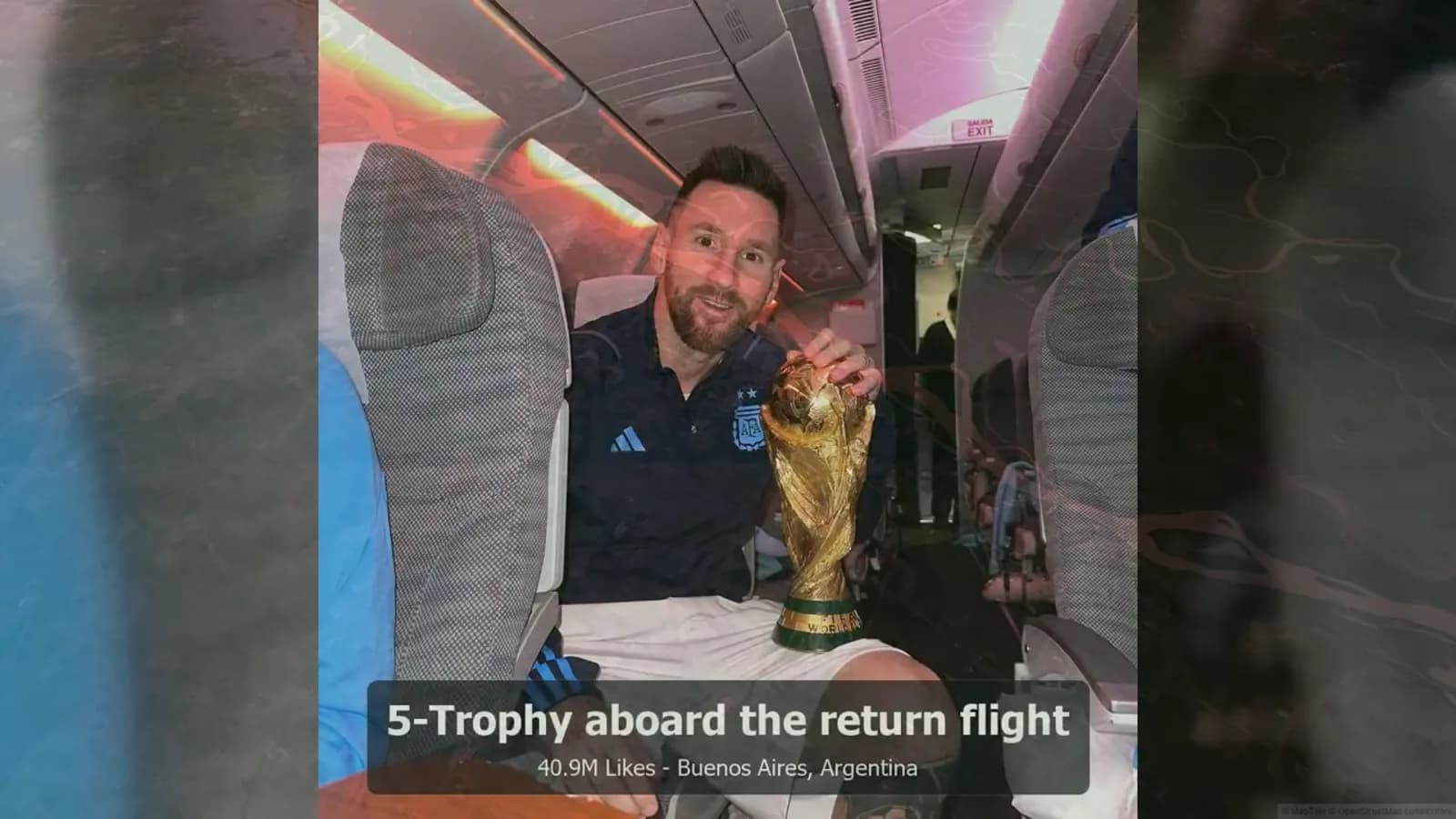
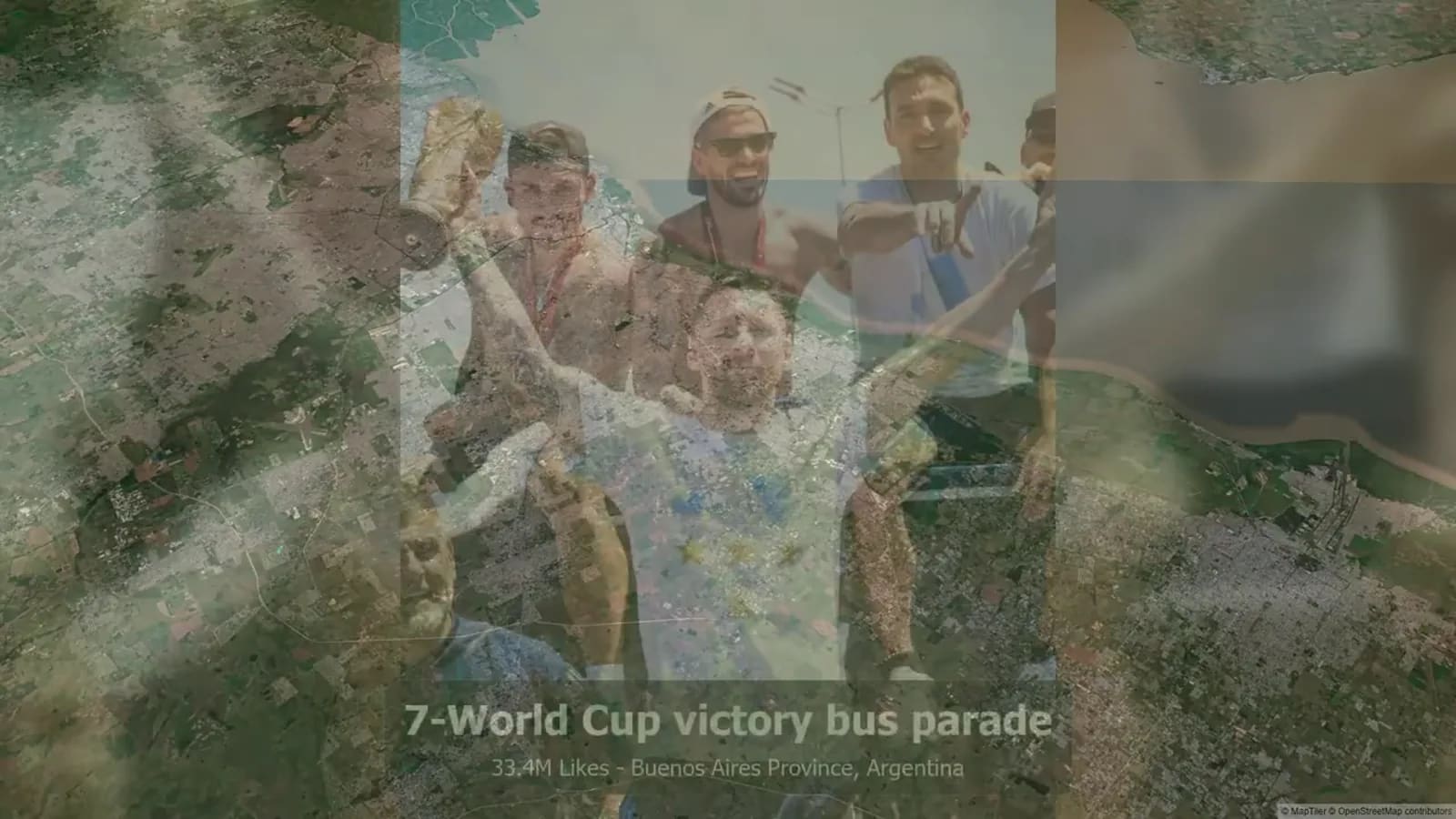
The embedded AlbumMap video is a supplied 2025 ranking snapshot verified on 2026-08-09. It is included to illustrate labeled pacing and a map-video transition, not to establish a current ranking of Instagram posts.
Competitor and AlbumMap blog pages were reviewed on 2026-08-09 to identify format, planning, and map-story gaps. This article does not reproduce competitor copy or third-party Instagram media.
Examples You Can Copy
Opening card
Our year in twelve stops: small moments, long drives, and the people who made every place feel familiar.
Narration for a quiet month
February did not look dramatic from the outside, but this was the month we learned to slow down and make room for each other.
Travel transition
By July, the map carried us west. One borrowed car, two playlists, and a trip we still talk about.
Closing line
Twelve stops later, we are taking the stories with us and leaving room for next year's map.
Final Thoughts
A good year-in-review video is not a scorecard. It is a careful choice of memories. Pick fewer moments, put them in a clear order, and give each stop a reason to be there. When your year includes shared photos, clips, messages, and places, AlbumMap can help turn the approved pieces into a map story people can replay. Before sharing, remove anything that reveals more than people expected and let the route feel kind, clear, and yours.
Helpful answers
Frequently asked questions
What should an Instagram year in review include?
Include approved photos or clips, a clear order, short captions or narration, music you can use, and a closing thought. Choose only moments that support the story.
Should I use a monthly or quarterly recap format?
Use monthly when you have one meaningful moment from most months. Use quarterly when the year is better told through four larger chapters or when some months were quiet.
How long should an Instagram recap video be?
Keep it long enough for viewers to understand each stop, but short enough to hold the story together. Twelve brief stops plus an opening and closing often create a focused recap.
Can I use other people's Instagram posts in my recap?
Ask for clear permission before reusing another person's photo, video, caption, message, or location. If you need to point to a third-party post, use the platform's official embed rather than downloading or republishing the media.
How do I make a map-based recap safer to share?
Avoid exact homes, schools, regular routines, live locations, and personal details that people did not approve. Use broader place labels and share with the smallest audience that meets your goal.