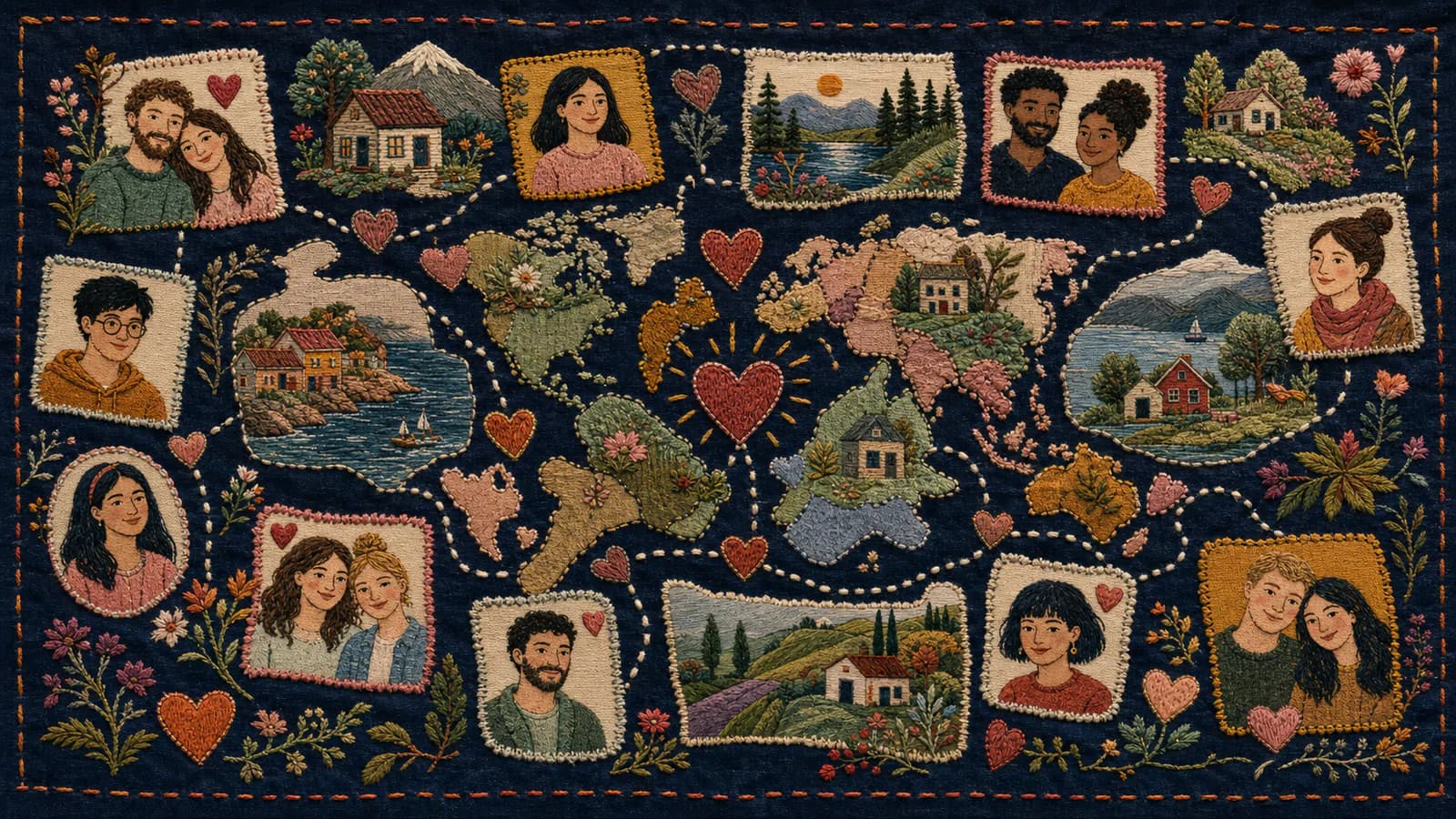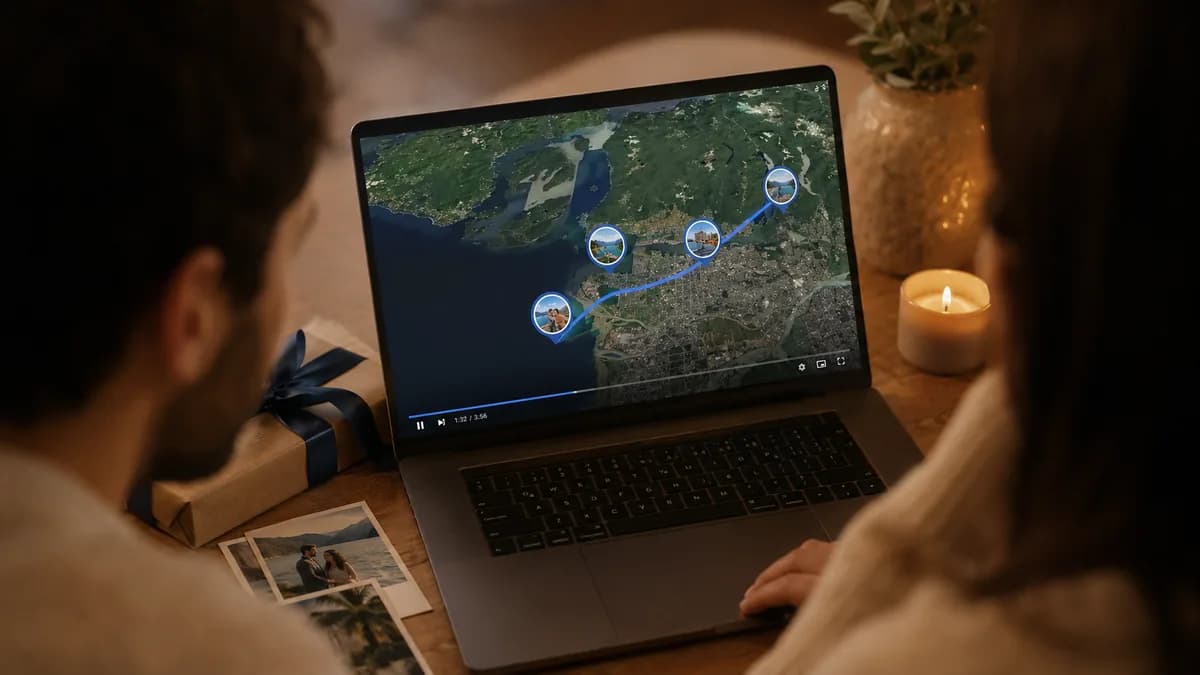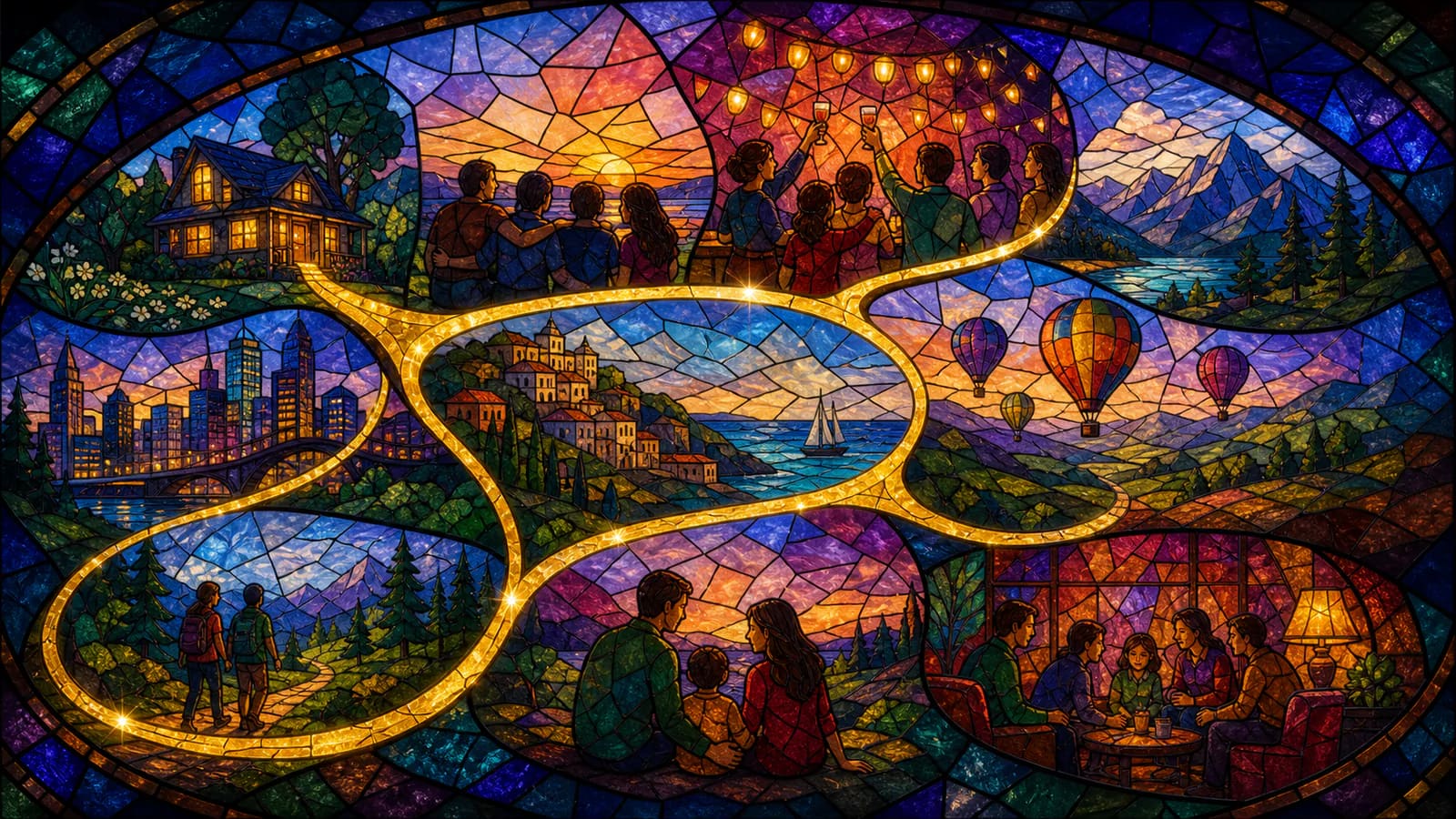
If you are looking for personalized memory map video ideas, start with the places that shaped the story. A memory map video can show where a couple met, where a family grew up, where a graduate studied, or where friends made their favorite trips. Add photos, short clips, and simple messages, and the gift starts to feel less like a slideshow and more like a shared journey. With AlbumMap, you can collect those memories and turn them into a cinematic map video gift.
What Is a Memory Map Video?
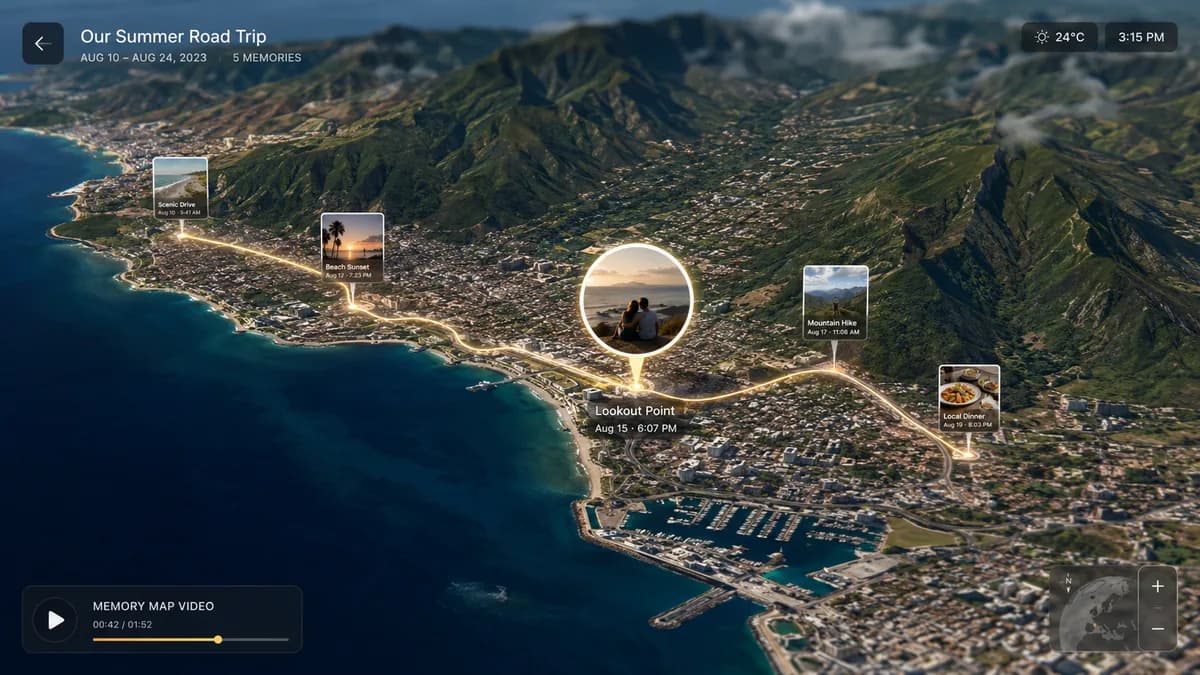
A memory map video is a short keepsake video built around places. Each stop on the map can show a photo, a video clip, a written note, or a message from someone who was part of the memory.
The idea is simple. Instead of listing memories in random order, you let the places guide the story. The first apartment, the old school, the wedding venue, the beach trip, the favorite cafe, and the family home can all become part of the same video.
This works well when a gift needs more feeling than another item from a store. A memory map gift can be small and sweet, or it can include a whole group of people. The best version depends on the occasion and the person receiving it.
Personalized Memory Map Video Ideas by Occasion
For a birthday, build the video around places from each stage of the person's life. Start with a childhood home, then add school memories, favorite hangouts, trips, work milestones, and the places where friends met them. Ask each person to send one photo and one short message tied to a place.
For an anniversary, choose locations that show the couple's story. Good stops include where they met, the first date spot, the proposal location, the wedding venue, a first home, favorite trips, and places where their family grew. A few voice messages from loved ones can make the video feel even warmer.
For a graduation, use places that show growth. Include the school, campus, dorm, sports field, library, favorite study spot, hometown, and the place the graduate is heading next. Ask family and friends to share advice, pride, and one memory from the journey.
For a retirement, map the person's career and relationships. Include offices, job sites, conference trips, team events, client visits, and places tied to big wins. Coworkers can share quick notes about what they learned from the retiree.
For a wedding or engagement, make the map feel like a love story. Use the first meeting place, favorite date spots, proposal location, wedding venue, and honeymoon route. Guests can add short wishes, photos, or clips from the couple's shared life.
Choose Places That Carry Real Meaning
A strong map memories video does not need dozens of stops. Five to ten meaningful places can be enough. The goal is not to prove that you remembered everything. The goal is to help the recipient feel seen.
Start by making a quick list of places. Then ask why each one matters. If the answer is clear, keep it. If the place only feels decorative, leave it out. A small apartment where friends ate takeout every Friday may matter more than a famous landmark from one trip.
Try to mix big milestones with small daily places. Big moments give the video shape. Small places give it heart. A wedding venue is important, but so is the corner booth where the couple planned their future.
What to Include at Each Map Stop
Each stop should have one clear job. It can show a memory, introduce a person, mark a milestone, or hold a message. Keep each stop simple so the viewer can enjoy it without feeling rushed.
A useful formula is place, memory, media, and message. Name the place. Add one photo or clip. Explain why it matters in one or two lines. Then include a short written or video message if someone wants to contribute.
For example, a birthday stop might say: Chicago, 2016. This was the trip where we learned you are always the person who finds the best restaurant. Happy birthday, and thank you for making every trip more fun.
Simple Story Structures That Work
The easiest structure is a timeline. Start with early memories and move toward the present. This works well for birthdays, anniversaries, graduations, retirements, and memorials.
Another option is a route. This works well for travel friends, long-distance families, military families, destination weddings, and anyone with memories spread across cities or countries. The video can move from one place to the next like a shared trip.
You can also group the video by theme. Use sections like family, friends, school, work, travel, and home. This helps when the memories are not in a neat order but still belong together.
How to Ask People for Photos, Videos, and Messages
Make the request easy. People are more likely to help when they know exactly what to send. Ask for one photo, one short video, one favorite place, and one sentence about why that place matters.
Give a deadline that is a few days earlier than you truly need. This gives you time to sort files and fill any gaps. It also helps you avoid last-minute chasing.
If someone does not want to record a video, let them send a written note. A simple message can still be powerful when it is paired with the right photo and location.
Where AlbumMap Fits Naturally
AlbumMap is useful when the gift has more than one memory, more than one place, or more than one contributor. Instead of keeping photos in one thread, videos in another, and messages in a document, the project can come together around a map-based story.
This is especially helpful for long-distance gifts. Friends and family can contribute memories from different cities, and the final video can show how those places connect. The recipient sees the map, the faces, the clips, and the messages in one keepsake.
AlbumMap also works when one message is not enough. A parent, partner, teacher, retiree, graduate, or friend may have touched many lives. A map video gift can show that circle in a clear and personal way.
Small Mistakes to Avoid
Do not include every file just because you have it. Too many clips can make the story feel busy. Choose the memories that best support the occasion.
Do not ask contributors for long speeches. Short messages are easier to record and easier to watch. A good target is 15 to 45 seconds for a video message, or two to four sentences for a written note.
Do not make every stop serious. Mix heartfelt moments with light ones. A funny travel photo or small inside joke can make the gift feel honest and human.
Examples You Can Copy
Birthday Memory Request
Hi everyone. I am making a memory map video for Sam's birthday. Please send one photo or short clip, one place tied to your memory, and one sentence about why it matters. Example: Austin, 2019 - the weekend we laughed through a rainstorm and still had the best trip.
Anniversary Stop Example
Place: The first apartment. Message: This tiny kitchen is where you hosted your first holiday dinner and somehow made room for everyone. It still feels like the start of a much bigger story.
Graduation Prompt
Please send a photo, short video, or written note for Maya's graduation. If you can, include a place: school, campus, sports field, hometown, library, or anywhere you watched her grow. Keep the message short and personal.
Travel Friends Example
Place: Lisbon. Message: This was the day we got lost, missed the tram, and found the best little bakery by accident. It still feels like the perfect picture of traveling with you.
Retirement Message Prompt
We are making a map memories video for Jordan's retirement. Please share one work location, trip, office memory, or team moment, plus a short message about what Jordan meant to you.
Wedding Guest Example
Place: The proposal spot. Message: We remember how excited you both were when you told us the news. This place marks one chapter, but everyone watching knows the best parts are still ahead.
Final Thoughts
A good memory map video does not need perfect footage or a complex plan. It needs real places, real people, and a clear reason for each memory. Start with the occasion, choose the places that matter, and ask people for simple contributions. When you are ready to turn the story into a gift, AlbumMap can help bring the photos, videos, messages, and locations together in one cinematic map video.
Helpful answers
Frequently asked questions
How many locations should I include in a memory map video?
Five to ten locations is a good range for most gifts. Use fewer places for a simple birthday or thank-you gift. Use more for anniversaries, retirements, travel memories, or life milestones with many chapters.
What should I ask friends and family to send?
Ask each person for one photo or short video, one location tied to the memory, and one short message. This keeps the project easy for contributors and gives you enough detail to build a clear story.
Can a memory map gift work for someone who lives far away?
Yes. A memory map gift is a strong long-distance option because people can contribute from different places. The final video can show how those locations connect to the recipient's life.
Is a map memories video better than a regular slideshow?
It depends on the story. A regular slideshow works well for simple photo collections. A map memories video is better when places matter, such as hometowns, trips, schools, wedding venues, first homes, or career milestones.
Do I need professional video clips?
No. Phone videos, old photos, and short written notes can work well. The most important part is choosing memories that feel specific to the person receiving the gift.